Uvod
This manual provides essential information for the safe and efficient use of your Infinix HOT 60i 5G smartphone. Please read this guide thoroughly before operating your device to ensure proper functionality and to understand its various features. The Infinix HOT 60i 5G is designed with a premium aesthetic, powered by the MediaTek Dimensity 6400 processor for 5G connectivity, and features a large 6000mAh battery. It incorporates advanced Infinix AI capabilities and is IP64 water and dust resistant.
Postavljanje
1. Raspakiranje i prvi pregled
Carefully remove all components from the packaging. Inspect the device and accessories for any signs of damage. Ensure all items listed in the "What's in the Box" section are present.
2. Umetanje SIM kartice(a) i MicroSD kartice
- Pronađite ladicu za SIM karticu sa strane uređaja.
- Insert the provided SIM ejector tool into the small hole on the SIM tray to open it.
- Place your Nano-SIM card(s) and/or MicroSD card into the tray with the gold contacts facing down, ensuring they are correctly oriented as indicated on the tray.
- Lagano gurnite ladicu natrag u utor dok ne klikne na mjesto.

Slika: Bočno view of the Infinix HOT 60i 5G, illustrating the location of the SIM card tray.
3. Punjenje uređaja
Before first use, it is recommended to fully charge your Infinix HOT 60i 5G. Connect the USB cable to the power adapter and then to the phone's charging port. Plug the power adapter into a wall outlet. The charging indicator will appear on the screen. Use only the original charger and cable provided with your device.
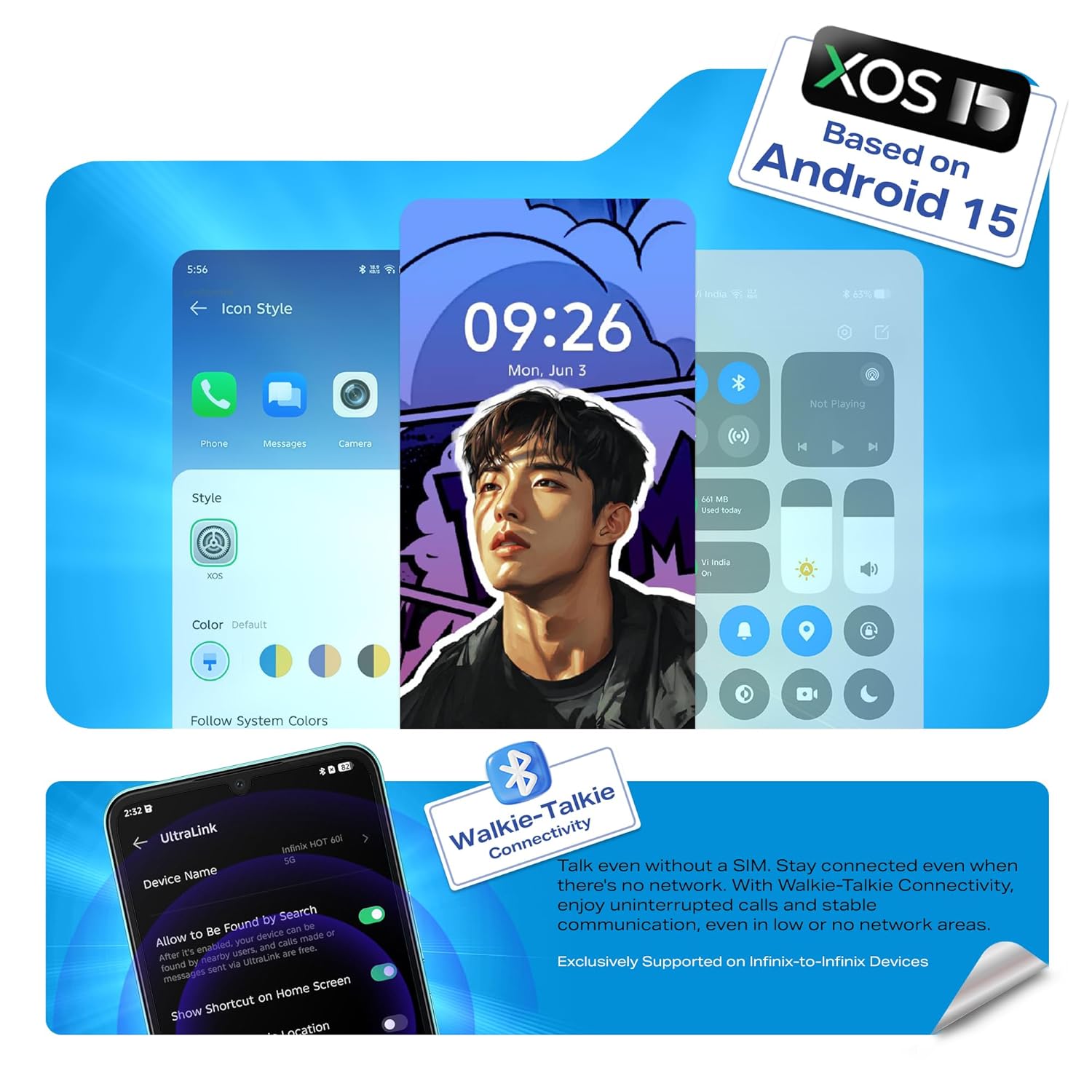
Image: Illustration of the Infinix HOT 60i 5G being charged, highlighting the 6000mAh battery.
4. Uključivanje i početna konfiguracija
Press and hold the Power button until the Infinix logo appears. Follow the on-screen instructions to complete the initial setup, which includes selecting your language, connecting to a Wi-Fi network, and signing in to your Google account.

Slika: prednja strana view of the Infinix HOT 60i 5G, displaying the screen.
Upravljanje vašim uređajem
1. Osnovna navigacija
- Pokreti dodirom: Dodirnite za odabir, prijeđite prstom za pomicanje, štipanjem zumirajte.
- Gumb za napajanje: Pritisnite za buđenje/spavanje zaslona, pritisnite i držite za isključivanje ili ponovno pokretanje.
- Gumbi za glasnoću: Prilagodite glasnoću medija, glasnoću poziva ili glasnoću melodije zvona.
2. Povezivost (5G, Wi-Fi, Bluetooth)
Your Infinix HOT 60i 5G supports 5G cellular networks, Wi-Fi, and Bluetooth. Access these settings via the Quick Settings panel (swipe down from the top of the screen) or through the main Settings app. Ensure your SIM card supports 5G for optimal network speeds.

Image: The Infinix HOT 60i 5G displaying compatibility with various 5G networks.
3. Značajke kamere
The device features a 50MP Clear Camera with dual LED flash. Open the Camera app to access various modes including standard photo, portrait, night mode, and more. Tap the shutter button to capture images. Explore the settings for advanced options.
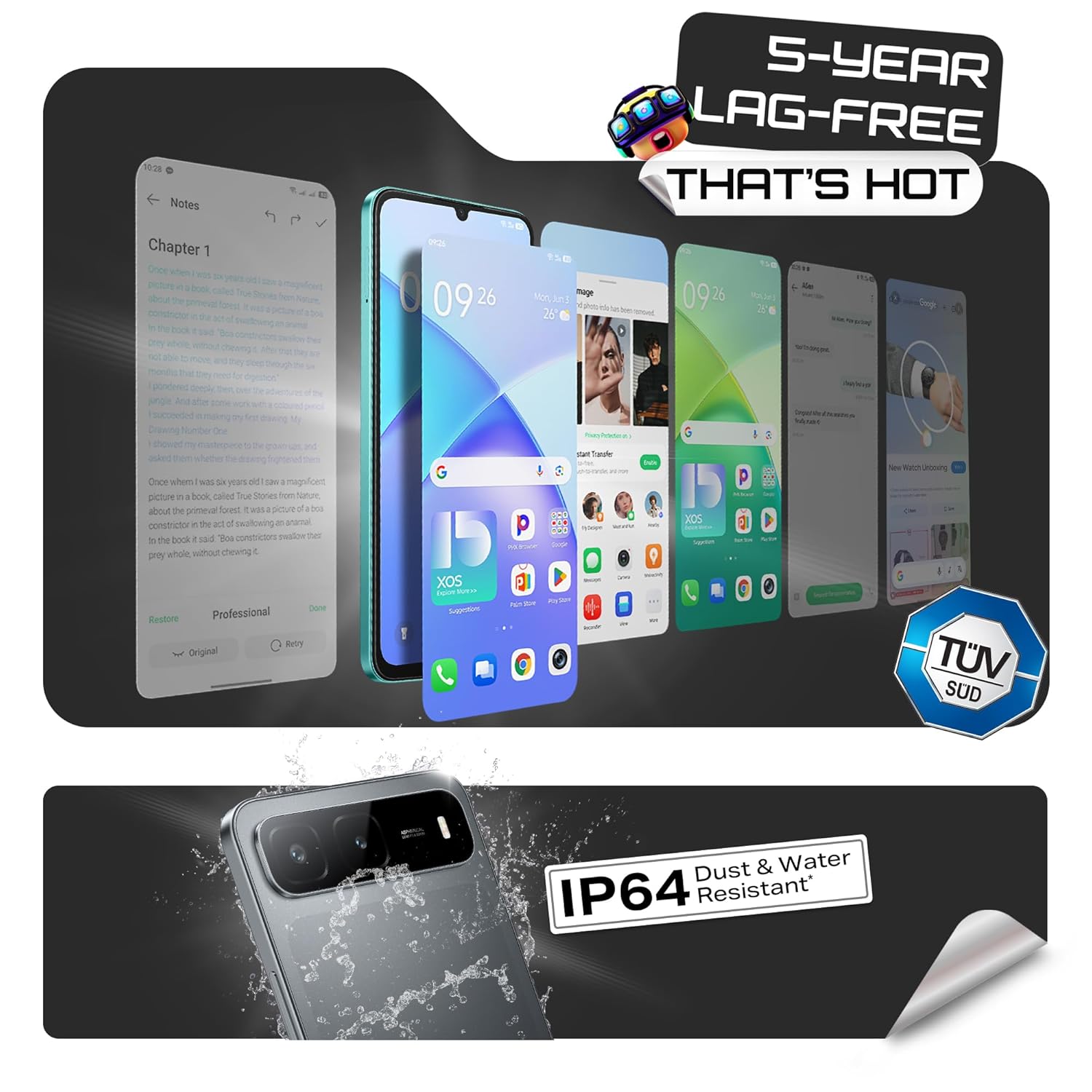
Image: Visual representation of the Infinix HOT 60i 5G's 50MP camera and various shooting modes.
4. Infinix AI Features
Your device includes several AI-powered features to enhance your experience:
- Zaokruži za pretraživanje: Use a circular gesture on the screen to quickly search for information about on-screen content.
- AI gumica: Remove unwanted objects or people from your photos with a simple tap.
- AI Extender: Expand the background of your images to achieve a desired perspective.
- Call Translation: Provides real-time translation during calls (availability may vary by region and language).
Slika: Prekoview of Infinix AI features including Circle to Search, AI Eraser, and AI Extender.

Image: Demonstration of the AI Eraser feature, showing before and after removal of an object from a photo.

Image: Demonstration of the AI Extender feature, showing how an image's background can be expanded.
5. XOS 15 Operating System
The Infinix HOT 60i 5G runs on XOS 15, based on Android 15. This operating system offers an intuitive interface, enhanced security features, and various customization options. Explore the Settings app to personalize your device, manage notifications, and configure privacy settings.

Image: Screenshots of the XOS 15 user interface on the Infinix HOT 60i 5G.
Održavanje
1. Čišćenje uređaja
To clean your phone, use a soft, lint-free cloth. Avoid using harsh chemicals, abrasive cleaners, or aerosol sprays directly on the device. For stubborn smudges, slightly dampOperite krpu vodom ili sredstvom za čišćenje ekrana namijenjenim za elektroniku.
2. Ažuriranja softvera
Regularly check for and install software updates to ensure your device has the latest security patches, features, and performance improvements. You can usually find this option in Postavke > Sustav > Ažuriranje softvera.
3. Briga o bateriji
The Infinix HOT 60i 5G is equipped with a 6000mAh battery. To prolong battery life, avoid exposing the device to extreme temperatures. It is recommended to keep the battery charge between 20% and 80% for optimal long-term health. Avoid leaving the phone charging for extended periods after it has reached 100%.
4. Otpornost na vodu i prašinu (IP64)
Your device is rated IP64 for water and dust resistance. This means it is protected against dust ingress and splashing water from any direction. However, it is not designed for submersion in water or exposure to pressurized water jets. Avoid using the device in showers, swimming pools, or during heavy rain. Damage caused by liquid exposure is not covered under warranty.
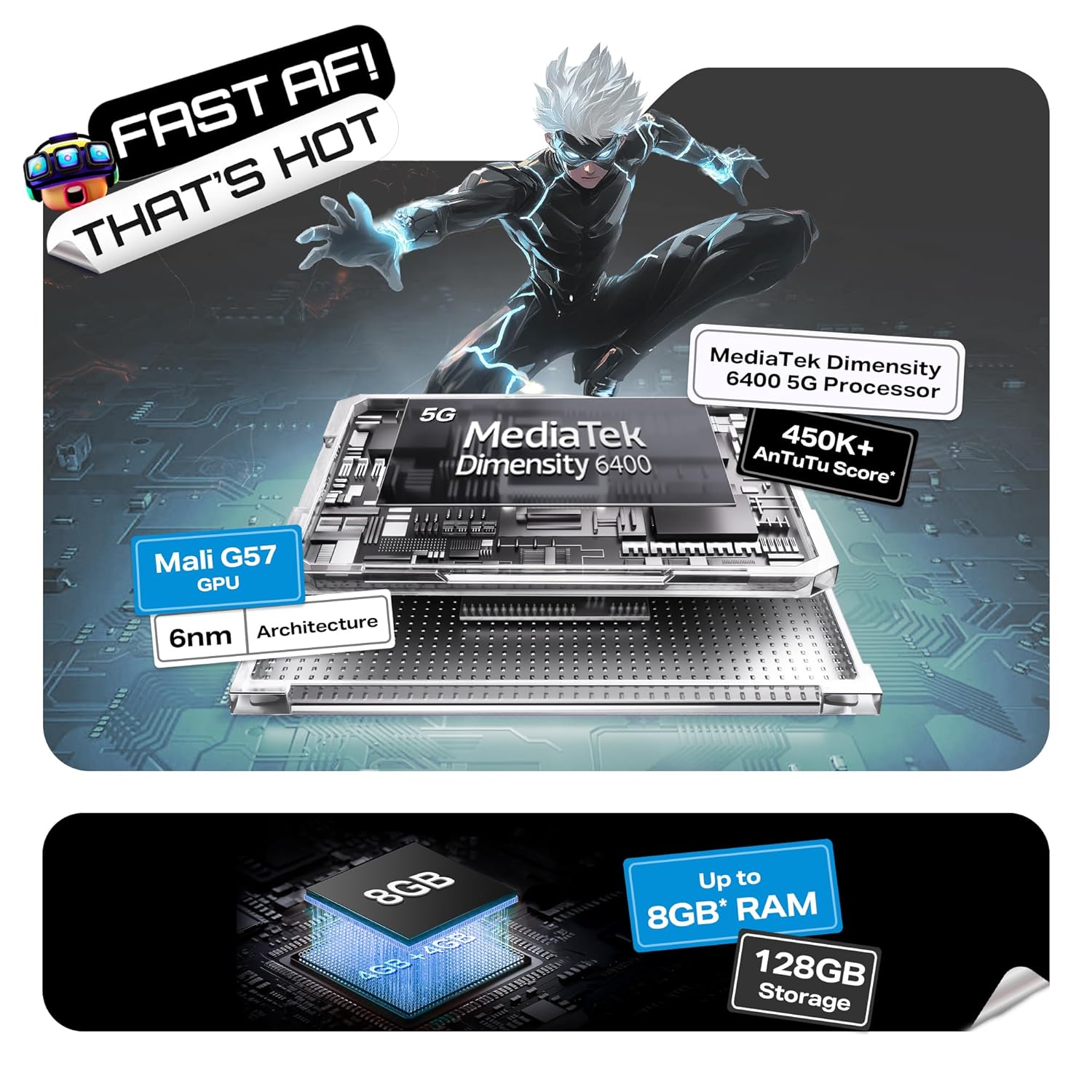
Image: Visual indicating the Infinix HOT 60i 5G's IP64 dust and water resistance rating.
Rješavanje problema
If you encounter issues with your device, try the following steps before seeking professional assistance:
- Uređaj se ne uključuje: Provjerite je li baterija napunjena. Spojite punjač i pričekajte nekoliko minuta prije nego što ponovno pokušate uključiti uređaj.
- Zaslon ne reagira: Force restart the device by pressing and holding the Power button for approximately 10-15 seconds until the device restarts.
- Network Issues (No Signal/Slow Data): Provjerite je li vaša SIM kartica ispravno umetnuta. Idite na Postavke > Mreža i internet > SIM kartice and ensure your SIM is enabled. Try restarting the device. Verify with your service provider if there are network outagu vašem području.
- Rušenje/zamrzavanje aplikacija: Obrišite predmemoriju problematične aplikacije (Postavke > Aplikacije > [Naziv aplikacije] > Pohrana i predmemorija > Izbriši predmemoriju). Ako problem i dalje postoji, pokušajte ponovno instalirati aplikaciju.
- Brzo pražnjenje baterije: Review app usage in Postavke > Baterija to identify power-hungry apps. Reduce screen brightness, disable unnecessary features like GPS or Bluetooth when not in use.
- Pregrijavanje: Close background applications and avoid using the device while charging or during intensive tasks like gaming for extended periods. If overheating persists, contact support.
Ako ovi koraci ne riješe vaš problem, za dodatnu pomoć pogledajte odjeljak Jamstvo i podrška.
Tehnički podaci
| Značajka | Detalj |
|---|---|
| Broj modela | X6730 |
| Operativni sustav | Android 15 || XOS 15 (Temeljeno na Androidu 15) |
| Procesor | MediaTek Dimensity 6400 |
| OVAN | 4GB (Up to 8GB with extended RAM) |
| Unutarnja pohrana | 128 GB |
| Kapacitet baterije | 6000 mAh |
| Prikaz | 6.75-inčni HD+ s brzinom osvježavanja od 120 Hz |
| Stražnja kamera | 50MP Clear Camera with Dual LED Flash |
| Povezivost | 5G, Wi-Fi, Bluetooth, GPS |
| Dimenzije (DxŠxV) | 16.8 x 7.7 x 0.8 cm |
| Težina | 199 g |
| Otpornost na vodu i prašinu | Ovjerena IP64 |
Što je u kutiji
The standard retail package for the Infinix HOT 60i 5G includes the following items:
- Infinix HOT 60i 5G pametni telefon
- Torbica za telefon
- Adapter napajanja
- Izbacivač SIM ladice
- USB kabel
Jamstvo i podrška
1. Jamstvo za proizvod
Your Infinix HOT 60i 5G smartphone comes with a standard manufacturer's warranty, typically covering defects in materials and workmanship for a period of one year from the date of purchase. Please retain your proof of purchase for warranty claims. The warranty does not cover damage caused by misuse, accidents, unauthorized repairs, or liquid exposure (beyond IP64 rating).
2. Korisnička podrška
For technical assistance, warranty claims, or service inquiries, please contact Infinix customer support. Infinix maintains a significant service network, including over 1300 service centers across more than 1000 towns in India. You can find detailed contact information and service center locations on the official Infinix webmjesto.
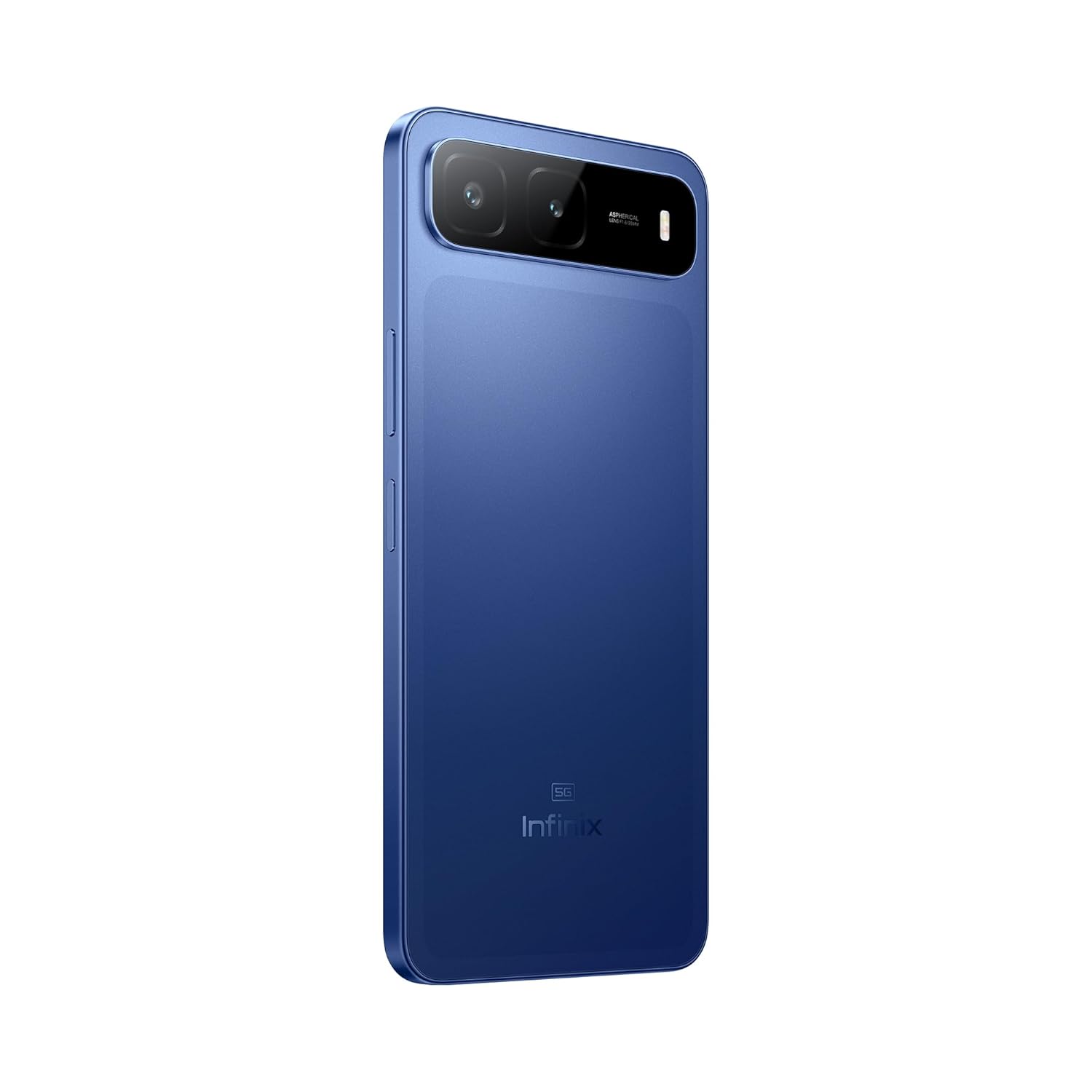
Image: Information regarding Infinix's extensive service network and customer support.
Za više informacija posjetite službenu stranicu Infinixa webstranica: www.infinixmobility.com