
Uvod
Welcome to the CYCPLUS Smart Indoor Cycling Fan F1 user manual. This guide provides detailed instructions for the safe and efficient use of your new smart fan. Designed with a BLDC motor, 5 speed modes, and advanced connectivity options, the F1 fan enhances your indoor cycling and training experience by providing intelligent, adaptive cooling.
Sigurnosne informacije
Please read all safety instructions before using the fan. Failure to follow these instructions may result in electric shock, fire, or serious injury.
- Osigurajte da ventilator bude postavljen na stabilnu, ravnu površinu kako biste spriječili prevrtanje.
- Do not insert fingers or any objects into the fan grille.
- Ventilator držite dalje od vode ili drugih tekućina. Ne koristite ga u vlažnim uvjetima.
- Prije čišćenja ili bilo kakvog održavanja isključite ventilator iz električne utičnice.
- Do not use the fan if the power cord or plug is damaged. Contact customer support for assistance.
- Čuvati izvan dohvata djece i kućnih ljubimaca.
- Koristite samo isporučeni strujni adapter.
Sadržaj paketa
Provjerite jesu li svi artikli prisutni u paketu:
- CYCPLUS Smart Fitness Fan (F1)
- Prizemna baza
- Daljinski upravljač
- Uzica za daljinski
- Silicone Straps (x2) for Remote
- DC adapter za napajanje
- Kabel za izmjeničnu struju
- korisnički priručnik
- Odvijač
- M5 vijci (x2)

Image: All components included in the CYCPLUS Smart Indoor Cycling Fan F1 package.
Postavljanje
1. Ugradnja baze
Place the fan securely into the provided ground base. Ensure it is stable before connecting power.
Video: Demonstrates the installation of the CYCPLUS F1 fan onto its ground base and initial setup.
2. Priključak za napajanje
Connect the DC power adapter to the fan and then plug the AC power cable into a standard wall outlet. The fan is now ready for operation.
Upute za rad
Uključivanje/isključivanje
Pritisnite i držite tipku za napajanje (⏻) on the fan's control panel for 2 seconds to turn the fan on or off.
Ručna kontrola brzine
Once powered on, press the "+"ili"-" buttons to manually adjust the fan speed. There are 5 speed levels available.
Odabir načina rada
Pritisnite tipku za način rada (⏻) once to cycle through the available operating modes:
- Način rada brzine: The fan automatically adjusts airflow based on your cycling speed (requires ANT+ speed sensor).
- Način rada otkucaja srca: The fan automatically adjusts airflow based on your heart rate (requires ANT+ heart rate monitor).
- Način rada snage: The fan automatically adjusts airflow based on your power output (requires ANT+ power meter or smart bike trainer).
- Pametan način rada: Connects multiple devices/sensors such as speed, heart rate, and power. The fan automatically adjusts airflow in real time based on multiple data inputs, ensuring the most optimal airflow.
- Ručni način rada: Allows direct control of fan speed using the "+" i "-" buttons or the remote control.

Image: The fan's control panel displaying icons for different smart speed modes.
Remote Control Pairing and Usage
To pair the remote control with the fan:
- Ensure the fan is in Manual Mode.
- Press any button on the remote control to wake it up and enter pairing mode (indicator light will flash).
- On the fan, press and hold the "+" i "-" buttons simultaneously for 2 seconds.
- Once paired, the remote's indicator light will stay solid for 3 seconds, then turn off. The remote will auto-connect for future use.
Use the remote to power on/off, adjust speed, and change modes.

Image: The compact remote control for the CYCPLUS F1 fan, shown with its included silicone straps and lanyard for easy attachment.
Kontrola aplikacije
Download the CYCPLUS APP from your device's app store. Pair the fan via Bluetooth within the app to fine-tune workout parameters and control the fan from your smartphone.

Image: A smartphone displaying the CYCPLUS app interface for controlling the F1 fan, positioned next to the fan itself.
Podešavanje protoka zraka
The fan can be manually tilted from 0 to 60 degrees to direct airflow precisely where needed. The optimal placement distance is 1 meter from the user.

Image: The CYCPLUS F1 fan demonstrating its adjustable tilt mechanism, allowing airflow to be directed between 0 and 60 degrees.
Automatsko pamćenje
The fan remembers your last settings and connected sensors, automatically pairing them for seamless use without repeated adjustments.
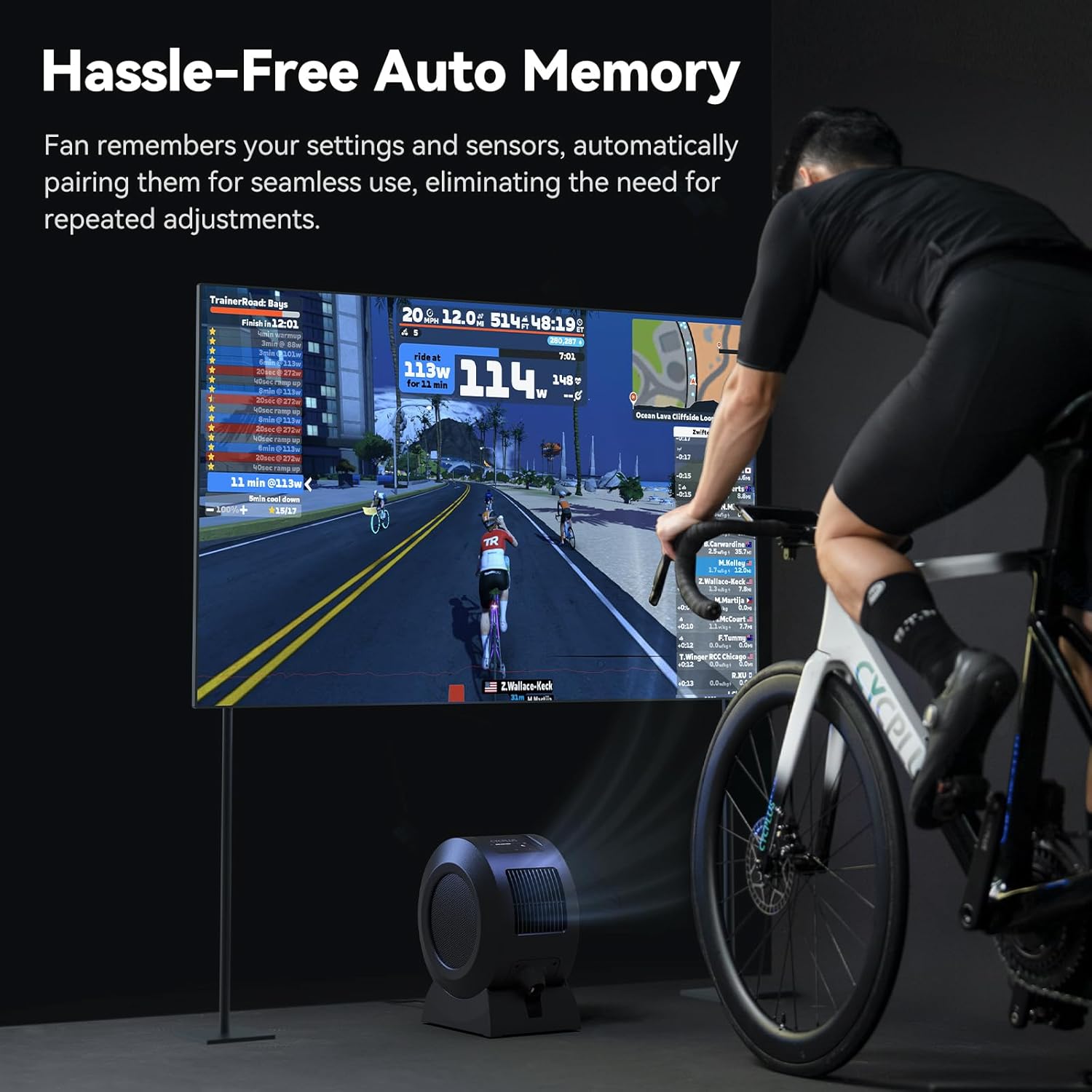
Image: The CYCPLUS F1 fan providing cooling during an indoor cycling session, with a large monitor showing real-time workout metrics.
Održavanje
Čišćenje
To clean the fan, first unplug it from the power source. The front grille is removable for easy access to the fan blades. Use a soft, dry cloth to wipe down the exterior and blades. Do not use abrasive cleaners or immerse the fan in water.

Slika: Detaljna view of the CYCPLUS F1 fan with its front grille removed, illustrating the ease of access for cleaning.
Rješavanje problema
- Ventilator se ne uključuje: Provjerite je li adapter za napajanje sigurno spojen i na ventilator i na ispravnu utičnicu.
- Slab protok zraka: Check for any obstructions in the fan's intake or exhaust grilles. Clean the fan blades if dust buildup is present.
- Daljinski upravljač ne radi: Ensure the remote control is paired correctly with the fan. Check the remote's battery.
- Sensor not connecting: Verify that your ANT+ sensor is powered on and within range. Ensure the fan is in the correct mode for the sensor type (Speed, Heart Rate, Power, or Smart Mode). Try re-pairing the sensor.
- Problemi s povezivanjem aplikacije: Ensure Bluetooth is enabled on your smartphone and the fan is powered on. Restart the app and try pairing again.
Tehnički podaci
| Značajka | Detalj |
|---|---|
| Naziv proizvoda | Pametni ventilator za fitness |
| Naziv modela | F1 |
| Nazivna snaga | 68 W |
| Maksimalna brzina rotacije | 1280 okretaja u minuti |
| Maks. Protok zraka | 670 m³/h |
| Maksimalna brzina vjetra | About 50 km/h |
| Neto težina | 4.3 kg (9.48 lbs) |
| Dimenzije proizvoda | 10.5"D x 14.5"Š x 8.46"V |
| Compatible Input | 100-240V 50/60Hz |
| Izlaz adaptera | 36V - 2.5-3A |
| Sensor Connection Protocol | ANT+ |
| Mobile Connection Protocol | BLE (Bluetooth Low Energy) |
| Radna temperatura | 0-40°C |
| Vrsta motora | DC motor bez četkica (BLDC) |
| Broj razina snage | 5 |

Image: A summary of the technical specifications for the CYCPLUS F1 fan.
Jamstvo i podrška
For warranty information, technical support, or any inquiries regarding your CYCPLUS Smart Indoor Cycling Fan F1, please visit the official CYCPLUS webweb-mjesto ili se izravno obratite njihovoj korisničkoj službi. Sačuvajte račun za slučaj reklamacije.
Official CYCPLUS Store: CYCPLUS Amazon trgovina