
Uvod
The BEREST A10 Baby Lovey Music Box is designed to provide a soothing environment for newborns and infants, aiding in peaceful sleep. This device features 10 calming sounds, a smart cry sensor, an adjustable timer, a recording function, and a rechargeable battery. This manual provides essential information for the safe and effective use of your BEREST A10.
Sigurnosne informacije
- Do not use the device in the bath or near water.
- Do not use the USB cable while the machine is in use.
- This device is not a toy. Keep it out of reach of children.
- Use the device within recommended noise levels to prevent potential hearing damage.
Sadržaj paketa
Molimo označite okvir za sljedeće stavke:
- BEREST A10 Music Box
- Kabel za punjenje tipa C
- korisnički priručnik
- Gifted Box

Image: Contents of the BEREST A10 package, including the music box, charging cable, and manual.
Proizvod gotovview
The BEREST A10 is a compact and versatile sleep soother. Its main features include:
- 10 umirujućih zvukova: Includes 2 heartbeat sounds, white noise, rain, shushing, and 5 different lullabies.
- Smart Baby Cry Sensor: Automatically detects baby's crying and plays soothing sounds for 30 minutes.
- Podesivi mjerač vremena: Set for 15, 30, or 60 minutes, or enable continuous play.
- Funkcija snimanja: Allows for up to 120 seconds of personalized recording.
- Punjiva litijeva baterija: Provides long-lasting power, eliminating the need for disposable batteries.
- Podesiva kontrola glasnoće: Fine-tune the sound level to protect infant hearing.
- Kompaktan dizajn: Measures 2.52 x 2.52 x 1.38 inches, designed to fit seamlessly into most plush toys and loveys.

Image: The BEREST A10 Music Box shown with various plush toys, highlighting its small size and versatility.
Postavljanje
1. Punjenje uređaja
Before first use, fully charge the BEREST A10 using the provided Type-C charging cable. Connect the cable to the device and a suitable USB power source. The charging indicator light will show the charging status.
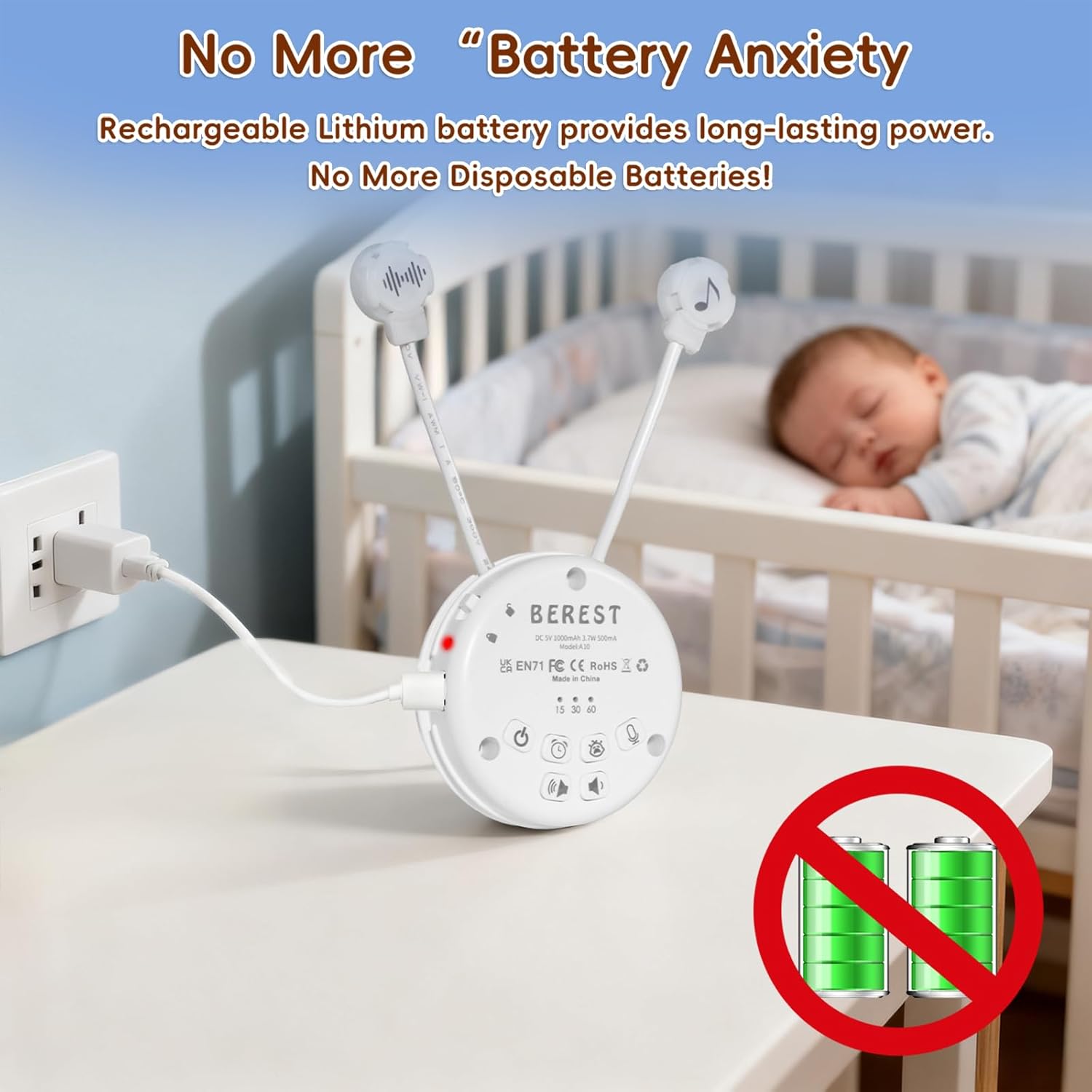
Image: The BEREST A10 Music Box being charged with its Type-C cable, indicating its rechargeable nature.
2. Inserting into a Plush Toy (Optional)
The compact design of the A10 allows it to be inserted into most plush toys or loveys. Locate the opening in your plush toy, gently insert the music box, and secure it if possible. Ensure the buttons are accessible if you plan to operate it while inside the plush.

Slika: Krupni plan view of the BEREST A10 Music Box being placed inside a plush toy for integrated use.
Upute za rad
Familiarize yourself with the control buttons on the device:
Image: Labeled diagram of the BEREST A10 Music Box controls.
1. Uključivanje/isključivanje
- Pritisnite tipku Tipka ON/OFF once to turn the device on.
- Pritisnite i držite Tipka ON/OFF 3 sekunde da biste isključili uređaj.
2. Odabir zvuka
- When the device is on, short press the Tipka ON/OFF to cycle through the 10 available soothing sounds (2 heartbeats, white noise, rain, shushing, 5 lullabies).
- Dugo pritisnite Tipka ON/OFF for 3 seconds (while on) to enable continuous loop playing of all songs.

Image: The BEREST A10 Music Box providing 10 soothing sounds for a sleeping baby.
3. Kontrola glasnoće
- Pritisnite tipku Gumb za pojačavanje zvuka za povećanje razine zvuka.
- Pritisnite tipku Gumb za smanjivanje glasnoće kako bi se smanjila razina zvuka.
4. Funkcija odbrojavanja
- Pritisnite tipku Gumb mjerača vremena to set the auto-off timer. The available options are 15, 30, or 60 minutes.
- If no timer is set, the device will play continuously until manually turned off or the battery runs out.

Image: The BEREST A10 Music Box with its timer function set to 15, 30, or 60 minutes.
5. Smart Baby Cry Sensor
- Pritisnite tipku Baby Cry Sensor button za aktiviranje ove značajke.
- When activated, the device will automatically detect a baby's crying and play soothing sounds for 30 minutes to help calm the baby back to sleep.
- The sensor will reactivate if crying is detected again after the 30-minute cycle.

Image: The BEREST A10 Music Box's cry sensor feature, designed to soothe a crying baby.
6. Funkcija snimanja
- Pritisnite i držite Gumb za snimanje to begin recording. The device supports up to 120 seconds of recording.
- Otpustite gumb za zaustavljanje snimanja.
- Kratko pritisnite Gumb za snimanje to play back your recorded message.
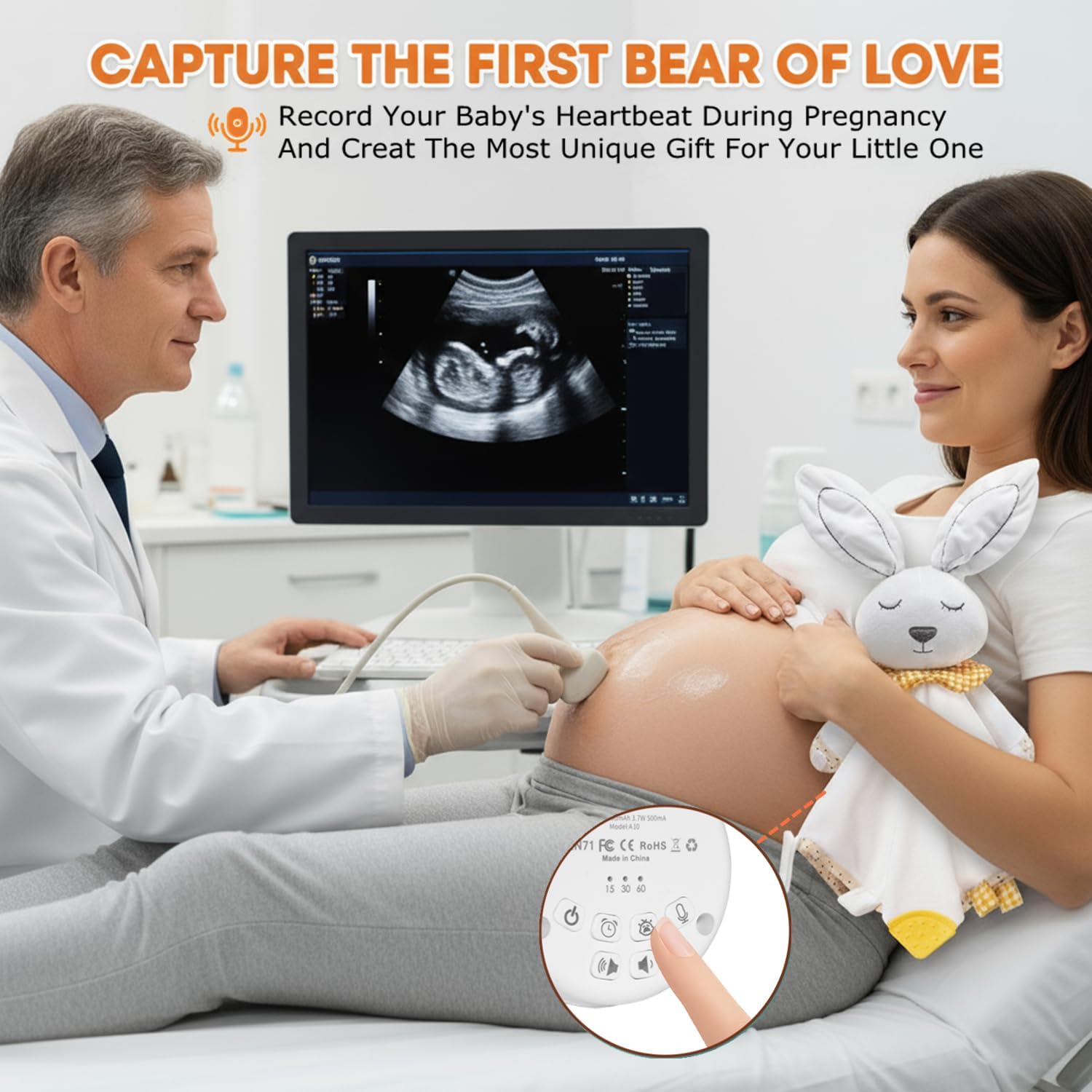
Image: The BEREST A10 Music Box's recording function being used to capture a heartbeat.
7. Children Lock
- Pronađite Children Lock switch sa strane uređaja.
- Slide the switch to the lock position to prevent accidental changes to settings by children.
Održavanje
Čišćenje
- Obrišite uređaj mekom, suhom krpom.
- Do not use liquid cleaners or immerse the device in water.
Briga o bateriji
- Kako biste produžili vijek trajanja baterije, izbjegavajte često potpuno pražnjenje baterije.
- Uređaj čuvajte na hladnom i suhom mjestu kada se ne koristi dulje vrijeme.
Rješavanje problema
| Problem | Mogući uzrok | Otopina |
|---|---|---|
| Uređaj se ne uključuje. | Baterija je slaba ili ispražnjena. | Uređaj punite pomoću priloženog Type-C kabela. |
| Nema zvuka ili je glasnoća niska. | Glasnoća je postavljena prenisko. | Povećajte glasnoću pomoću tipke za pojačavanje glasnoće. |
| Cry sensor not activating. | Cry sensor not enabled or ambient noise is too high. | Ensure the Baby Cry Sensor button is pressed. Reduce other noise sources. |
| Uređaj se neočekivano isključuje. | Timer is set, or battery is low. | Check timer settings. Recharge the device if the battery is low. |
Tehnički podaci
| Broj modela | A10 |
| Dimenzije proizvoda | 2.52 x 2.52 x 1.38 inča |
| Težina artikla | 3.2 unci |
| Vrsta materijala | Plastični |
| Boja | Kremasto bijela |
| Vrsta baterije | Rechargeable Lithium-ion (1 AA battery included, likely referring to internal rechargeable equivalent) |
Jamstvo i podrška
For warranty information or technical support, please refer to the contact details provided with your purchase or visit the official BEREST webstranicu. Sačuvajte dokaz o kupnji za bilo kakve reklamacije u jamstvenom roku.