
1. Postavljanje
1.1 Raspakiranje
Provjerite jesu li sve komponente prisutne u paketu:
- innioasis G3 MP3 Player x1
- 128GB SD card x1 (pre-installed or separate)
- USB-C kabel x1
- Wired headphones x1
- Korisnički priručnik x1
1.2 Punjenje uređaja
Before first use, fully charge the MP3 player. Connect the provided USB-C cable to the device's USB-C port and the other end to a compatible USB power adapter (not included) or a computer's USB port.
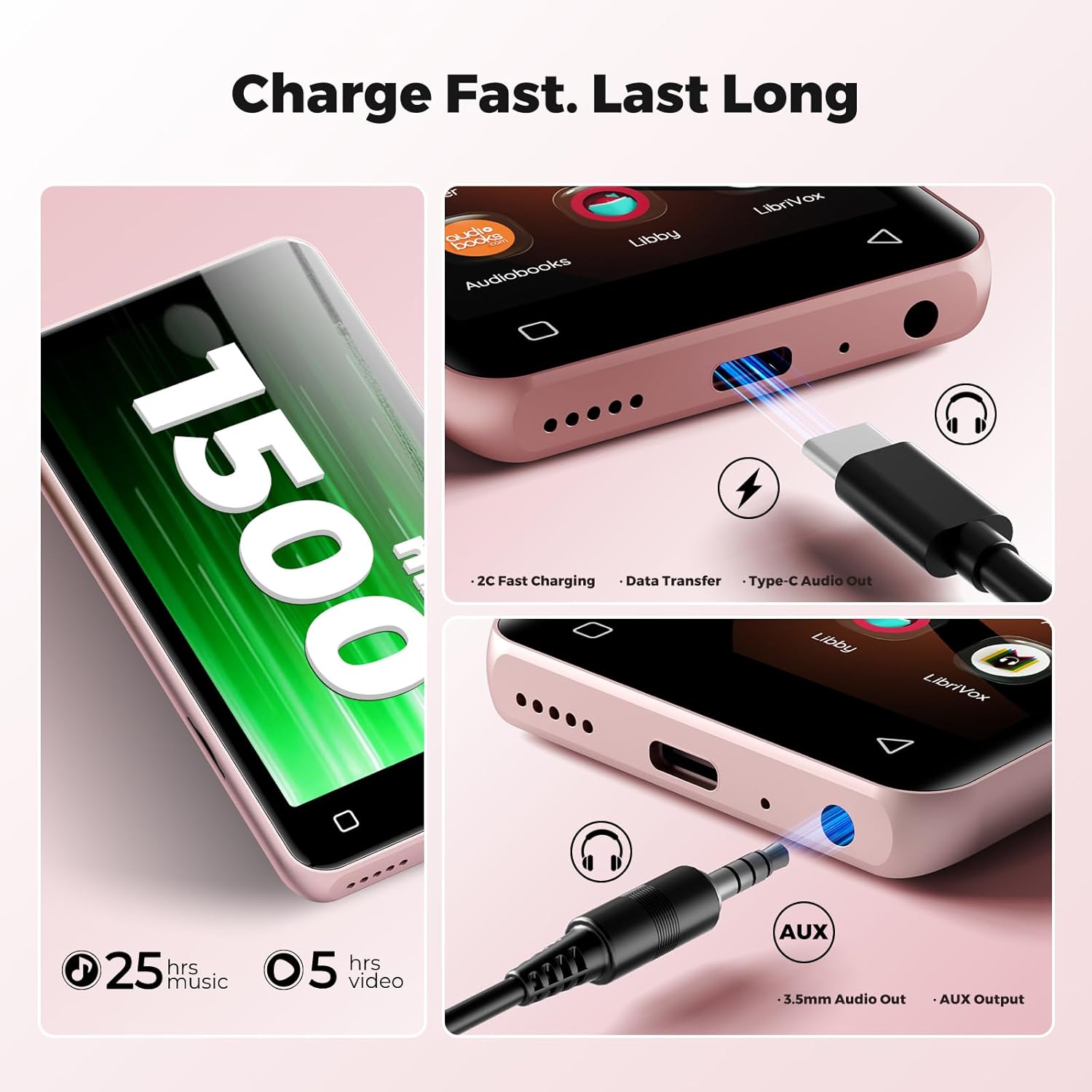
Image: The bottom of the innioasis G3 MP3 Player, highlighting the USB-C charging port and the 3.5mm audio jack.
A full charge typically takes approximately 2 hours. The 1500mAh battery provides up to 25 hours of music playback with wired earphones or 5 hours of video playback.
1.3 Uključivanje/isključivanje
- Za uključivanje: Pritisnite i držite gumb za uključivanje dok se zaslon ne osvijetli.
- To power off: Press and hold the power button, then select 'Power Off' from the options.
1.4 Initial Setup and Storage
Upon first power-on, follow the on-screen prompts to complete the initial setup, including language selection and Wi-Fi connection. The device comes with 32GB internal storage and a pre-installed 128GB SD card, totaling 160GB. The expansion slot supports up to 1TB via a microSD card.

Image: Visual representation of the innioasis G3 MP3 Player's storage capabilities, including internal ROM, included SD card, and expandable storage up to 1TB.
1.5 Wi-Fi veza
The device supports Dual-Band Wi-Fi (2.4GHz & 5GHz). To connect to Wi-Fi:
- Idite na 'Postavke'.
- Odaberite 'Mreža i internet'.
- Turn on Wi-Fi and select your desired network.
- Unesite lozinku ako se to od vas zatraži.
2. Upute za rad
2.1 Osnovna navigacija
The innioasis G3 features a 4-inch HD touchscreen for navigation. Swipe, tap, and pinch gestures are used to interact with the interface, similar to a smartphone.
2.2 Reprodukcija glazbe
Uređaj podržava i lokalnu glazbu filei aplikacije za streaming.
Local Music Player
The powerful local music player app supports various audio formats including MP3, WAV, FLAC, AAC, APE, OGG, M4A, WMA, and MP2. You can scan your library, create playlists, search for songs, and use the built-in equalizer.

Image: The innioasis G3 MP3 Player's local music player interface, showing song information, playback controls, and options for song categories, playlists, lyrics, search, and equalizer.
Aplikacije za strujanje
Pre-installed apps include Spotify, Pandora, Amazon Music, Spotify Kids, Tidal, and Deezer. Ensure a stable Wi-Fi connection for optimal streaming performance.

Image: The innioasis G3 MP3 Player's screen showing icons for popular music streaming services like Spotify, Amazon Music, and Pandora.
2.3 Audiobook Playback
The device comes with pre-loaded audiobook applications such as Audible, Libby, and Audiobooks. These apps allow you to listen to your favorite audio stories.
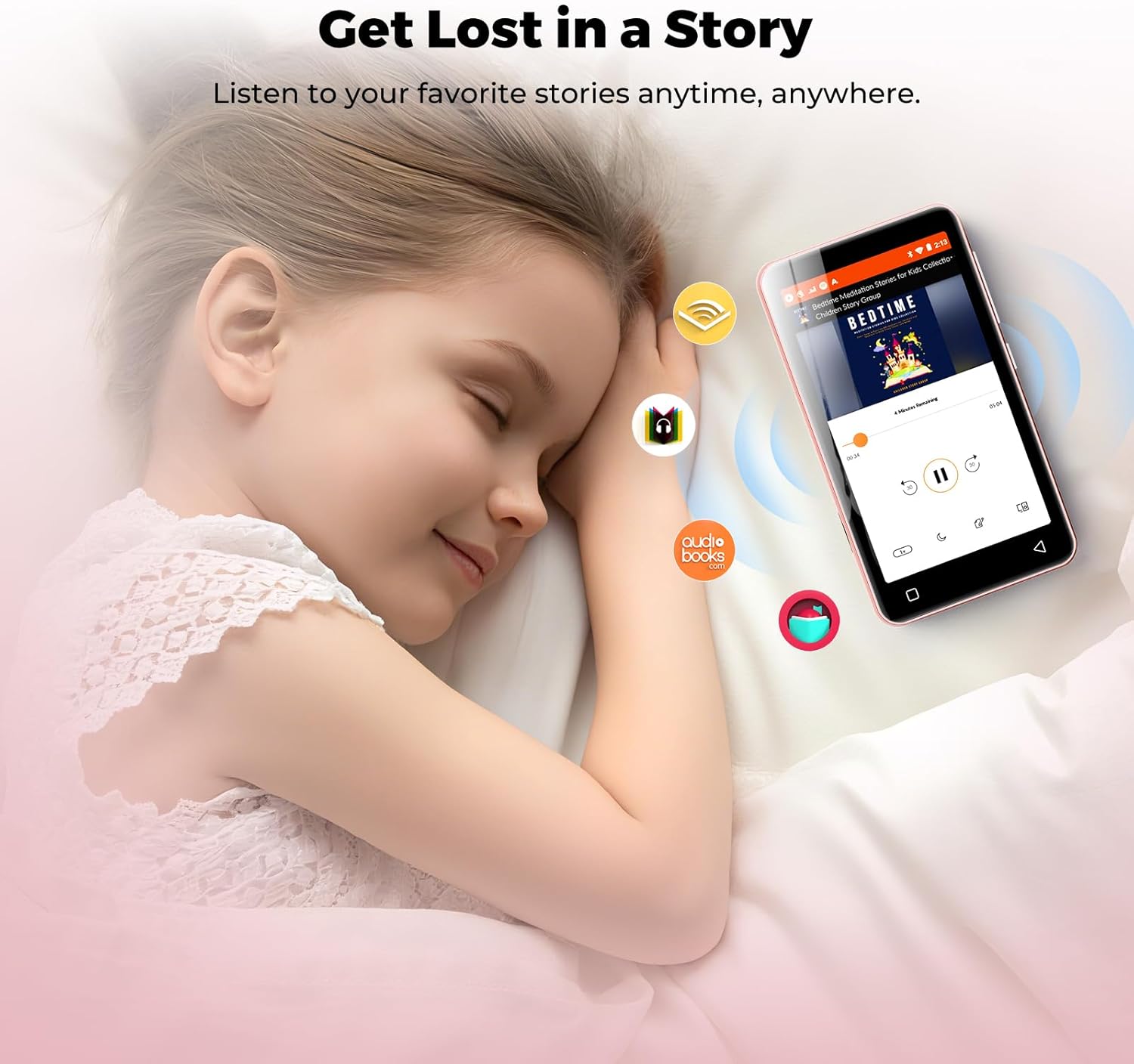
Image: A child sleeping peacefully with the innioasis G3 MP3 Player nearby, illustrating the use of audiobook applications.
2.4 Bluetooth povezivost
The MP3 player features Bluetooth 4.2 with two-way sending, allowing connection to wireless headphones, speakers, or car audio systems.
- Idite na 'Postavke'.
- Select 'Connected devices' then 'Bluetooth'.
- Turn on Bluetooth and scan for available devices.
- Odaberite željeni uređaj za uparivanje.
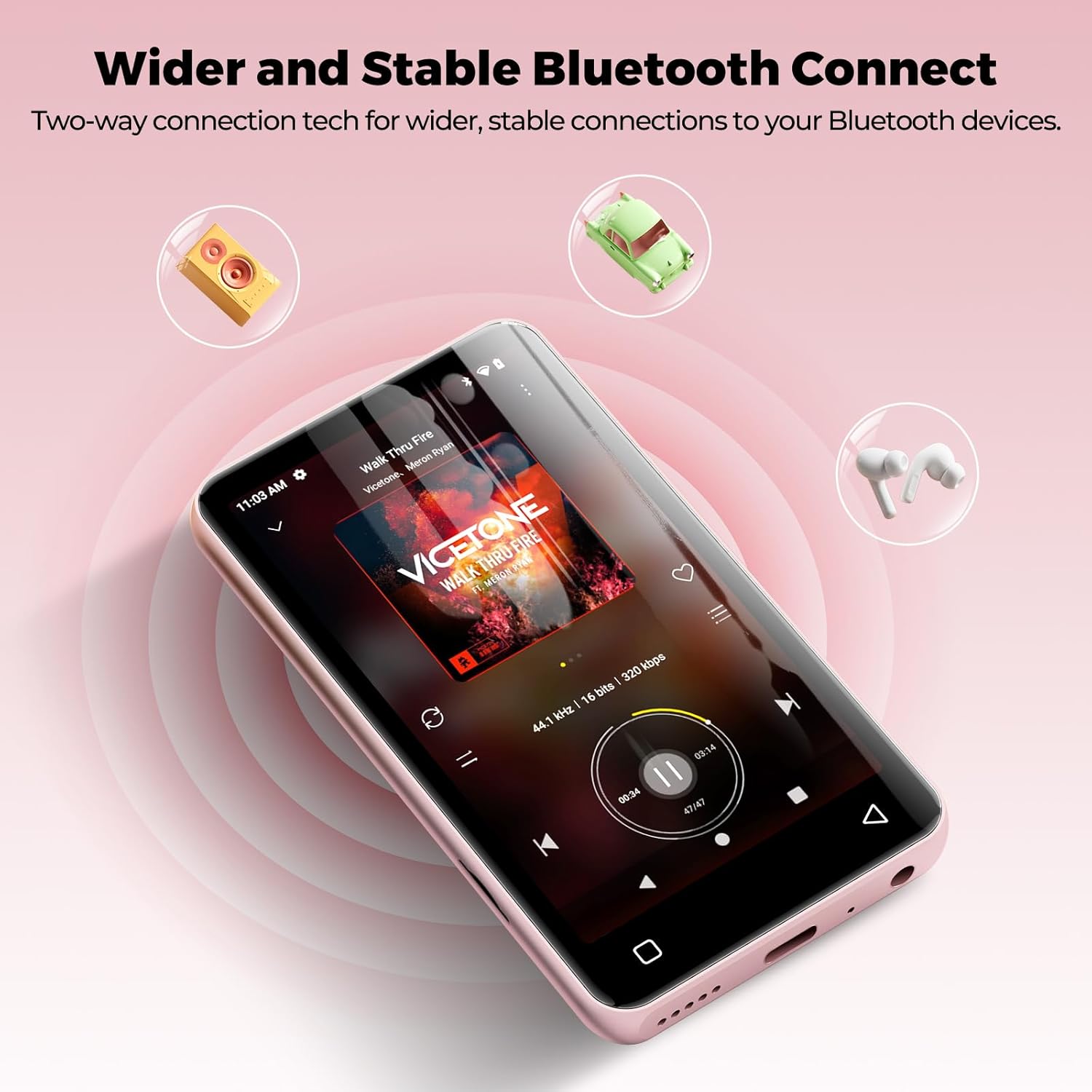
Image: The innioasis G3 MP3 Player demonstrating its Bluetooth connectivity with icons representing headphones, speakers, and car audio systems.
2.5 Reprodukcija video zapisa
The device supports 1080p HD video playback. Compatible formats include AVI, MKV, MP4, MPEG, MOV, VOB, WMV, WEBM, DIVX, F4V, FLV, Xvid, and 3GP.

Slika: Izložba innioasis G3 MP3 playeraasing its 1080P HD video playback capability with a dynamic scene on its screen.
2.6 Ostale aplikacije
The MP3 player includes a collection of useful applications such as FM radio, E-book reader, Voice Recorder, File Manager, Clock, Gallery, Browser, Calculator, and Calendar.
2.7 Roditeljski nadzor
The device features parental controls to manage app installations and usage. You can set a password to require approval before any new apps are downloaded. Apps can also be uninstalled as needed.

Image: The innioasis G3 MP3 Player's screen displaying the parental control settings, including options for setting a password and enabling app installation.
3. Održavanje
3.1 Čišćenje
To clean the device, use a soft, dry, lint-free cloth. Avoid using abrasive cleaners, solvents, or aerosol sprays directly on the device. Do not expose the device to excessive moisture.
3.2 Ažuriranja softvera
You can install new apps and update existing ones to access the latest features. Ensure the device is connected to Wi-Fi for updates.
3.3 Upravljanje pohranom
Regularly manage your storage by uninstalling unused apps or transferring files to a computer. The device supports microSD cards up to 1TB for expanded storage. Ensure the microSD card is formatted correctly by the device if prompted.
4. Rješavanje problema
4.1 Screen Blank or Frozen
If the screen becomes blank or the device freezes, try performing a forced restart. Press and hold the power button for approximately 10-15 seconds until the device powers off, then power it on again.
4.2 Problemi s Bluetooth povezivošću
If you experience intermittent Bluetooth connection or audio cutting out, try restarting the MP3 player. Ensure the device you are trying to connect to is in pairing mode and within range.
4.3 Baterija se brzo prazni
Battery life can be significantly affected by screen usage. Reduce screen brightness, close background applications, and limit continuous video playback to extend battery life. Ensure the device is fully charged before extended use.
4.4 Kompatibilnost aplikacija
This player does not support applications that require Google Play services, such as YouTube and YouTube Music. Attempting to install such apps may result in installation failure or improper functionality.
5. Specifikacije
| Marka | innioasis |
| Naziv modela | G3 |
| Posebne značajke | Ekvilizator, FM radio, Hi-Res audio, reprodukcija videa, snimač glasa |
| Tehnologija povezivanja | Bluetooth, USB, Wi-Fi |
| Kapacitet pohrane memorije | 160 GB (32 GB interne memorije + 128 GB SD kartice) |
| Veličina zaslona | 4 inča |
| Kompatibilni uređaji | Headphones, Earphones, Laptops, Personal Computers |
| Podržana vrsta medija | Micro SD, Micro SDHC, Micro SDXC, SD Card, SDHC (up to 1TB expansion) |
| Tehnologija zaslona | LCD |
| Podržani audio standardi | AAC, MP3, WAV, FLAC, APE, OGG, M4A, WMA, MP2 |
| Prosječno trajanje baterije | 25 Hours (music playback), 5 Hours (video playback) |
| Težina artikla | 166 gram |
| Dimenzije predmeta (D x Š x V) | 0.39"D x 2.36"Š x 4.33"V |
6. Jamstvo i podrška
6.1 Informacije o jamstvu
The innioasis G3 MP3 Player is backed by a 1-year warranty from the date of purchase. Please retain your proof of purchase for warranty claims.
6.2 Korisnička podrška
For any questions, technical assistance, or warranty inquiries, please contact our customer service team. We offer 12-hour customer service to ensure your satisfaction. Refer to the product packaging or the official innioasis webstranicu za konkretne kontaktne podatke.