
1. Sigurnosne informacije
Please read all safety instructions carefully before using the innioasis G1 MP3 Player. Keep this manual for future reference.
- Ne izlažite uređaj ekstremnim temperaturama, izravnoj sunčevoj svjetlosti ili visokoj vlažnosti.
- Izbjegavajte ispuštanje ili izlaganje uređaja jakim udarcima.
- Ne pokušavajte sami rastavljati ili popravljati uređaj. Time ćete poništiti jamstvo.
- Za punjenje koristite samo priloženi USB-C kabel.
- Držite uređaj dalje od vode i drugih tekućina.
- Dugotrajno slušanje pri visokim razinama glasnoće može uzrokovati oštećenje sluha.
2. Sadržaj paketa
Provjerite jesu li svi artikli prisutni u vašem paketu:
- 1 x Innioasis G1 MP3 player
- 1 x 64GB SD card (pre-installed or separate)
- 1 x USB-C kabel za punjenje
- 1 x Wired headphones
- 1 x korisnički priručnik

Image: The innioasis G1 MP3 Player, USB-C cable, wired headphones, 64GB SD card, and user manual included in the package.
3. Uređaj prekoview
The innioasis G1 MP3 Player features a compact design with a 4-inch full-touch screen. It includes physical buttons for power and volume control, and ports for charging and headphones.

Slika: prednja strana view of the innioasis G1 MP3 Player displaying various preinstalled applications on its touch screen.
Ključne karakteristike:
- 4-inch Full Touch Screen
- Android OS with 1.9GHz Octa-core CPU and 2GB RAM
- 80GB Storage (16GB ROM + 64GB TF card), expandable up to 1TB
- Bluetooth 4.2 povezivanje
- Wi-Fi (2.4 GHz i 5 GHz)
- Pre-installed streaming apps (Spotify, Spotify Kids, Amazon Music, Pandora, Tidal, Deezer, Audible)
- Roditeljski nadzor
- FM Radio, Voice Recorder, Video Player, Ebook Reader, Calculator, Clock, Gallery, Browser, Calendar
4. Postavljanje
4.1 Početno punjenje
Before first use, fully charge the device using the provided USB-C cable and a compatible power adapter (not included). The battery indicator on the screen will show charging status.
4.2 Uključivanje/isključivanje
- Za uključivanje: Press and hold the Power button on the side of the device until the screen lights up.
- Za isključivanje: Pritisnite i držite gumb za uključivanje/isključivanje, a zatim odaberite "Isključivanje" iz opcija na zaslonu.
4.3 Postavke jezika i vremena
Upon first startup, you may be prompted to select your preferred language and set the date and time. Follow the on-screen instructions.
4.4 Wi-Fi veza
Za pristup uslugama streaminga i mrežnim značajkama, povežite uređaj s Wi-Fi mrežom:
- Idi na postavke > Mreža & Internet > Wi-Fi.
- Uključi/isključi Wi-Fi On.
- Odaberite željenu mrežu s popisa.
- Unesite lozinku ako se to od vas zatraži i dodirnite Poveži se.

Image: The innioasis G1 MP3 Player displaying its home screen with app icons, illustrating its strong network connection capabilities.
5. Upute za rad
5.1 Osnovna navigacija
The device features a full touch screen for navigation. Swipe left/right to browse app pages, tap an icon to open an app, and use the navigation buttons at the bottom of the screen (Back, Home, Recent Apps) to move between screens and applications.
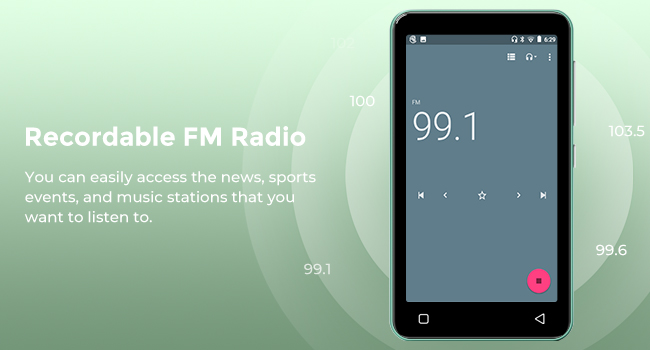
Image: A hand demonstrating touch screen interaction on the innioasis G1 MP3 Player, highlighting its ease of use.
5.2 Reprodukcija glazbe
The innioasis G1 supports various audio formats including MP3, FLAC, WAV, AAC, APE, OGG, M4A, WMA, and MP2.
- Local Music Player: Open the "Music" app to play files stored on the device or SD card. You can create playlists, search for songs, and use the graphic equalizer to adjust sound.
- Aplikacije za strujanje: Access pre-installed apps like Spotify, Spotify Kids, Amazon Music, Pandora, Tidal, and Deezer. Ensure you are connected to Wi-Fi for streaming.

Image: The innioasis G1 MP3 Player displaying its local music player interface, showing song categories, search function, playlist creation, and equalizer options.
5.3 Bluetooth povezivost
Connect your MP3 player to Bluetooth headphones, speakers, or car stereos.
- Idi na postavke > Povezani uređaji > Bluetooth.
- Uključi/isključi Bluetooth On.
- Make sure your Bluetooth accessory is in pairing mode.
- Odaberite svoj pribor s popisa dostupnih uređaja za uparivanje.
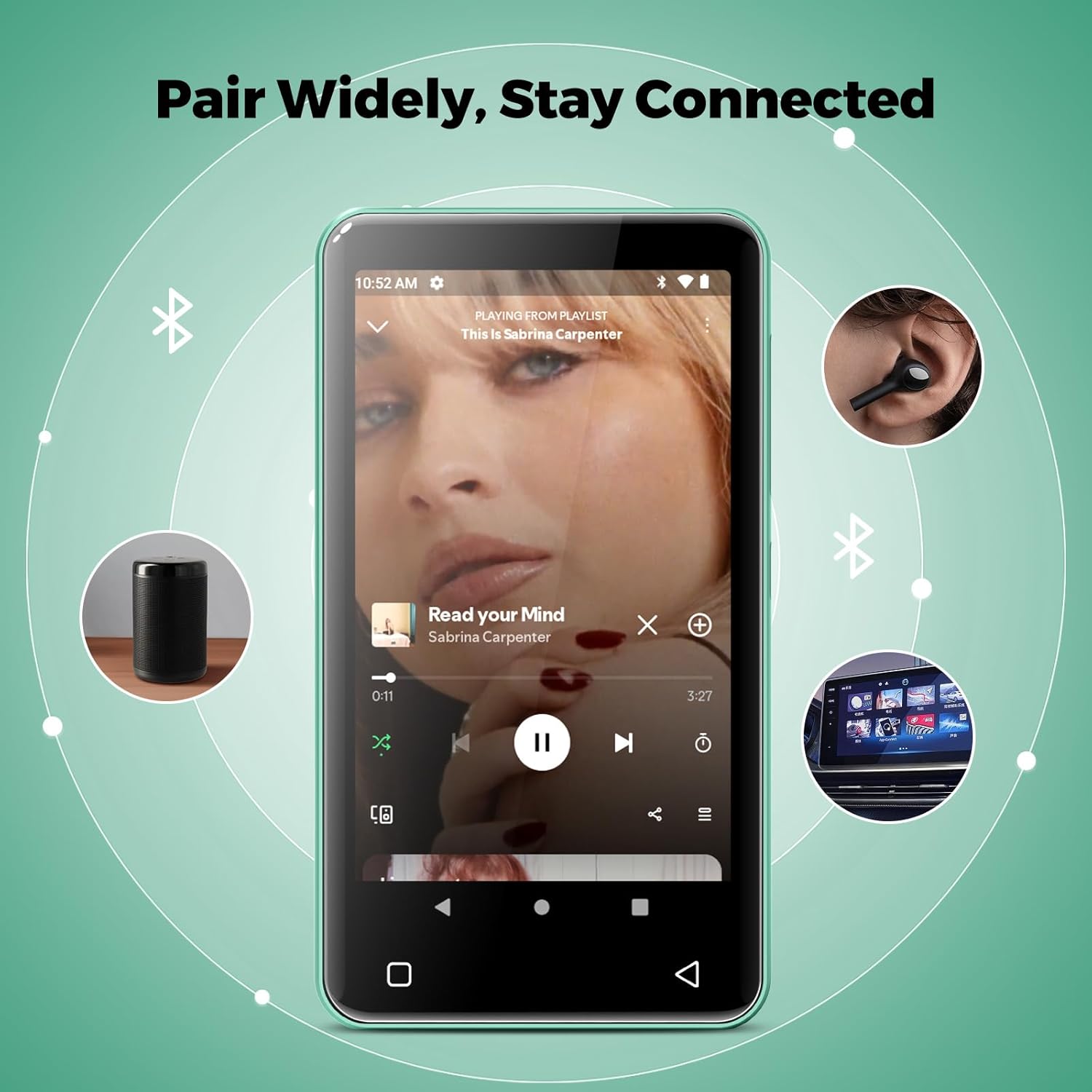
Image: The innioasis G1 MP3 Player showing its Bluetooth connection capabilities, pairing with headphones, a portable speaker, and a car stereo system.
5.4 Roditeljski nadzor
The device includes parental control features to manage app access and settings.
- Idi na postavke > Roditeljska kontrola.
- Set a parental control password.
- You can enable/disable app installation, limit internet usage, and restrict device usage time.
- Preloaded apps can be removed, and settings can be locked with the passcode.

Image: The innioasis G1 MP3 Player displaying its parental control settings, including options for password management, app installation, internet usage limits, and device usage limits.
5.5 File Prijenos
To transfer music, videos, and other files from a computer:
- Spojite MP3 player s računalom pomoću USB-C kabela.
- On the MP3 player, swipe down from the top of the screen to open the notification panel.
- Tap the USB notification (e.g., "USB charging this device") and select "File transfer" or "MTP".
- Your computer should now recognize the device as a removable storage drive. You can drag and drop files to the internal storage or the SD card.
5.6 Ostale aplikacije
The innioasis G1 comes with several other useful applications:
- FM radio: Tune into local radio stations. Some models may support recording.
- Video player: Supports 1080P HD video playback and various formats including AVI, MKV, MP4, MPEG, MOV, VOB, WMV, WEBM, DIVX, F4V, FLV, XviD, 3GP.
- Snimač glasa: Record audio using the built-in microphone.
- Ebook Reader: Access pre-loaded Audible for audiobooks and other e-book formats.
- Calculator, Clock, Gallery, Browser, Calendar: Standard utility apps for daily use.
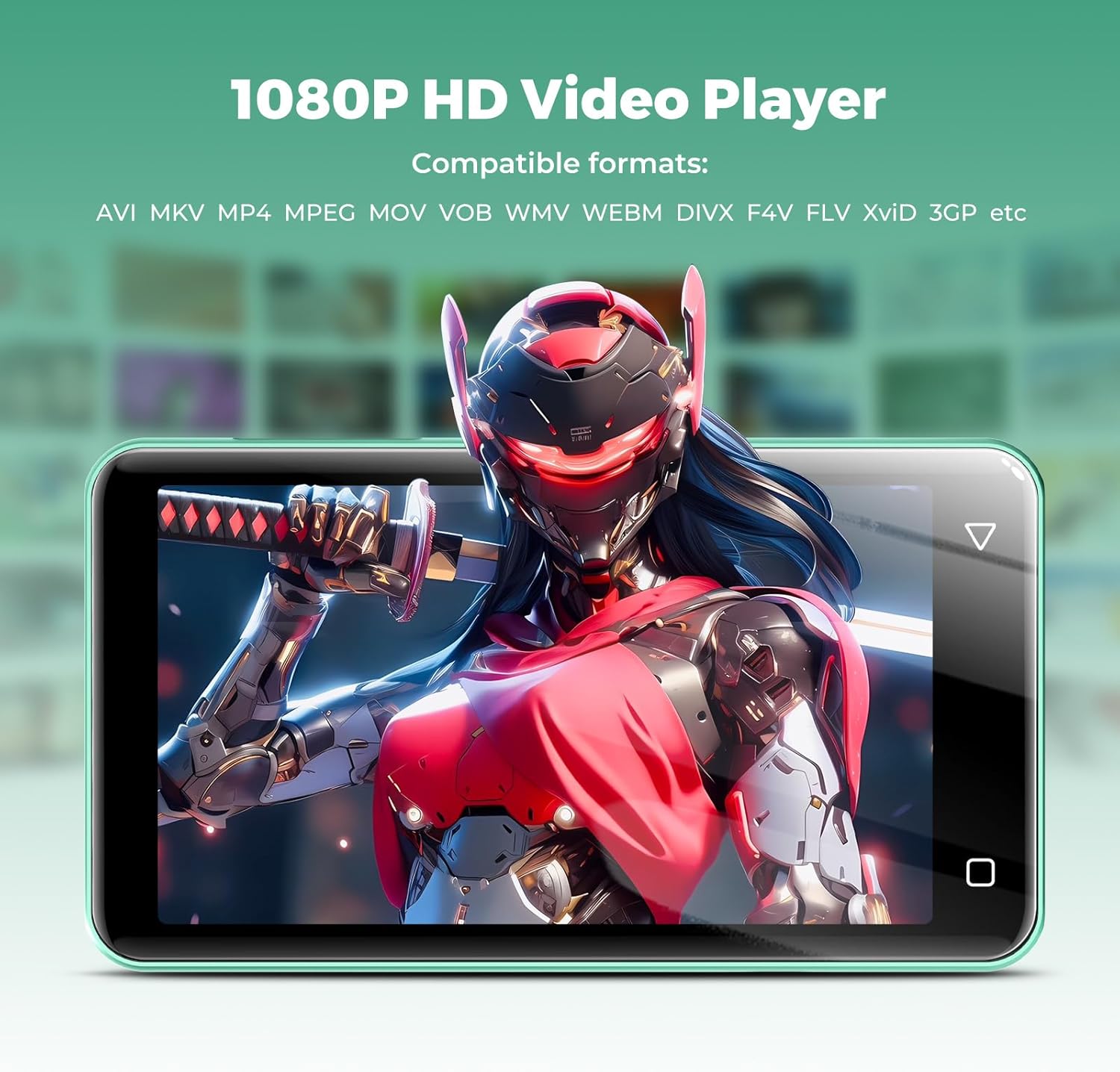
Image: The innioasis G1 MP3 Player displaying a high-definition video on its screen, illustrating its 1080P HD video playback capability.
6. Održavanje
- Čišćenje: Za čišćenje uređaja koristite meku, suhu krpu. Nemojte koristiti tekuća sredstva za čišćenje ili aerosole.
- Njega baterije: To prolong battery life, avoid fully discharging the battery frequently. Charge the device regularly. If storing for a long period, charge it to about 50% every few months.
- Ažuriranja softvera: Periodically check for software updates in the device settings to ensure optimal performance and security.
7. Rješavanje problema
| Problem | Moguće rješenje |
|---|---|
| Uređaj se ne uključuje. | Ensure the battery is charged. Connect to a charger for at least 30 minutes. If unresponsive, press and hold the power button for 10-15 seconds to force a restart. |
| Ne mogu se spojiti na Wi-Fi. | Check if Wi-Fi is enabled in settings. Verify the Wi-Fi password. Restart your router and the MP3 player. Ensure you are within range of the Wi-Fi signal. |
| Bluetooth uređaj se ne uparuje. | Ensure Bluetooth is enabled on both devices and the accessory is in pairing mode. Move the devices closer together. Try restarting both devices. |
| Aplikacije su spore ili ne reagiraju. | Close unused background apps. Clear app cache in Settings > Apps. Restart the device. Ensure sufficient storage space is available. |
| Nije moguće prenijeti files/na računalo. | Ensure the USB-C cable is properly connected and functioning. On the MP3 player, select "File transfer" mode from the USB notification. Try a different USB port or computer. |
| Loša kvaliteta zvuka. | Check headphone connection. Test with different headphones. Adjust equalizer settings in the music player. Ensure audio files nisu oštećeni. |
8. Specifikacije
- Naziv modela: G1
- Dimenzije proizvoda: 0.39 x 2.56 x 4.13 inča
- Težina artikla: 5.9 unci
- Proizvođač: INIOAZA
- Kapacitet memorije: 80 GB (16GB ROM + 64GB TF card)
- Proširiva pohrana: Up to 1TB (SDXC/SDHC compatible)
- Veličina zaslona: 4 inča
- Tehnologija povezivanja: Bluetooth 4.2, Wi-Fi (2.4 GHz i 5 GHz)
- Posebne karakteristike: Equalizer, FM Radio, Hi-Res Audio, Video Playback, Voice Recorder, Parental Controls
- Kompatibilni uređaji: Slušalice, slušalice
- Vrsta medija: Micro SD, Micro SDHC, Micro SDXC, SD kartica, SDHC
- Baterija: 1500mAh (up to 25 hours music, 5 hours video playback)

Image: The innioasis G1 MP3 Player screen displaying battery life indicators for video (5 hours) and music (25 hours) playback.
9. Jamstvo i podrška
The innioasis G1 MP3 Player comes with a standard manufacturer's warranty. For detailed warranty information, please refer to the warranty card included in your package or contact innioasis customer support.
If you encounter any issues or have questions about your device, please contact innioasis customer support through their official webweb-mjesto ili kontaktne podatke navedene na pakiranju proizvoda.