
Uvod
Thank you for choosing the Pointcinco IM01 Hybrid Active Noise Cancelling Headphones. These headphones are designed to provide a superior audio experience with advanced noise cancellation technology, comfortable wear, and versatile connectivity options. Please read this manual carefully to ensure proper use and maintenance of your new headphones.
Što je u kutiji
- Active noise cancelling headphones
- Kabel
- korisnički priručnik
Proizvod gotovview
The Pointcinco IM01 headphones feature a sleek design with intuitive controls and comfortable earcups. Below are key components and their functions.

Slika 1: Prednja strana view of the Pointcinco IM01 headphones.

Figure 2: Close-up of the soft, comfortable earcups designed for extended wear.

Slika 3: Bočna strana view highlighting the control buttons (power, volume) and ports (USB-C charging, 3.5mm AUX).
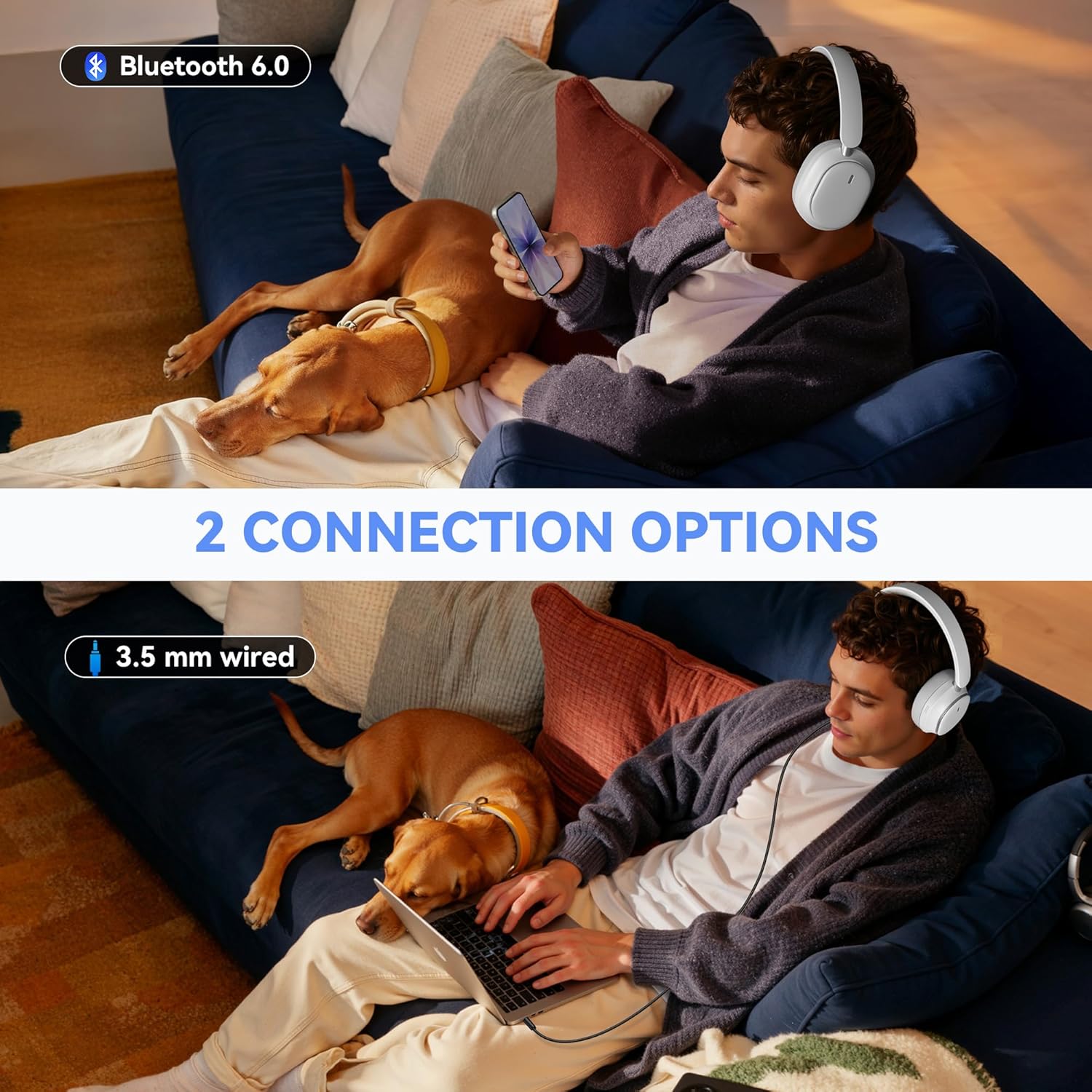
Figure 4: The headphones feature a foldable design for easy storage and portability.
Postavljanje
Punjenje slušalica
Before first use, fully charge your headphones. Connect the provided USB-C charging cable to the charging port on the headphone and the other end to a USB power source. A full charge takes approximately 2.5 hours.
Uključivanje/isključivanje
- Uključivanje: Press and hold the Power button for 3 seconds until the indicator light turns on.
- Isključivanje: Pritisnite i držite gumb za napajanje 3 sekundi dok se indikatorska lampica ne ugasi.
Uparivanje Bluetooth veze
- Provjerite jesu li slušalice isključene.
- Press and hold the Power button for 5 seconds until the indicator light flashes blue and red, indicating pairing mode.
- Na svom uređaju (pametnom telefonu, tabletu, prijenosnom računalu) omogućite Bluetooth i potražite dostupne uređaje.
- Select "IM01" from the list of devices.
- Nakon povezivanja, indikatorska lampica će svijetliti stalno plavo.
Upute za rad
Aktivno poništavanje buke (ANC) i način rada prozirnosti
The headphones feature Hybrid Active Noise Cancelling to block ambient noise and a Transparency Mode to hear your surroundings.
- Aktiviraj ANC: Press the ANC button (located on the left earcup) once to turn on Active Noise Cancelling.
- Aktivirajte način transparentnosti: Press the ANC button a second time to switch to Transparency Mode.
- Isključite ANC/Transparentnost: Pritisnite gumb ANC treći put da biste isključili oba načina rada.

Figure 5: Enjoy quiet with ANC ON mode, blocking out ambient noise.

Figure 6: Transparency Mode allows you to hear your surroundings while wearing the headphones.
Žičani način
To use the headphones in wired mode, connect the provided 3.5mm audio cable to the AUX port on the headphone and to your audio device. This mode is useful when battery is low or for non-Bluetooth devices.
Upravljanje pozivima
- Odgovori/prekini poziv: Pritisnite višenamjensku tipku (često tipku za napajanje) jednom.
- Odbij poziv: Pritisnite i držite višenamjenski gumb 2 sekunde.
- Ponovno biranje posljednjeg poziva: Dvaput pritisnite višenamjenski gumb.
Reprodukcija glazbe
- Reproduciraj/pauziraj: Pritisnite višenamjenski gumb jednom.
- Pojačavanje/stišavanje glasnoće: Use the Volume + and Volume - buttons.
- Sljedeća pjesma: Pritisnite i držite tipku za povećanje glasnoće 3 sekunde.
- Prethodni zapis: Pritisnite i držite tipku za glasnoću - 3 sekunde.
Glasovni pomoćnik
To activate your device's voice assistant (e.g., Siri, Google Assistant), press and hold the Multi-function button until you hear a tone.
Održavanje
To ensure the longevity and optimal performance of your headphones, follow these maintenance tips:
- Redovito čistite slušalice i traku za glavu mekom, suhom krpom.
- Izbjegavajte izlaganje slušalica ekstremnim temperaturama, vlazi ili izravnoj sunčevoj svjetlosti.
- Store the headphones in a cool, dry place when not in use. The foldable design helps protect them during storage and travel.
- Nemojte koristiti abrazivna sredstva za čišćenje ili otapala.
Rješavanje problema
If you encounter any issues with your headphones, refer to the following common solutions:
- Slušalice se ne uključuju: Provjerite jesu li slušalice potpuno napunjene.
- Ne mogu se upariti putem Bluetootha: Make sure the headphones are in pairing mode (flashing blue/red light) and within range of your device. Forget previous pairings on your device and try again.
- Nema zvuka: Provjerite razinu glasnoće na slušalicama i spojenom uređaju. Provjerite jesu li slušalice ispravno uparene ili je audio kabel sigurno spojen.
- ANC ne radi učinkovito: Ensure the ANC mode is activated. Adjust the fit of the earcups to ensure a good seal around your ears.
Za dodatnu pomoć obratite se korisničkoj podršci.
Tehnički podaci
| Značajka | Detalj |
|---|---|
| Utičnica za slušalice | 3.5 mm Jack |
| Naziv modela | IM01 |
| Tehnologija povezivanja | Žičano, bežično |
| Bežična komunikacijska tehnologija | Bluetooth |
| Dobni raspon (opis) | Odrasla osoba |
| Materijal | Plastični |
| Specifične namjene proizvoda | Zabava |
| Vrijeme punjenja | 2.5 sata |
| Kompatibilni uređaji | Mobiteli, laptopi, tableti, televizori |
| Vrsta kontrole | Kontrola gumba |
| Težina artikla | 0.71 funti (11.4 unci) |
| Stil | Moderno |
| Broj stavki | 1 |
| Vrsta kontrolera | Gumb |
| Vrsta audio upravljačkog programa | Dinamički upravljački program |
| Bluetooth verzija | 6.0 |
| Oblik slušalice | Preko uha |
| Hardversko sučelje | Bluetooth |
| Značajke kontrole buke | active_noise_cancellation |
| Podržava Bluetooth tehnologiju | Da |
| Posebna značajka | Uklanjanje buke |
| Proizvođač | Pointcinco |
| Dimenzije paketa | 7.28 x 6.34 x 2.24 inča |
| Boja | Bijela |
| Postavljanje uha | Preko uha |
| Form Factor | Preko uha |
| Kontrola buke | Aktivno poništavanje buke |
Jamstvo i podrška
Your Pointcinco IM01 headphones come with a standard manufacturer's warranty. For specific details regarding warranty coverage and to register your product for any extended warranty offers, please refer to the information provided in your product packaging or visit the official Pointcinco website. For technical support or customer service inquiries, please contact the seller directly or refer to the contact information in your user manual.