
1. Uvod
The iTouch AIR 5 Smartwatch is designed to enhance your daily life with advanced wellness, style, and connectivity features. This manual provides essential information for setting up, operating, and maintaining your smartwatch to ensure optimal performance and user experience. Featuring a vibrant 1.85” AMOLED display, Bluetooth calling, and comprehensive health tracking, the AIR 5 is a versatile companion for both Android and iOS users.
2. Što je u kutiji
- iTouch Air 5 Smartwatch
- Kabel za punjenje
- Kratki vodič za početak
Video: Unboxing the iTouch AIR 5 Smartwatch, showing the watch, charging cable, and quick start guide.
3. Postavljanje
3.1. Početno punjenje
Before first use, fully charge your iTouch AIR 5 Smartwatch. Connect the magnetic charging cable to the charging pins on the back of the watch. Ensure the pins align correctly for a secure connection. The watch display will indicate charging status.

Image: The magnetic charging cable connecting to the back of the iTouch AIR 5 Smartwatch.
3.2. Instalacija aplikacije
Download the official iTOUCH Wearables App from the Google Play Store (for Android) or the Apple App Store (for iOS). You can scan the QR code provided in the Quick Start Guide or on the watch screen during initial setup to quickly find the app.
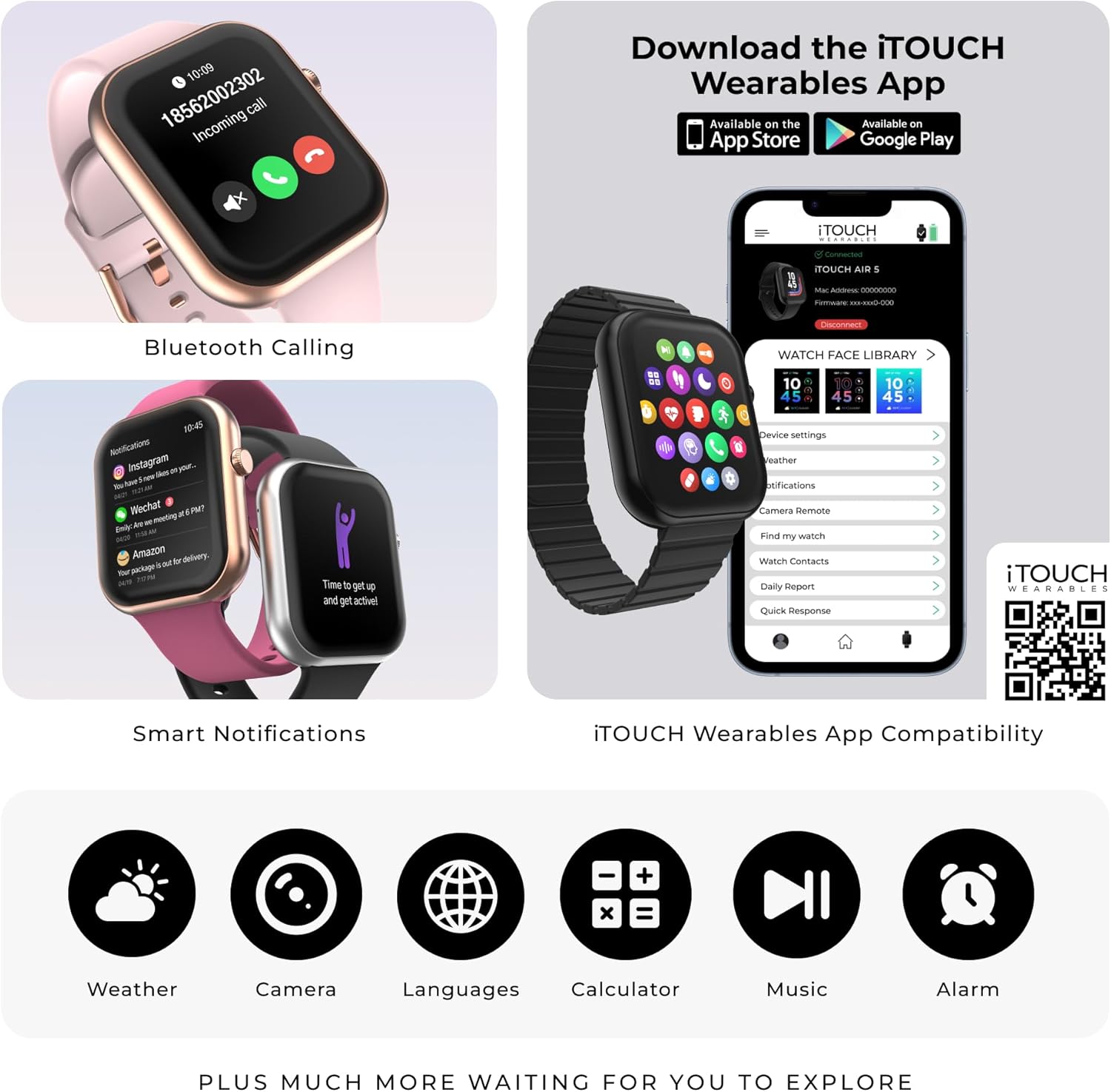
Image: A smartphone displaying the iTOUCH Wearables App download page.
For app download, scan this QR code: https://qr.xwatch.io/ecommitapp
3.3. Uparivanje uređaja
Open the iTOUCH Wearables App on your smartphone. Follow the on-screen instructions to create an account and pair your iTouch AIR 5 Smartwatch via Bluetooth. Ensure Bluetooth is enabled on your phone and keep the watch close during the pairing process. The app will guide you through connecting the device and setting up initial preferences.
Video: A demonstration of navigating the smartwatch interface and connecting it to the companion app.
4. Upravljanje pametnim satom
4.1. Osnovna navigacija
The iTouch AIR 5 features a responsive 1.85” AMOLED touchscreen. Swipe up, down, left, or right to navigate through menus and access different features. The side button typically serves as a home button or to wake/sleep the screen.
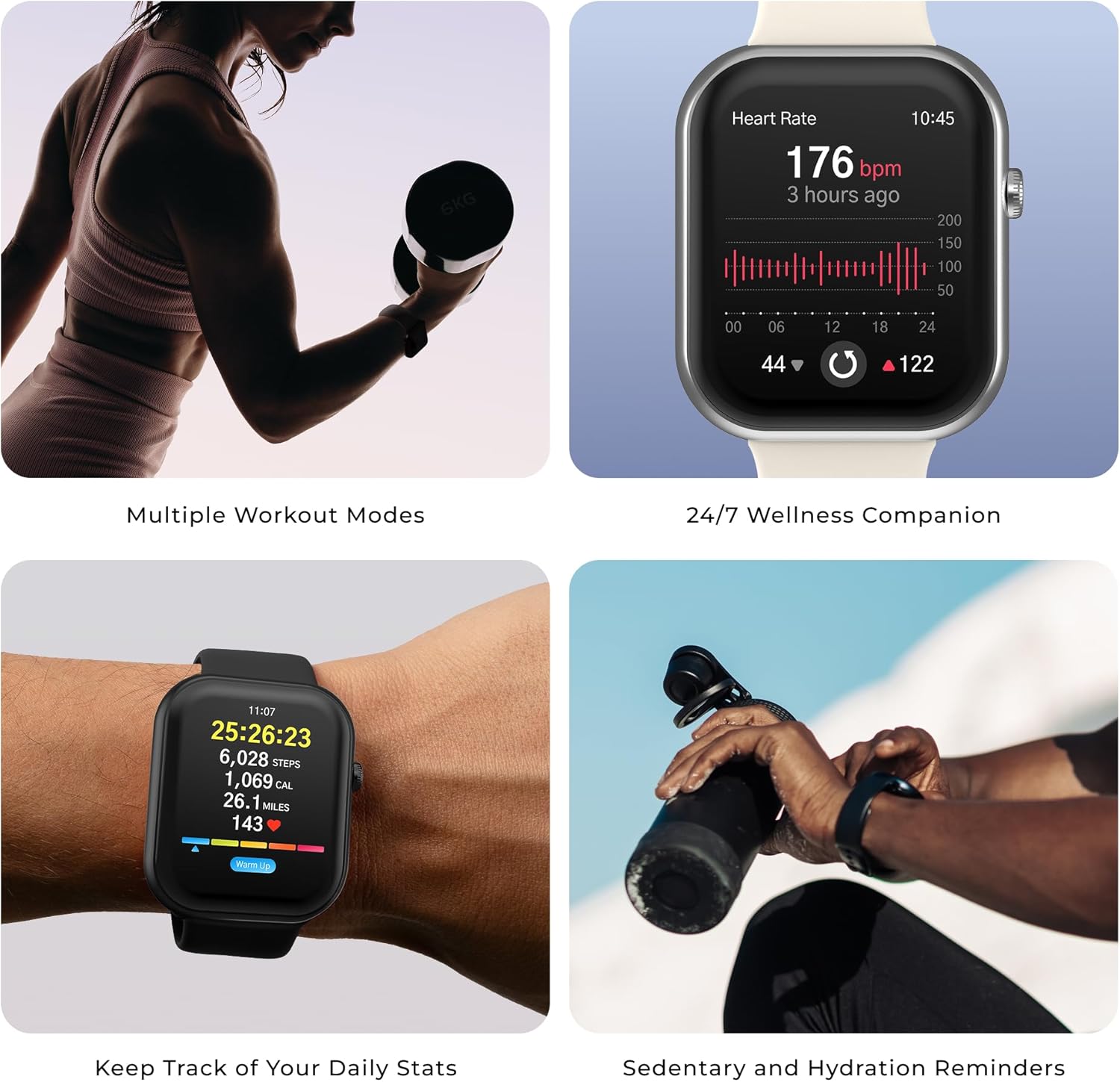
Image: The iTouch AIR 5 Smartwatch display showing various functions and navigation.
4.2. Praćenje zdravlja
The smartwatch offers comprehensive health monitoring:
- Otkucaji srca: 24/7 continuous monitoring.
- SpO₂: Blood oxygen level tracking.
- Razina stresa: Continuous tracking with daily summaries and guided breathing exercises.
- Praćenje spavanja: Automatically tracks nap and nighttime sleep, providing a personalized sleep score based on duration, consistency, and sleep stages.

Image: The iTouch AIR 5 Smartwatch displaying various health tracking features.
4.3. Sportski načini rada
Choose from over 100 sports modes to track a wide variety of workouts, including running, swimming, yoga, and cycling. Utilize connected GPS via your smartphone to accurately log outdoor distance, pace, and routes.

Image: The iTouch AIR 5 Smartwatch displaying a selection of sports modes.
4.4. Bluetooth pozivi i obavijesti
Make and receive phone calls directly from your wrist using the built-in microphone and speaker (requires an active Bluetooth connection to your smartphone). Receive call, text, app, and calendar alerts directly on your smartwatch. Supports Bluetooth music and camera control, plus Android-only quick reply messages.
4.5. Prilagodba
Personalize your smartwatch with dynamic watch faces. Activate the Always-On Display (AOD) mode for quick glances (note: AOD reduces battery life to approximately 2 days).
5. Održavanje
5.1. Vodootpornost
The iTouch AIR 5 is IP68 water resistant, making it suitable for sweat, splashes, and everyday adventures. It is not recommended for prolonged submersion or high-pressure water activities.
5.2. Čišćenje
To maintain your smartwatch, regularly wipe the screen and strap with a soft, dry cloth. Avoid using harsh chemicals or abrasive materials.
5.3. Briga o bateriji
To prolong battery life, avoid extreme temperatures and fully discharge and recharge the battery periodically. Optimized power management supports up to 7 days of typical use, 4 days of heavy use, or 14 days in battery saver mode.
6. Rješavanje problema
- Sat se ne uključuje: Provjerite je li sat potpuno napunjen.
- Ne može se upariti s telefonom: Check if Bluetooth is enabled on your phone and the watch is within range. Restart both devices and try pairing again.
- Netočna očitanja: Pazite da sat čvrsto prianja uz zapešće. Redovito čistite senzore.
- Obavijesti se ne prikazuju: Check app permissions on your phone and ensure notifications are enabled in the iTOUCH Wearables App settings.
7. Specifikacije
| Značajka | Detalj |
|---|---|
| Broj modela | Zrak 5 |
| Veličina zaslona | 1.85 inča AMOLED |
| Operativni sustav | Vlasnički OS |
| Trajanje baterije | Do 7 dana (tipična upotreba) |
| Vodootpornost | IP68 |
| Povezivost | Bluetooth |
| Kompatibilnost | Android 9.0+ i iOS 13.0+ |
| Kapacitet pohrane memorije | 16 MB |
| Kapacitet baterije | 300 Miliamp sati |
8. Jamstvo i podrška
For warranty information and customer support, please refer to the documentation included with your product or visit the official iTouch Wearables website. Contact customer service for any issues not covered in this manual.
Video: Prekorview of the iTouch AIR 5 Smartwatch features and lifestyle integration.


