
1. Proizvod je gotovview
This manual provides essential information for setting up, operating, and maintaining your CRUA 34-inch UWQHD 3440x1440P IPS Ultrawide Gaming Monitor. Please read it thoroughly before use.
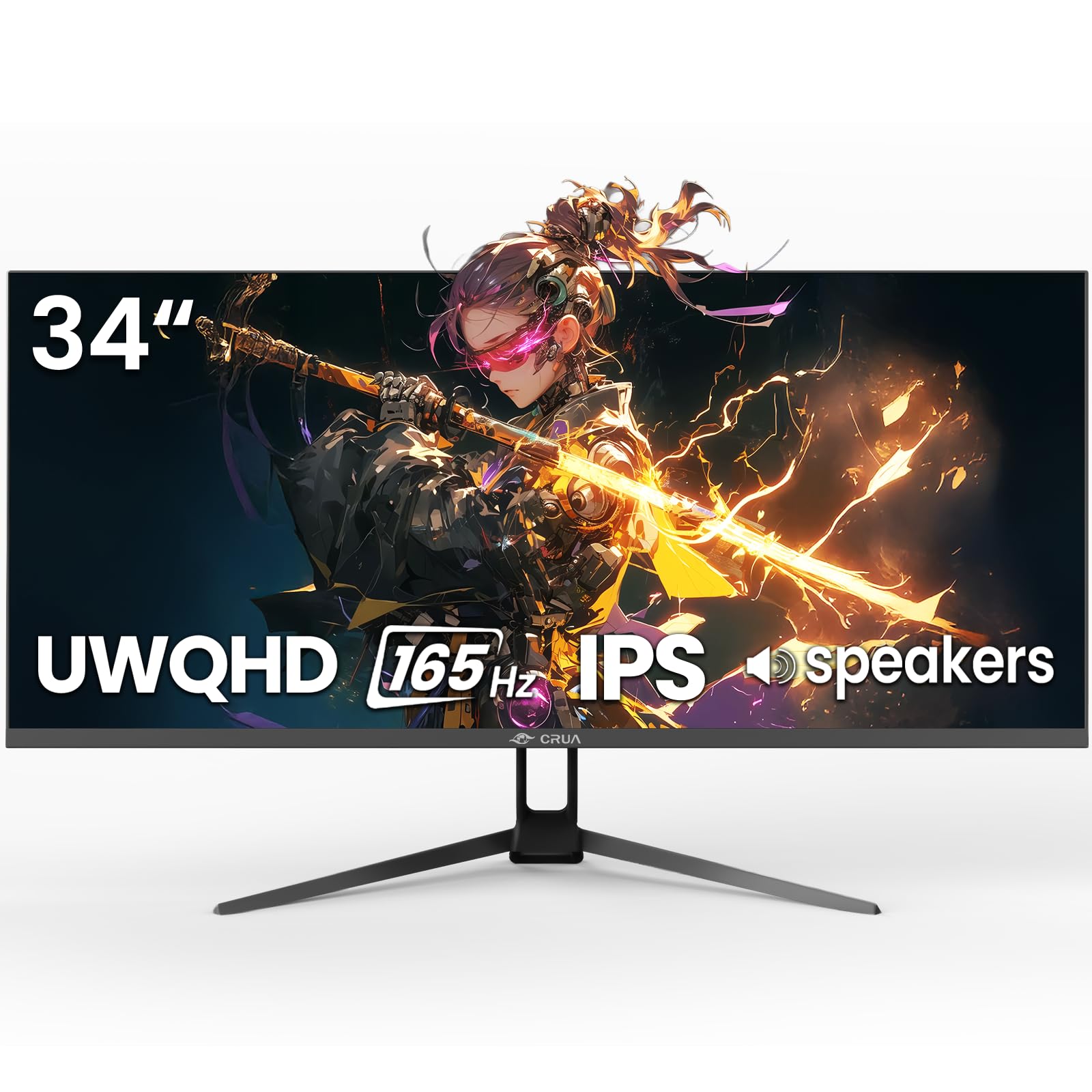
Slika 1: Prednja strana view of the CRUA 34-inch Ultrawide Gaming Monitor.
2. Sadržaj paketa
Provjerite jesu li svi artikli prisutni u paketu:
- 34-inch Ultrawide Monitor
- Baza i stalak
- korisnički priručnik
- DP Cable x1 (4.92 ft)
- Power Adapter x1 (4.92 ft)
3. Upute za postavljanje
3.1 Sastavljanje stalka
- Pažljivo izvadite monitor iz ambalaže i položite ga licem prema dolje na meku, čistu površinu kako biste spriječili ogrebotine.
- Pričvrstite bazu stalka na vrat stalka pomoću priloženih vijaka.
- Align the assembled stand with the mounting points on the back of the monitor and secure it firmly.
3.2 Montaža na zid (opcionalno)
The monitor supports VESA wall mounting (75x75mm). Use appropriate wall mount hardware (not included) and follow the wall mount manufacturer's instructions. Ensure the stand is removed before mounting.
3.3 Povezivanje s uređajem
Povežite monitor s računalom ili drugim uređajima pomoću odgovarajućih kabela.
- DisplayPort (DP 1.4): For optimal performance, including 165Hz refresh rate and FreeSync, use the supplied DP cable.
- HDMI (HDMI 2.0): Podržava brzinu osvježavanja do 100Hz.
- Audio izlaz (3.5 mm): Spojite vanjske zvučnike ili slušalice.

Slika 2: Stražnji dio view of the monitor displaying available ports and wall mount area.
3.4 Priključak za napajanje
Connect the power adapter to the monitor's DC input port, then plug the power adapter into a power outlet.
4. Upute za rad
4.1 Uključivanje/isključivanje
Press the power button located on the monitor to turn it on or off. The monitor will typically detect an active input signal automatically.
4.2 Izbornik na zaslonu (OSD)
Use the control buttons (often a joystick or set of buttons) on the monitor to navigate the OSD menu. This menu allows you to adjust various display settings.
Ključne postavke:
- Svjetlina/kontrast: Adjust image luminance and distinction.
- Postavke boja: Fine-tune color temperature, gamma, and saturation. The monitor features 120% sRGB, 8-bit color depth, and 16.7 million colors for vivid visuals.
- Izvor ulaza: Ručno odaberite između HDMI i DisplayPort ulaza.
- Stopa osvježavanja: Ensure your device is configured to output at 165Hz (via DP) or 100Hz (via HDMI) for the smoothest experience.
- FreeSync: Enable AMD FreeSync for tear-free gaming. This feature synchronizes the monitor's refresh rate with your GPU's frame rate.

Figure 3: Visual representation of 165Hz refresh rate and FreeSync in action.
4.3 PIP/PBP Functions
The monitor supports Picture-in-Picture (PIP) and Picture-by-Picture (PBP) modes, allowing you to display content from multiple input sources simultaneously.
- PIP način rada: Displays a smaller window from a second source over the main display.
- PBP način rada: Divides the screen into multiple sections, each displaying a different input source side-by-side.

Figure 4: Illustration of PIP and PBP modes for multitasking.
4.4 Ugrađeni zvučnici
The monitor includes built-in speakers for audio output. You can also connect external speakers or headphones via the 3.5mm audio port for enhanced sound.
5. Održavanje
5.1 Čišćenje monitora
- Uvijek isključite monitor prije čišćenja.
- Lagano koristite meku krpu koja ne ostavlja dlačice dampvodom ili blagim, neabrazivnim sredstvom za čišćenje ekrana.
- Ne prskajte sredstvo za čišćenje direktno na ekran.
- Izbjegavajte korištenje alkohola, amonijaka ili abrazivnih sredstava za čišćenje jer mogu oštetiti površinu zaslona.
5.2 Opća briga
- Držite monitor dalje od izravne sunčeve svjetlosti, izvora topline i prekomjerne prašine.
- Osigurajte odgovarajuću ventilaciju oko monitora.
- Izbjegavajte stavljanje teških predmeta na monitor ili njegove kabele.
6. Rješavanje problema
Ako imate problema s monitorom, pogledajte sljedeća uobičajena rješenja:
- Bez napajanja: Provjerite je li kabel za napajanje sigurno spojen i na monitor i na utičnicu. Provjerite radi li adapter za napajanje.
- Nema signala: Check that the video cable (DP or HDMI) is firmly connected to both the monitor and your computer. Select the correct input source in the OSD menu. If using HDMI, ensure your device's display settings are compatible with the monitor's capabilities (e.g., set to 60Hz if experiencing issues at higher refresh rates).
- Image Flickering/Distortion: Check cable connections. Ensure your graphics card drivers are up to date. Try a different video cable. If FreeSync is enabled, try disabling it to see if the issue persists.
- Loša kvaliteta slike: Adjust brightness, contrast, and color settings in the OSD menu. Ensure the display resolution is set to 3440x1440P on your connected device.
- Bez zvuka: Verify that the audio cable (if using external speakers) is connected correctly. Check the volume settings on both the monitor and your computer. Ensure the correct audio output device is selected in your computer's sound settings.
Ako problem i dalje postoji nakon što ste isprobali ove korake, obratite se korisničkoj podršci.
7. Specifikacije
| Značajka | Specifikacija |
|---|---|
| Marka | CRUA |
| Broj modela | CR340G |
| Veličina zaslona | 34 inča |
| Rezolucija | UWQHD 3440 x 1440 Pixels |
| Omjer slike | 21:9 |
| Tehnologija zaslona | IPS |
| Brzina osvježavanja | 165 Hz |
| Vrijeme odziva | 1 milisekunda |
| Svjetlina | 380 cd/m² |
| Omjer kontrasta | 1000:1 |
| Raspon boja | 120% sRGB |
| Viewing kut | 178 stupnja |
| Povezivost | 2x HDMI 2.0, 1x DisplayPort 1.4, 1x 3.5mm Audio |
| Adaptivna sinkronizacija | AMD FreeSync |
| Dodatne značajke | Built-In Speakers, PIP & PBP function, Tilt Adjustment |
| Vrsta montaže | Desk Mount/Wall Mount (75x75mm VESA) |
| Dimenzije predmeta (D x Š x V) | 9"D x 32"Š x 17"V |
8. Jamstvo i podrška
8.1 Informacije o jamstvu
This CRUA monitor comes with a Jamstvo 1 godine. Additionally, a 30-day free return and exchange policy is provided from the date of purchase. Please retain your proof of purchase for warranty claims.
8.2 Korisnička podrška
For technical assistance, warranty claims, or any questions regarding your CRUA monitor, please contact CRUA customer support through the retailer where the product was purchased or visit the official CRUA webweb mjesto za kontakt podatke.