
1. Uvod
This manual provides essential information for setting up, operating, and maintaining your Auusda 15.6-inch FHD Laptop. Designed for work, study, and entertainment, this laptop features an Athlon Silver 3050E Processor, 32GB DDR4 RAM, and a 1TB SSD for efficient performance and ample storage. Its thin and light design enhances portability, making it suitable for various environments.
Key features include a vibrant 15.6-inch Full HD IPS display, comprehensive connectivity options, a secure fingerprint reader, and a backlit keyboard for comfortable use in diverse lighting conditions. The laptop comes pre-installed with Windows 11 Pro.


2. Postavljanje
2.1 Raspakiranje i početni pregled
Carefully remove the laptop and its accessories from the packaging. Ensure all components are present and undamaged.
- Auusda 15.6" FHD Laptop
- 12V 3A punjač
- US Layout Keyboard Cover
- Korisnički priručnik (ovaj dokument)
2.2 Uključivanje i početna konfiguracija
- Connect the charger to the laptop's DC-in port and a power outlet.
- Otvorite poklopac prijenosnog računala. Prijenosno računalo se može automatski uključiti ili ćete možda morati pritisnuti gumb za uključivanje/isključivanje.
- Slijedite upute na zaslonu da biste dovršili postavljanje sustava Windows 11 Pro, uključujući jezik, regiju, mrežnu vezu i stvaranje korisničkog računa.
- For secure login, configure the integrated fingerprint reader during setup or via Windows Settings later.
3. Operacija
3.1 Prikaz i vizualni elementi
The laptop features a 15.6-inch Full HD (1920x1080) IPS display, providing crisp and vibrant visuals. The narrow bezel design enhances the viewing experience for various tasks, from document editing to streaming media.

3.2 Procesor i performanse
Powered by an Athlon Silver 3050E Processor with 2 cores and 4 threads, the laptop offers a base frequency of 1.4 GHz and a maximum turbo frequency of up to 2.8 GHz. This configuration supports daily office tasks, online learning, and video playback efficiently.

3.3 Memorija i pohrana
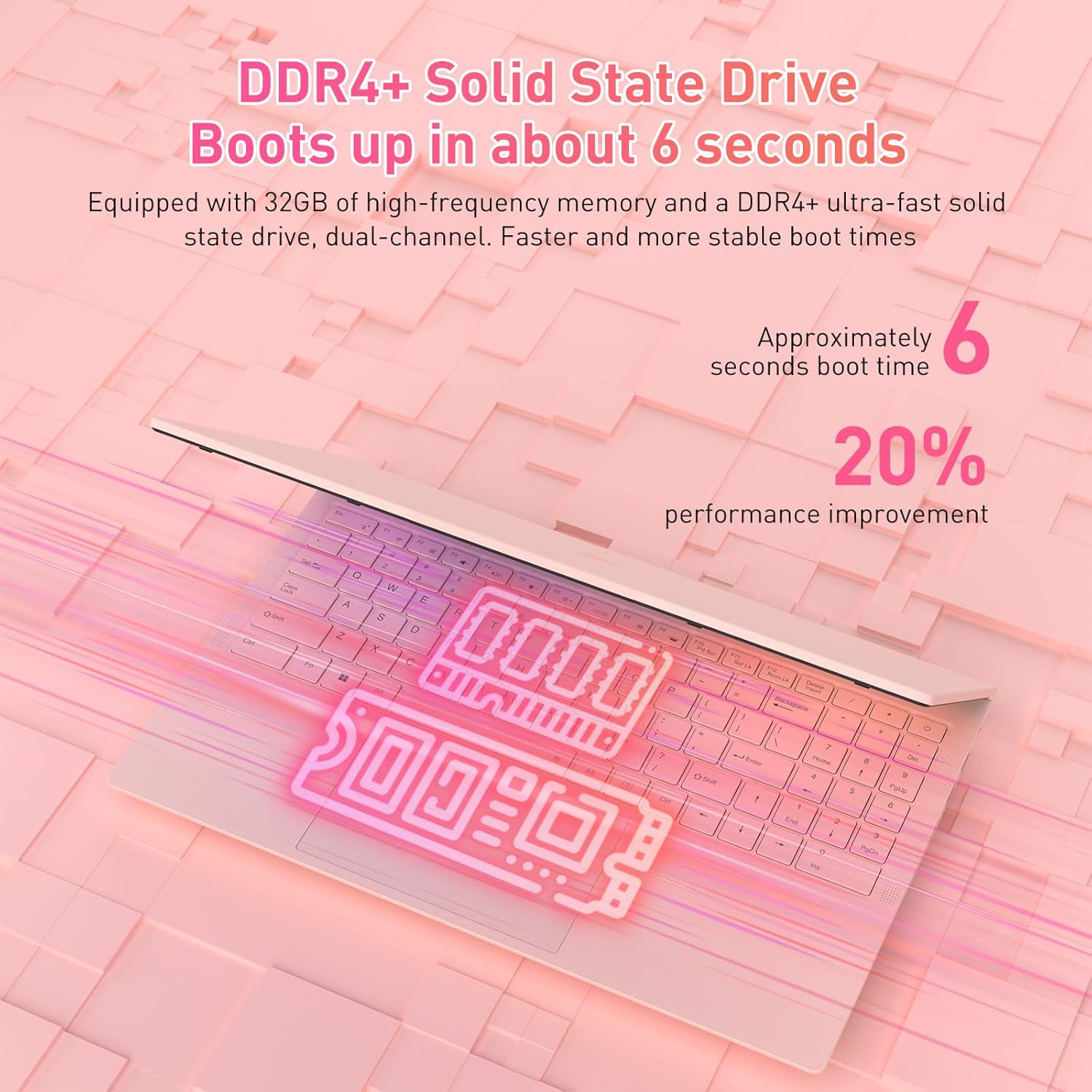
The laptop is equipped with 32GB of DDR4 RAM (2400 MHz) and a 1TB M.2 SATA 3.0 SSD. This combination ensures fast boot times (approximately 6 seconds) and smooth multitasking, allowing you to run multiple applications without significant slowdowns.

3.4 Keyboard and Security Features
The full-size backlit keyboard includes a numeric keypad for enhanced productivity. The large touchpad provides precise navigation. For secure access, the laptop is equipped with an integrated fingerprint reader, allowing for quick and reliable unlocking.

The laptop also features a privacy camera, which can be physically covered for enhanced security.
3.5 Povezivost
The Auusda laptop offers a variety of ports and wireless options for versatile connectivity:
- USB priključci: 1x USB 3.0, 2x USB 2.0
- Vrsta C priključka: Full-featured, supporting charging and data transfer.
- HDMI: Za spajanje na vanjske zaslone.
- Audio: 3.5 mm utičnica za slušalice.
- Čitač kartica: Utor za TF karticu.
- Bežični: Built-in Wi-Fi 5 (802.11a/b/g/n) and Bluetooth 5.0.
- Sigurnost: Security Lock Slot.
- Vlast: DC Jack for charging.

3.6 Proširenje na više ekrana
The laptop supports multi-screen expansion, allowing you to connect external monitors via the HDMI port for an extended desktop experience, enhancing productivity for work or entertainment.
While not primarily a gaming laptop, the Athlon Silver 3050E processor with RX Vega 3 integrated graphics can handle some lighter gaming titles. For optimal performance in gaming, ensure your system drivers are up to date.
4. Održavanje
4.1 Čišćenje
- Za čišćenje zaslona koristite meku krpu koja ne ostavlja dlačice. Za tvrdokorne mrlje, dampobrišite krpu vodom ili sredstvom za čišćenje posebno za ekrane.
- Obrišite tipkovnicu i kućište lagano krpomamp krpom. Izbjegavajte prekomjernu vlagu.
- Redovito čistite otvore ventilatora kako biste spriječili nakupljanje prašine, što može utjecati na performanse hlađenja.
4.2 Njega baterija
- Izbjegavajte često potpuno pražnjenje baterije.
- Prijenosno računalo čuvajte na hladnom i suhom mjestu kada ga ne koristite dulje vrijeme.
- Use only the provided charger to prevent damage to the battery and laptop.
4.3 Ažuriranja softvera
Regularly check for and install Windows updates and driver updates (especially for graphics and chipset) to ensure optimal performance and security. You can typically find driver updates on the Auusda support webstranica ili službena stranica AMD-a website for the Athlon processor.
5. Rješavanje problema
If you encounter issues with your laptop, refer to the following common troubleshooting steps:
- Laptop se ne uključuje: Ensure the charger is securely connected and the power outlet is functional. Try pressing and holding the power button for 10-15 seconds.
- Problemi sa zaslonom (nema slike, treperenje): Spojite vanjski monitor putem HDMI-ja kako biste provjerili je li problem s unutarnjim zaslonom prijenosnog računala. Ponovno pokrenite prijenosno računalo.
- Spore performanse: Close unnecessary applications, check for background processes, ensure sufficient free storage space, and run a malware scan.
- Connectivity problems (Wi-Fi, Bluetooth): Check if wireless adapters are enabled in Windows settings. Restart your router/modem for Wi-Fi issues.
- Tipkovnica ili dodirna ploča ne reagiraju: Restart the laptop. Ensure no external devices are interfering.
- Pregrijavanje: Ensure the laptop's vents are clear and not obstructed. Use the laptop on a hard, flat surface to allow for proper airflow.
For persistent issues, please contact Auusda customer support.
6. Specifikacije
| Značajka | Detalj |
|---|---|
| Marka | Auusda |
| Naziv modela | T156A-3050E-32GB+1TB |
| Broj modela artikla | 3050E |
| Veličina zaslona | 15.6 inča |
| Razlučivost zaslona | 1920 x 1080 piksela (Full HD IPS) |
| Procesor | AMD Athlon Silver 3050E (1.4 GHz base, up to 2.8 GHz) |
| OVAN | 32 GB DDR4 SDRAM (2400 MHz) |
| Skladištenje | 1 TB SSD (PCIE x 2 interface) |
| Grafički koprocesor | RX Vega 3 (Integrated Graphics) |
| Operativni sustav | Windows 11 Pro |
| Bežična vrsta | 802.11a/b/g/n (Wi-Fi 5), Bluetooth 5.0 |
| USB priključci | 1x USB 3.0, 2x USB 2.0, 1x Type-C (Full-Featured) |
| Ostale luke | HDMI, 3.5mm Headphone Jack, TF Card Slot, DC Jack, Security Lock Slot |
| Težina artikla | 3.7 funti |
| Dimenzije proizvoda | 14 x 11 x 0.7 inča |
| Boja | Ružičasta |
| Posebne značajke | Anti Glare Coating, Backlit Keyboard, Fingerprint Reader, Numeric Keypad, Portable |
| Baterija | 1x 12V battery (included) |
7. Jamstvo i podrška
7.1 Jamstvo proizvođača
Your Auusda laptop comes with a 2-year manufacturer-backed coverage. This warranty covers defects in materials and workmanship under normal use. Please retain your proof of purchase for warranty claims.
7.2 Korisnička podrška
For technical assistance, warranty claims, or any questions regarding your Auusda laptop, please contact our customer support team:
- Email: Auusda.ltd@gmail.com (as per A+ content FAQ)
- Online: Log in to your Amazon buyer account, find your order, and click "Get Help" or "Ask questions" to reach the seller.
When contacting support, please provide your order number and a detailed description of the issue, including any relevant videos or screenshots.
