
1. Uvod
Welcome to the NIMO N15A 15.6" Laptop User Manual. This guide provides essential information for setting up, operating, maintaining, and troubleshooting your new laptop. Please read this manual thoroughly to ensure optimal performance and longevity of your device.
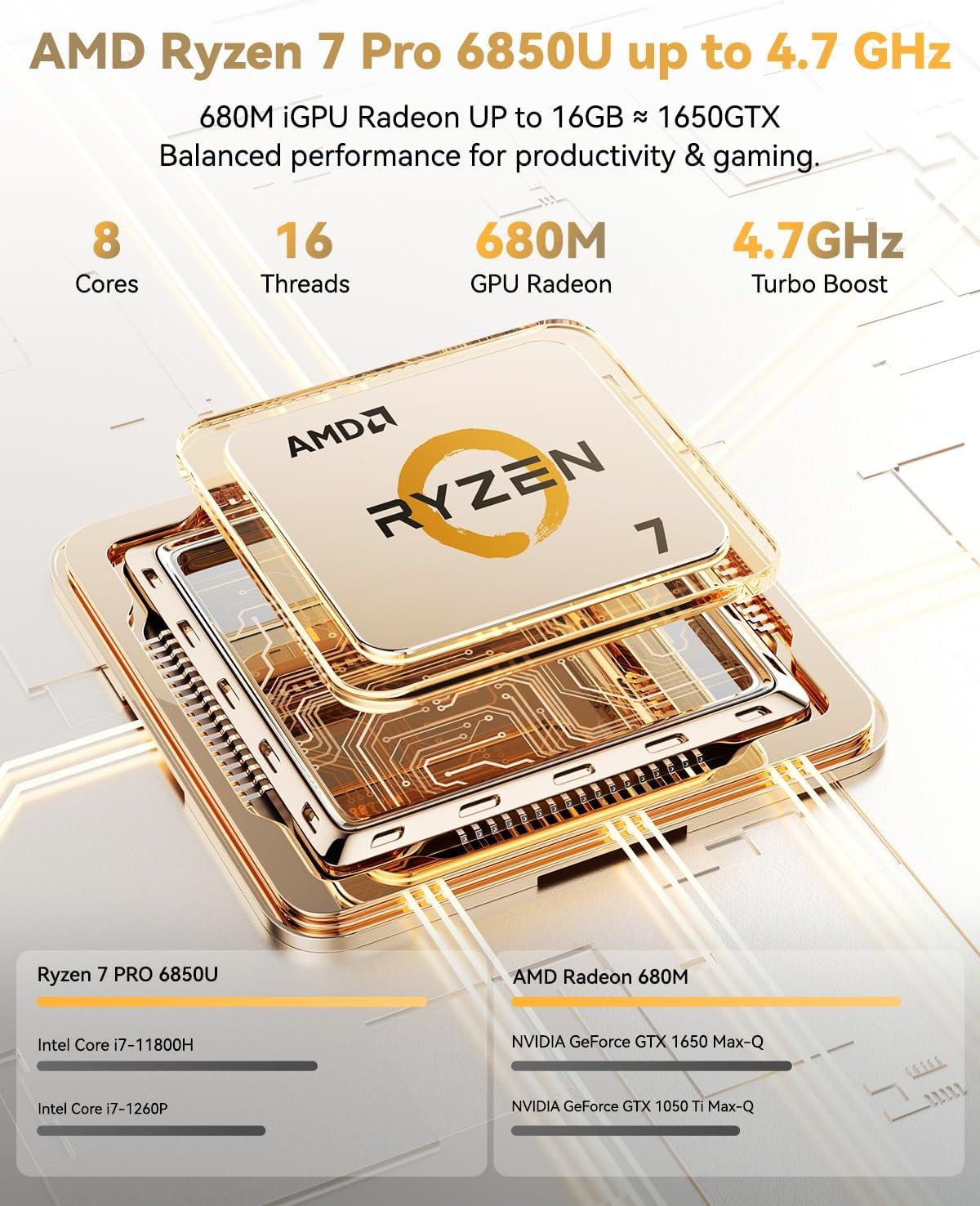
Figure 1: NIMO N15A 15.6" Laptop
2. Sigurnosne informacije
To prevent damage to your NIMO N15A laptop and ensure your safety, please observe the following guidelines:
- Use only original chargers and regularly inspect cables for any signs of damage.
- Handle the laptop by its base and consider using a protective case to prevent physical damage.
- Izbjegavajte stavljanje teških predmeta na prijenosno računalo.
- Ensure the laptop is placed on a hard, flat surface to allow for proper ventilation and prevent overheating.
- Keep the device away from extreme temperatures and moisture.
- Do not overcharge the battery. Discontinue use immediately if the battery shows signs of swelling or damage.
- Set strong passwords, keep your software updated, use antivirus protection, and regularly back up your data.
- In case of liquid spills, immediately unplug the laptop and allow it to dry completely before attempting to power it on.
- For any issues, consult qualified professionals. Do not attempt to disassemble or repair the laptop yourself, as this may void the warranty and cause further damage.
3. Što je u kutiji
Your NIMO N15A laptop package includes the following items:
- 1 x NIMO N15A Laptop
- 1 x Type-C 100W PD Fast Charger
- 1 x Korisnički priručnik (ovaj dokument)
- Windows 11 Home (unaprijed instaliran)
- Warranty Information (2 Years Warranty, 90 Days Return)
Video 1: Unboxing and Initial Setup of the NIMO 15.6" Laptop. This video demonstrates the contents of the package and the first steps to power on the device.
4. Proizvod je gotovview
4.1. Fizičke značajke
The NIMO N15A laptop features a durable metal shell, combining a sleek aesthetic with robust protection. Its slim profile and lightweight design (3.75 lbs) make it highly portable.
4.2. Priključci i povezivost
The laptop is equipped with a variety of ports for versatile connectivity:
- Čitač mikro SD kartica
- USB 2.0 priključak
- USB 3.2 Ports (multiple)
- Utičnica za slušalice
- Utor za zaključavanje Kensington
- HDMI priključak
- Type-C (Multifunction) Ports (multiple, supporting 100W PD fast charging)
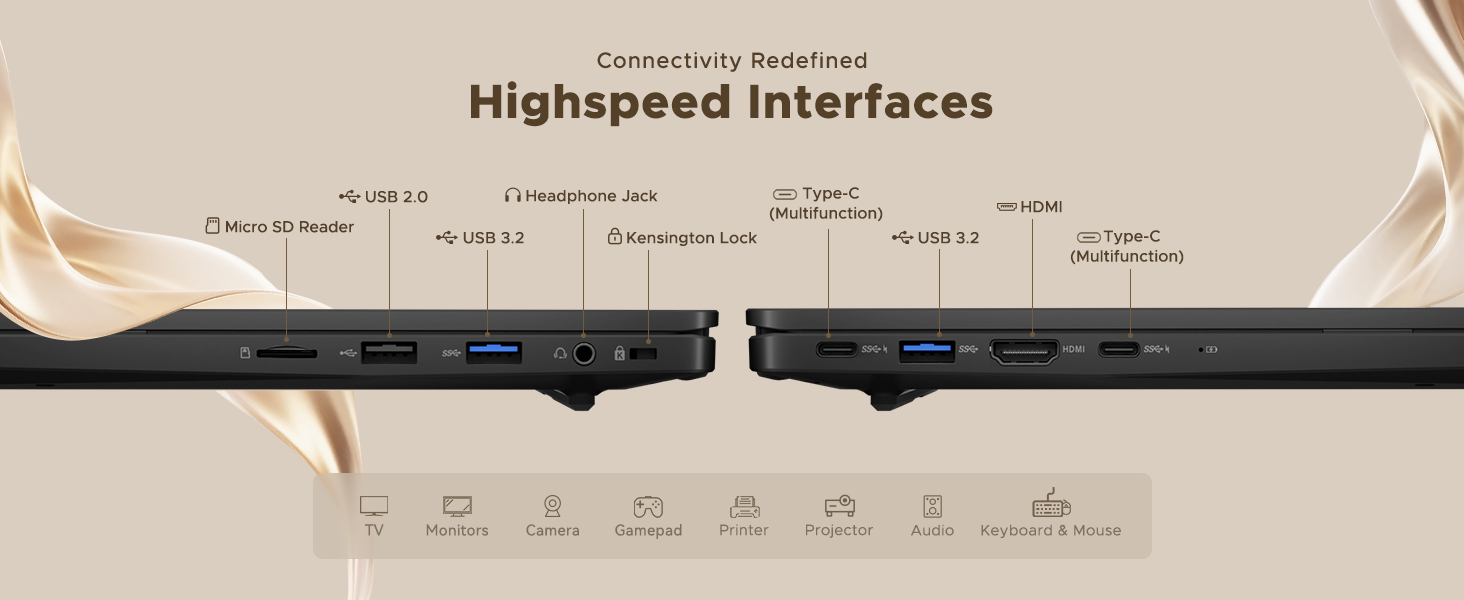
Figure 2: High-Speed Interfaces and Ports
Video 2: NIMO Laptop Overview. This video highlights the laptop's design, display, camera, keyboard, and various ports.
5. Postavljanje
5.1. Početno uključivanje
- Unpack your NIMO N15A laptop and all accessories from the box.
- Connect the 100W Type-C PD Fast Charger to the laptop's Type-C port and a power outlet.
- Otvorite poklopac prijenosnog računala. Prijenosno računalo se može automatski uključiti ili ćete možda morati pritisnuti gumb za uključivanje/isključivanje.
- Slijedite upute na zaslonu da biste dovršili postavljanje sustava Windows 11 Home, uključujući jezik, regiju, mrežnu vezu i stvaranje korisničkog računa.
5.2. Povezivanje na Wi-Fi
Tijekom početnog postavljanja ili u bilo kojem trenutku možete se povezati s Wi-Fi mrežom:
- Kliknite ikonu Wi-Fi mreže u programskoj traci (donji desni kut zaslona).
- Odaberite željenu Wi-Fi mrežu s popisa.
- Unesite mrežnu lozinku ako se to od vas zatraži i kliknite "Poveži se".
6. Upravljanje prijenosnim računalom
6.1. Prikaz
The NIMO N15A features a 15.6" Full HD (1920x1080) IPS anti-glare display with an 85% screen-to-body ratio, providing clear and vibrant visuals for work, entertainment, and light gaming.
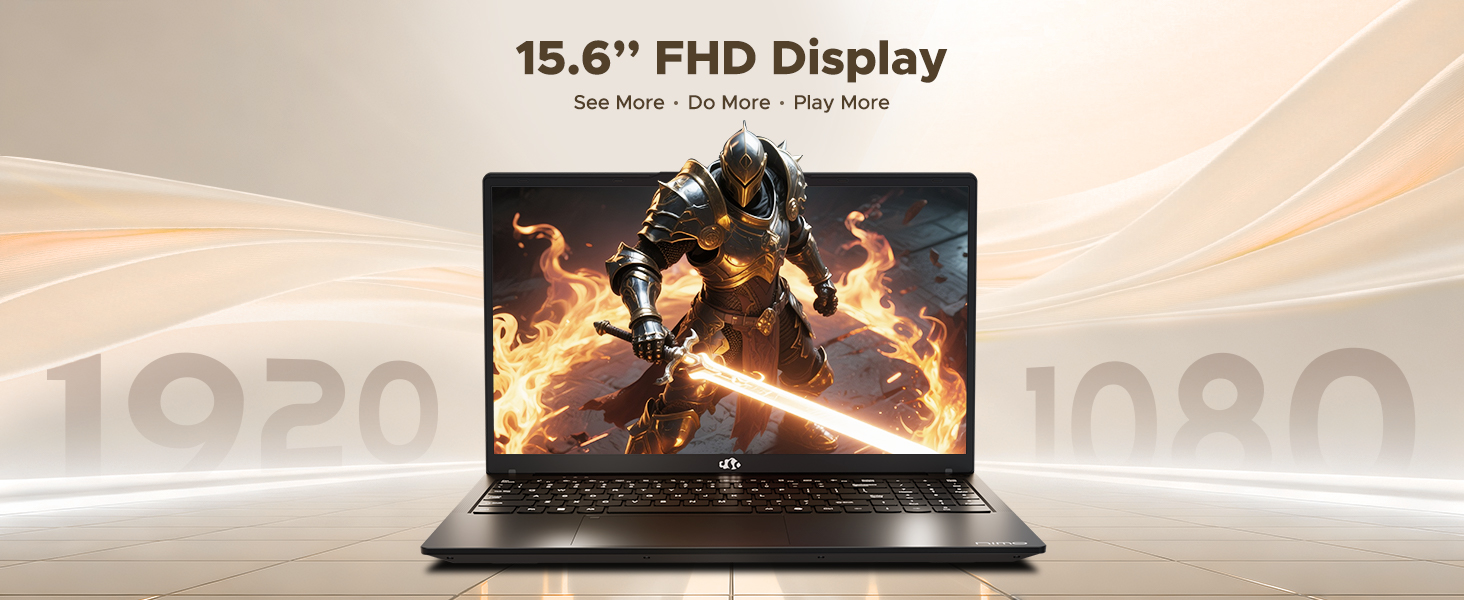
Figure 3: 15.6" FHD IPS Display
6.2. Tipkovnica i dodirna podloga
The laptop includes an ergonomic backlit keyboard for comfortable typing in various lighting conditions and a precision gesture touchpad for smooth navigation.
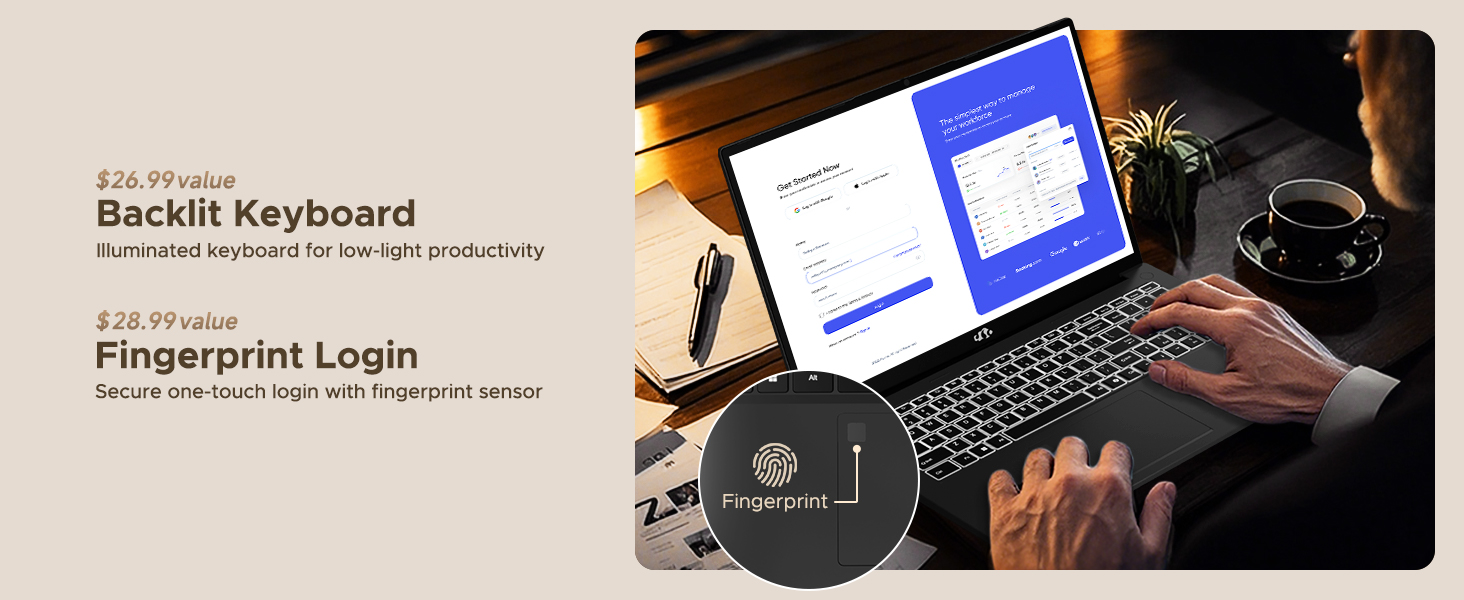
Figure 4: Backlit Keyboard and Fingerprint Sensor
6.3. Fingerprint Login
For enhanced security and convenience, the laptop features a fingerprint reader integrated into the touchpad. You can set up fingerprint login through Windows Settings for quick and secure access.
6.4. Fotoaparat
The integrated 2MP front camera is suitable for video calls and online meetings. It includes a privacy shutter for when the camera is not in use.

Figure 5: Privacy-Focused Camera Convenience
6.5. Performanse
Powered by the AMD Ryzen 7 Pro 6850U processor (8 cores, 16 threads, up to 4.7GHz) and AMD Radeon 680M GPU, the NIMO N15A delivers balanced performance for productivity, content creation, and light gaming.
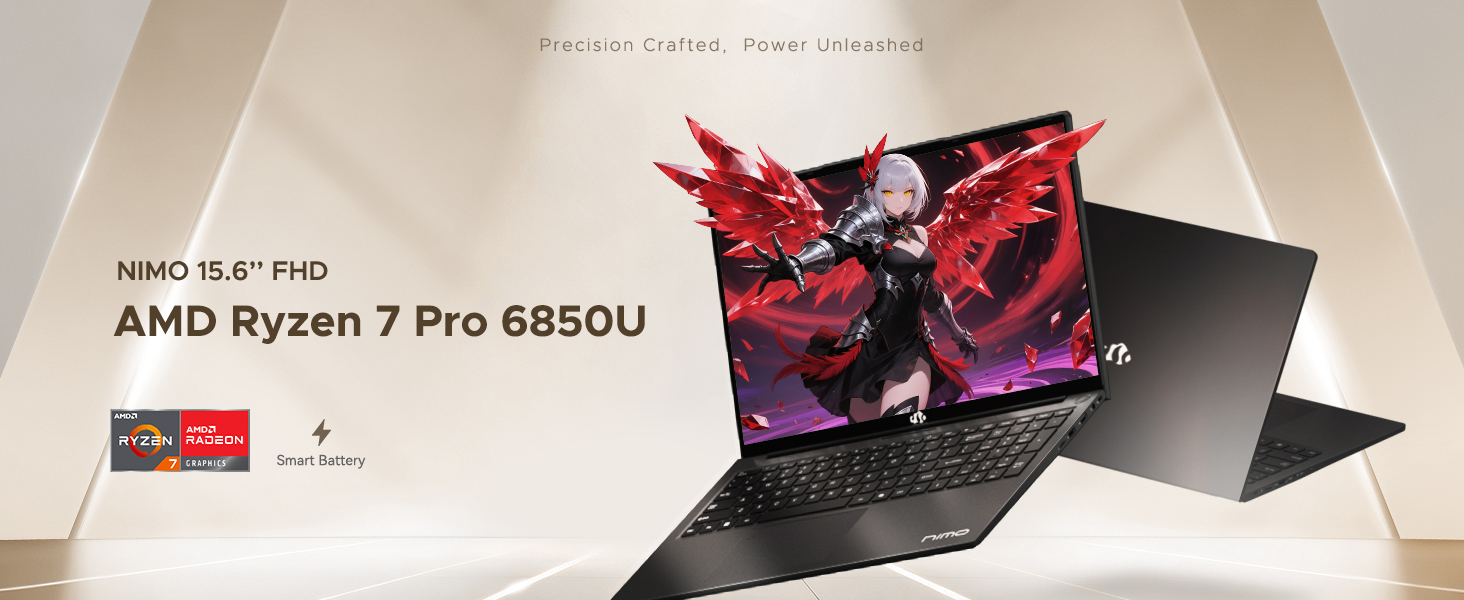
Figure 6: AMD Ryzen 7 Pro 6850U Processor Details
Video 3: NIMO Gaming Laptop Demonstration. This video showcases the laptop's performance in gaming and creative applications.
7. Punjenje i baterija
The NIMO N15A is equipped with a 53.58 Watt-Hour Lithium Polymer battery, offering up to 9 hours of typical use and 12.75 hours of standby time. It supports 100W USB-C PD fast charging, allowing for approximately 2 hours of use from just a 15-minute charge.
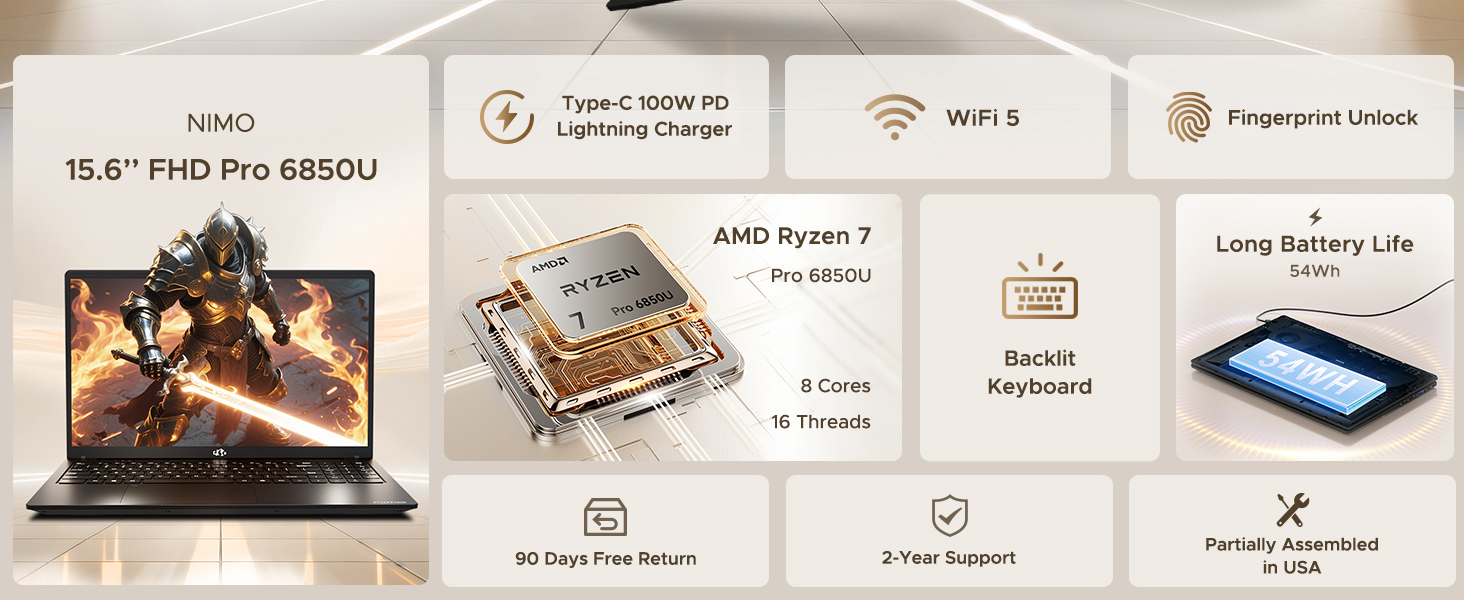
Figure 7: 100W USB-C Fast Charging
8. Pohrana i memorija
The laptop features 16GB of lightning-fast LPDDR5 RAM (6400 MHz) for seamless multitasking and a pre-installed 1TB PCIe 4.0 SSD for rapid boot times and file prijenosi.
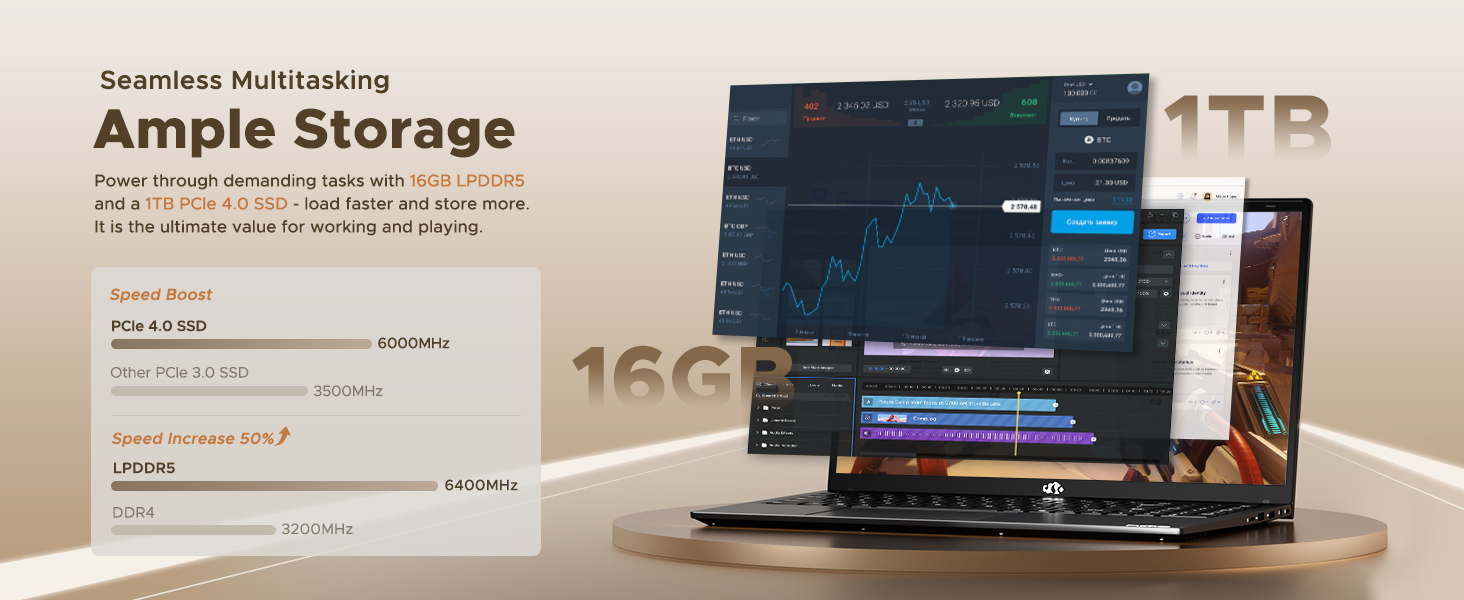
Figure 8: 16GB LPDDR5 RAM and 1TB PCIe 4.0 SSD
9. Održavanje
Regular maintenance helps ensure the longevity and optimal performance of your NIMO N15A laptop:
- Čišćenje: Za čišćenje zaslona i vanjske površine koristite meku krpu koja ne ostavlja dlačice. Za tvrdokorne mrlje laganoampOperite krpu vodom ili sredstvom za čišćenje ekrana. Izbjegavajte jake kemikalije.
- Ažuriranja softvera: Regularly install operating system and driver updates to ensure security and performance improvements.
- Ventilacija: Keep the ventilation openings clear of obstructions to prevent overheating. Avoid using the laptop on soft surfaces like beds or couches for extended periods.
- Njega baterije: To prolong battery life, avoid fully discharging the battery frequently. If storing the laptop for a long time, charge it to about 50-60%.
- Sigurnosna kopija podataka: Periodically back up your important filena vanjski disk ili pohranu u oblaku kako biste spriječili gubitak podataka.
10. Rješavanje problema
If you encounter issues with your NIMO N15A laptop, try the following basic troubleshooting steps:
- Laptop se ne uključuje: Ensure the charger is securely connected and the power outlet is functional. Try a different outlet or charger if available.
- Zaslon je prazan: Connect an external monitor to check if the display is the issue. If the external monitor works, the laptop's screen may require service.
- Spore performanse: Zatvorite nepotrebne aplikacije, provjerite ima li zlonamjernog softvera, osigurajte dovoljno slobodnog prostora za pohranu i ažurirajte upravljačke programe.
- Problemi s Wi-Fi povezivošću: Restart your router and modem. Ensure Wi-Fi is enabled on your laptop and try reconnecting to the network.
- Tipkovnica ili dodirna ploča ne reagiraju: Restart the laptop. If the issue persists, check for driver updates.
For more complex issues, please refer to the support section or contact NIMO customer service.
11. Specifikacije
Below are the detailed specifications for the NIMO N15A laptop:
| Značajka | Specifikacija |
|---|---|
| Marka | NIMO |
| Naziv modela | NIMO N15A |
| Veličina zaslona | 15.6 inča |
| Rezolucija | 1920x1080 piksela (FHD IPS) |
| Boja | Crna |
| Model procesora | AMD Ryzen 7 Pro 6850U (8 jezgri, 16 niti, do 4.7 GHz) |
| Grafički koprocesor | AMD Radeon 680M (integrirana) |
| Veličina instalirane RAM memorije | 16 GB LPDDR5 (6400 MHz) |
| Veličina tvrdog diska | 1024 GB (1TB PCIe 4.0 SSD) |
| Operativni sustav | Windows 11 Home |
| Posebne značajke | Backlit Keyboard, Fingerprint Reader, HD Audio, Numeric Keypad |
| Tehnologija povezivanja | Bluetooth, Wi-Fi (802.11a/b/g/n/ac) |
| Ukupno USB priključaka | 5 |
| Ukupno HDMI priključaka | 1 |
| Trajanje baterije | 9 Hours (typical use), 12.75 Hours (standby) |
| Sadržaj energije baterije | 53.58 vatnih sati |
| Webcam Capability | Yes (2 MP Front Camera) |
| Težina artikla | 3.75 funti |
| Item Dimensions L x W x Thickness | 14.07"D x 8.98"Š x 0.76"D |
12. Jamstvo i podrška
12.1. Informacije o jamstvu
Your NIMO N15A laptop comes with a 2-godišnje jamstvo proizvođača from NIMO Direct Inc. This warranty covers manufacturing defects and ensures peace of mind for your purchase.
12.2. Politika povrata
A 90-day hassle-free return policy is provided, allowing you to return the product if you are not completely satisfied.
12.3. Korisnička podrška
For any technical assistance, warranty claims, or support inquiries, please contact NIMO customer service. Our dedicated support team is ready to provide quick and effective assistance.
Please visit the official NIMO website or refer to the contact information provided with your product for the most up-to-date support details.