
1. Uvod
Thank you for choosing the NIMO 15.6-inch FHD Gaming Laptop. This manual provides essential information for setting up, operating, and maintaining your device. Please read it carefully to ensure optimal performance and longevity of your laptop.
2. Što je u kutiji
- 1 x NIMO N158 Laptop
- 1 x Type-C 100W PD Fast Charger
- 1 x korisnički priručnik
- Windows 11 Home (Pre-installed)
- 2 Years Warranty, 90 Days Return Information
3. Proizvod je gotovview
3.1 Hardverske značajke
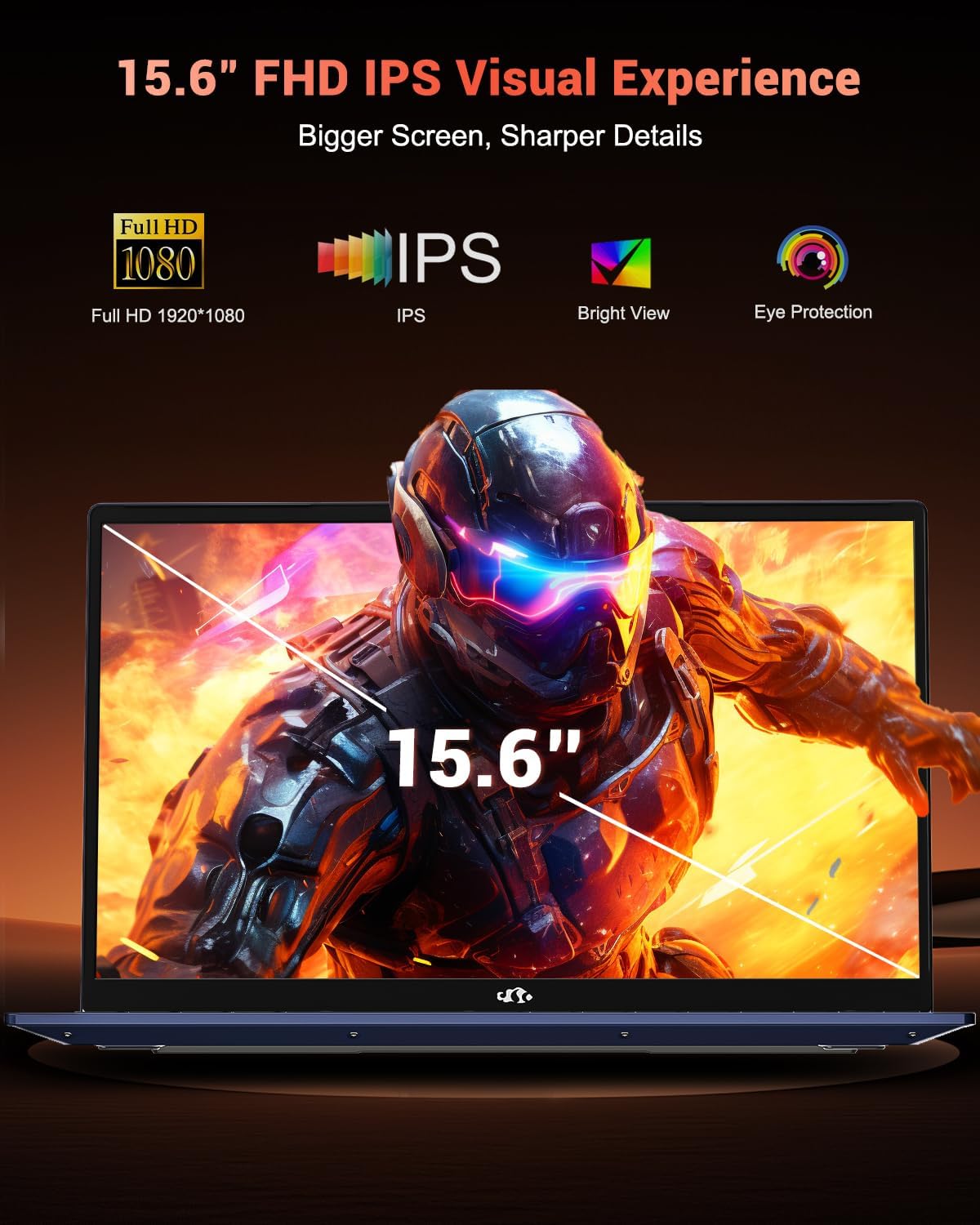
- Prikaz: 15.6-inch Full HD (1920 x 1080 pixels) IPS Anti-Glare Display with 85% screen-to-body ratio.
- Procesor: AMD Ryzen 7 8745HS (8 Cores, 16 Threads, up to 4.9GHz).
- Grafika: Integrated AMD Radeon 780M GPU.
- OVAN: 16 GB DDR5 RAM-a (4800 MHz).
- Skladištenje: 512GB PCIe 4.0 SSD.
- Operativni sustav: Windows 11 Home.
- Webkamera: 2 MP Rear Webcam Resolution with privacy camera switch.
- Tipkovnica: Ergonomic Backlit Keyboard with Numeric Keypad.
- Sigurnost: Fingerprint Reader integrated into the touchpad.
- Baterija: 75Wh Smart Battery, offering up to 15.5 hours of average battery life.
- Dimenzije: 14.08 x 9.04 x 0.71 inča.
- Težina: 3.75 funti.
- Boja: Plava.
3.2 Priključci i priključci
The NIMO N158 laptop is equipped with a variety of ports for versatile connectivity:
- 1 x USB 2.0 priključak
- 3 x USB 3.0 priključka
- 1 x USB-C 4.0 Port (supports 100W PD fast charging, high-speed data transfer, external display)
- 1 x HDMI priključak
- 1 x priključak za slušalice
- 1 x utor za mikro SD karticu
- 1 x utor za Kensington bravu
Slika: Bočno view of the NIMO N158 laptop highlighting its various ports including USB, HDMI, and USB-C.
4. Postavljanje
4.1 Početno uključivanje
- Izvadite laptop i svu dodatnu opremu iz kutije.
- Connect the 100W Type-C PD Fast Charger to the laptop's USB-C port and a power outlet.
- Open the laptop lid. The laptop may power on automatically or you may need to press the power button.
- Slijedite upute na zaslonu da biste dovršili početno postavljanje sustava Windows 11, uključujući jezik, regiju, mrežnu vezu i stvaranje korisničkog računa.
Video: A user unboxes and powers on the NIMO N158 laptop, demonstrating the initial setup process for Windows 11.
5. Upute za rad
5.1 Uključivanje/isključivanje
- Za uključivanje: Otvorite poklopac ili pritisnite gumb za napajanje.
- Za isključivanje: Kliknite gumb Start, zatim Napajanje i odaberite 'Isključi'.
- Ponovo pokrenuti: Kliknite gumb Start, zatim Napajanje i odaberite 'Ponovno pokretanje'.
- Za spavanje: Close the lid or click the Start button, then Power, and select 'Sleep'.
5.2 Fingerprint Login
The integrated fingerprint reader allows for secure and instant login:
- During Windows 11 setup or via Windows Settings, configure your fingerprint for login.
- Place your registered finger on the touchpad's fingerprint sensor to unlock your device.
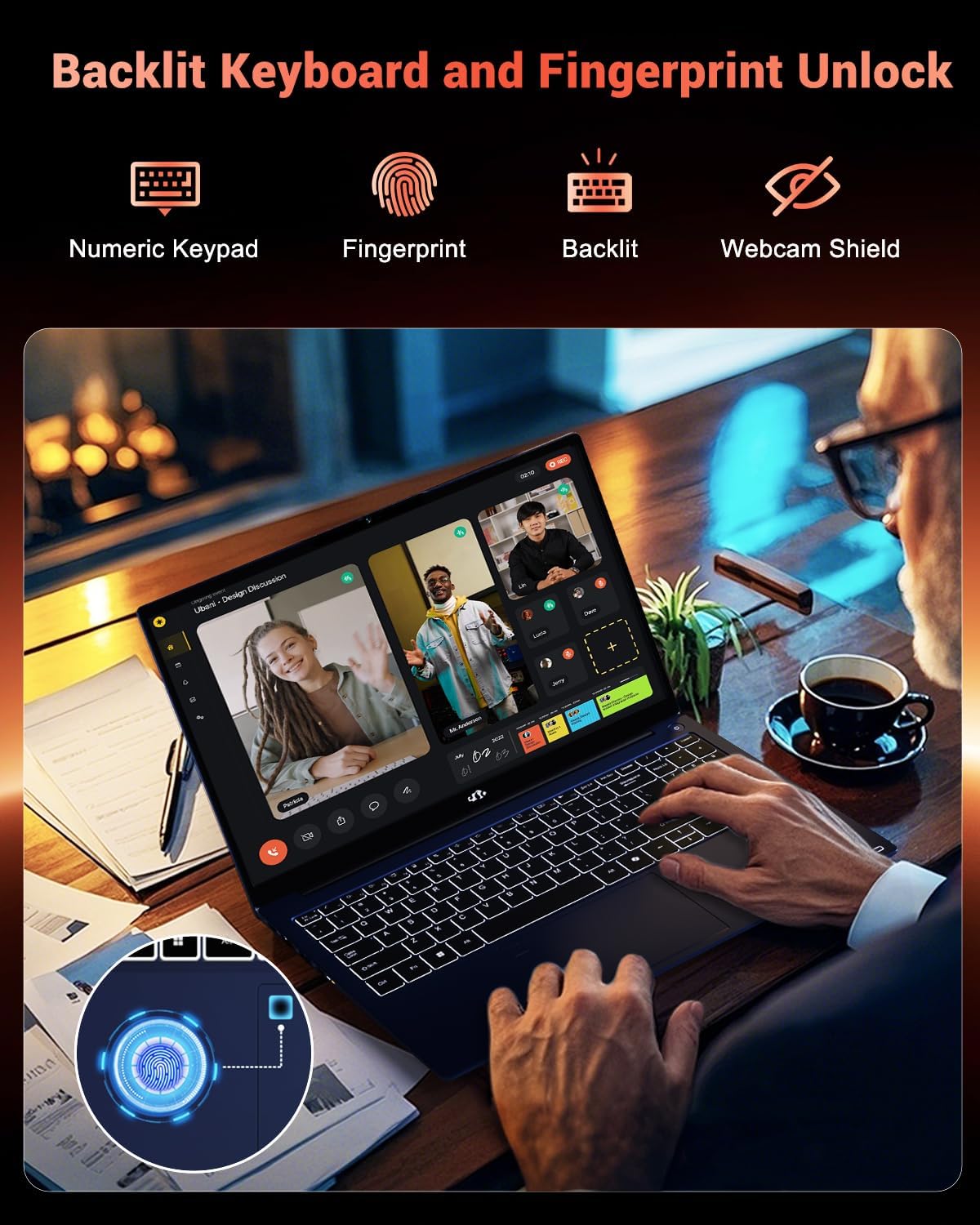
Image: A finger is shown interacting with the fingerprint sensor on the laptop's touchpad.
5.3 Pozadinsko osvjetljenje tipkovnice
The backlit keyboard allows for comfortable typing in low-light conditions. Use the dedicated function keys (Fn + Fx) to adjust brightness levels or toggle the backlight on/off.

Image: A user typing on the NIMO N158 laptop's illuminated backlit keyboard.
5.4 WebPrekidač za privatnost kamere
For enhanced privacy, the 2MP webcam features a physical privacy switch. Slide the switch to cover or uncover the camera lens as needed.
6. Značajke izvedbe
The NIMO N158 is engineered for balanced performance in productivity, content creation, and gaming.
- AMD Ryzen 7 8745HS Processor: Delivers desktop-class performance with 8 cores and 16 threads, boosting up to 4.9GHz for demanding tasks.
- AMD Radeon 780M GPU: Provides capable integrated graphics for seamless gaming across various titles and accelerated creative workflows.
- 16GB DDR5 RAM: Ensures blazing-fast speeds and efficient multitasking.
- 512GB PCIe 4.0 SSD: Offers rapid boot times, quick application loading, and fast data transfer.

Image: Visual representation of the AMD Ryzen 7 8745HS processor's core specifications.

Image: The laptop screen showing multiple applications and games, demonstrating the integrated Radeon 780M graphics performance.
7. Povezivost
The NIMO N158 provides next-generation connectivity options:
- USB-C 4.0: A versatile port for high-speed data transfer, fast charging, and connecting external displays or eGPUs.
- Više USB priključaka: Connect various peripherals such as external hard drives, mice, and keyboards.
- HDMI: Easily connect to external monitors or TVs for a larger display.
- Bežični: Supports 802.11a/b/g/n/ac for reliable internet access.
8. Baterija i punjenje
The laptop features a 75Wh Smart Battery and comes with a 100W PD (Power Delivery) fast charger.
- A 15-minute charge can provide approximately 2 hours of usage.
- The versatile USB-C charger can also power other compatible devices.
- Avoid overcharging the battery and use only original chargers.

Image: Illustration of the laptop's charging capabilities and battery performance.
9. Održavanje
To ensure the longevity and optimal performance of your NIMO laptop, follow these maintenance guidelines:
- Keep the laptop clean by regularly wiping the screen and keyboard with a soft, lint-free cloth.
- Ensure proper ventilation by placing the laptop on a hard, flat surface. Avoid blocking the ventilation grilles.
- Keep the laptop away from extreme temperatures, direct sunlight, and moisture.
- Handle the laptop by its base and consider using a protective case for transport.
- Do not place heavy items on the laptop.
- Redovito izrađujte sigurnosne kopije podataka kako biste spriječili njihov gubitak.
- Keep your operating system and software updated.
10. Rješavanje problema
If you encounter any issues with your NIMO laptop, consider the following basic troubleshooting steps:
- Bez napajanja: Ensure the charger is properly connected and the power outlet is functional. Try a different outlet or charger if available.
- Problemi sa zaslonom: If the screen is black, try adjusting the brightness or connecting to an external monitor to check if the display is the issue.
- Spora izvedba: Close unnecessary applications, check for malware, or ensure sufficient free storage space.
- Problemi s povezivanjem: Ponovno pokrenite usmjerivač i prijenosno računalo. Provjerite postavke Wi-Fi-ja i provjerite jesu li upravljački programi ažurirani.
- Izlijevanje tekućine: Immediately unplug the laptop and dry it thoroughly. Do not attempt to power it on until completely dry.
For persistent issues, consult the NIMO support team. Do not attempt to disassemble the laptop yourself, as this may void your warranty.
11. Specifikacije
| Značajka | Specifikacija |
|---|---|
| Marka | NIMO |
| Naziv modela | NIMO N158B |
| Veličina zaslona | 15.6 inča |
| Razlučivost zaslona | 1920 x 1080 piksela (FHD) |
| Procesor | AMD Ryzen 7 8745HS (up to 4.9 GHz) |
| OVAN | 16 GB DDR5 (4800 MHz) |
| Tvrdi disk | 512 GB SSD (PCIe 4.0) |
| Grafički koprocesor | AMD Radeon 780M |
| Operativni sustav | Windows 11 Home |
| Bežična vrsta | 802.11a/b/g/n/ac |
| USB 2.0 priključci | 1 |
| USB 3.0 priključci | 3 |
| USB-C priključci | 1 (USB-C 4.0, 100W PD) |
| Prosječno trajanje baterije | 15.5 sata |
| Težina artikla | 3.75 funti |
| Dimenzije proizvoda | 14.08 x 9.04 x 0.71 inča |
| Boja | Plava |
| Posebne značajke | Backlit Keyboard, Fingerprint Reader, HD Audio, Numeric Keypad |
12. Jamstvo i podrška
Your NIMO laptop is backed by a commitment to quality and customer satisfaction.
- 2-godišnje jamstvo: Your purchase includes a 2-year manufacturer's warranty.
- 90-dnevna politika povrata bez problema: Enjoy a 90-day return period for your convenience.
- U.S.-Supported: Dedicated support team available for quick, worry-free solutions.
For any product-related questions or support, please contact NIMO Direct Inc. through their official webmjesto ili kanale korisničke službe.
13. Sigurnosne informacije
Please adhere to the following safety guidelines to prevent damage to your device and ensure personal safety:
- Use only original chargers and regularly inspect cables for damage.
- Hold the laptop by its base and use a protective case when transporting.
- Avoid placing heavy items on the laptop.
- Place the laptop on a hard, flat surface to ensure proper ventilation and prevent overheating.
- Keep the device away from extreme temperatures and moisture.
- Do not overcharge the battery. Discontinue use if the battery swells or shows signs of damage.
- Set strong passwords, keep software updated, use antivirus protection, and regularly back up your data.
- In case of liquid spills, immediately unplug the device and allow it to dry completely before attempting to power it on.
- For any issues, consult qualified professionals. Do not attempt to disassemble or repair the device yourself.
This laptop is provided "as is," with no express or implied warranties except the manufacturer's limited warranty (if applicable). Implied warranties of merchantability or fitness for a specific purpose are disclaimed. NIMO is not liable for damages resulting from misuse (e.g., non-approved chargers, unauthorized repairs), physical damage, or failure to follow safety rules, including data loss or business interruption. Users must back up data regularly. This disclaimer does not exclude liability for manufacturing defects or violations of mandatory local laws. Using the laptop implies acceptance of these terms, governed by applicable jurisdiction laws.