
1. Uvod
This manual provides essential information for setting up, operating, maintaining, and troubleshooting your NIMO 15.6-inch Laptop N152. Please read this manual thoroughly before using your device to ensure proper functionality and longevity.

Image 1.1: NIMO 15.6-inch Laptop, top-down view.
2. Postavljanje
2.1 Raspakiranje i početni pregled
Carefully remove all components from the packaging. Verify that all items listed in the 'What's in the Box' section (Section 6) are present and undamaged. If any items are missing or damaged, contact customer support.
2.2 Punjenje prijenosnog računala
Before first use, fully charge your NIMO laptop. Connect the provided 65W USB-C PD Fast Charger to the laptop's USB-C port and then to a power outlet. The charging indicator light will illuminate. A 15-minute charge provides approximately 2 hours of use.

Image 2.1: The 65W USB-C PD Fast Charger can charge multiple devices.
2.3 Uključivanje i početna konfiguracija
Press the power button to turn on the laptop. Follow the on-screen instructions to complete the Windows 11 Home setup, including language selection, network connection, and user account creation. You can set up the fingerprint reader during this process for secure login.
3. Upute za rad
3.1 Tipkovnica i dodirna podloga
The NIMO N152 features an ergonomic backlit keyboard. To adjust the backlight brightness or toggle it on/off, use the dedicated function keys (Fn + F-key combination, refer to keyboard legends). The touchpad supports multi-touch gestures for enhanced navigation.
3.2 Čitač otiska prsta
The fingerprint reader is integrated into the touchpad for secure and instant login. Once configured, simply place your registered finger on the sensor to unlock your device.
3.3 Značajke zaslona
The 15.6-inch Full HD (1920x1080) IPS anti-glare display offers clear visuals. The 180° hinge allows the screen to lay completely flat, useful for sharing content or collaborating.

Image 3.1: The 180° lay-flat hinge for versatile viewing.
3.4 Povezivost
The laptop is equipped with various ports for external devices:
- USB 3.0 priključci: Za prijenos podataka velikom brzinom.
- USB 2.0 priključak: Za standardne USB uređaje.
- HDMI: Spajanje na vanjske zaslone ili projektore.
- Priključci tipa C: Za punjenje i prijenos podataka.
- Čitač mikro SD kartica: Za proširenje prostora za pohranu ili prijenos files s memorijskih kartica.
- Audio priključak: Za slušalice ili vanjske zvučnike.
- Kensingtonska brava: Za fizičku sigurnost.
Slika 3.2: Bočna strana view of the NIMO laptop showing available ports.
For wireless connectivity, the laptop supports Wi-Fi 6 for stable, high-speed internet and Bluetooth 5.2 for connecting wireless peripherals.
4. Ključne značajke
4.1 Izvedba
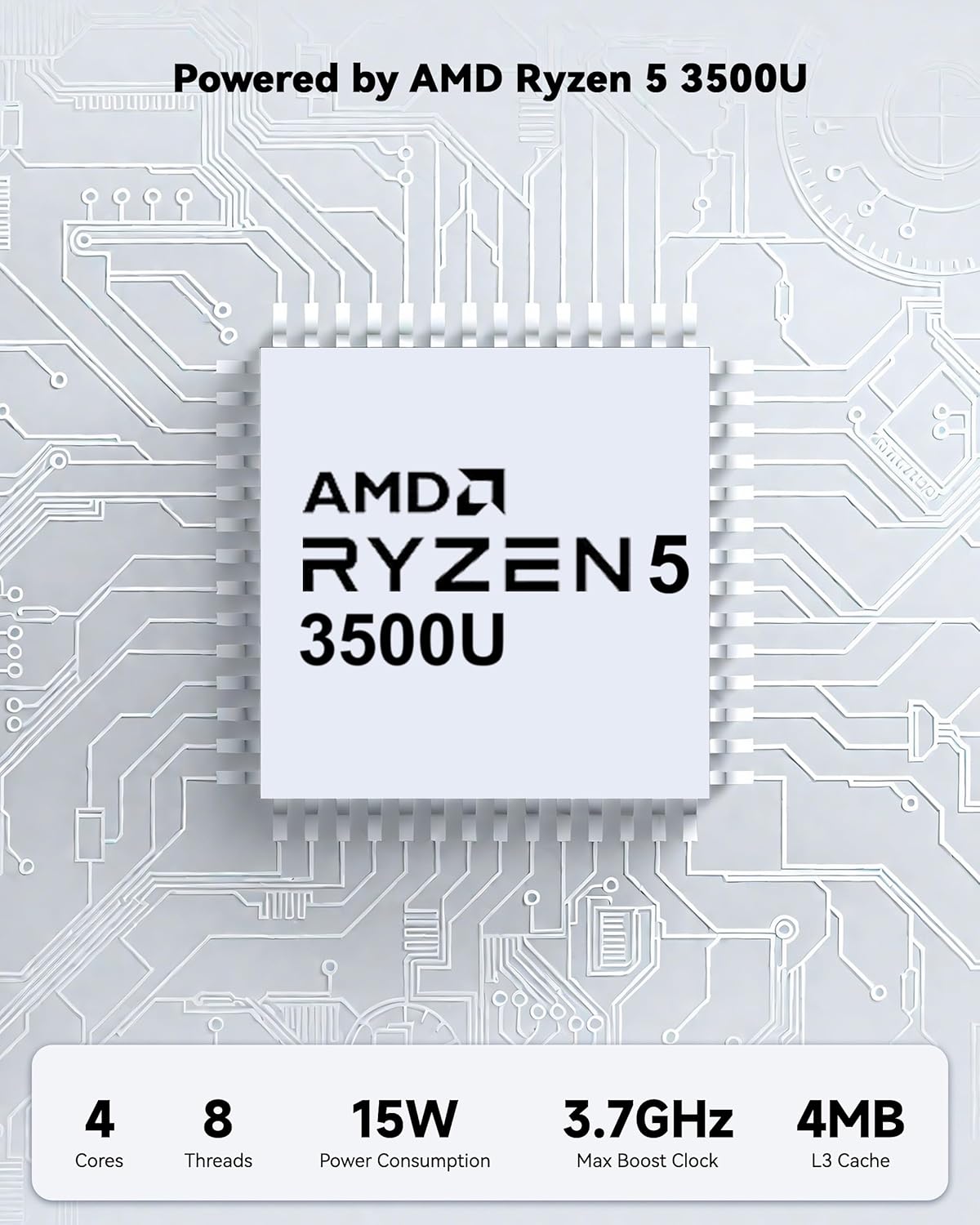
Powered by an AMD Ryzen 5 processor with 4 cores up to 3.7GHz and 16GB DDR4 RAM, the NIMO N152 is designed for efficient multitasking. The 512GB PCIe SSD ensures fast boot-ups and quick file transfers. The RAM is upgradable for future needs.

Image 4.1: AMD Ryzen 5 processor details.
4.2 Visuals and Audio
The 15.6-inch Full HD (1920x1080) IPS anti-glare display provides vibrant visuals with an 85% screen-to-body ratio. The integrated 2MP webcam allows for clear video calls.
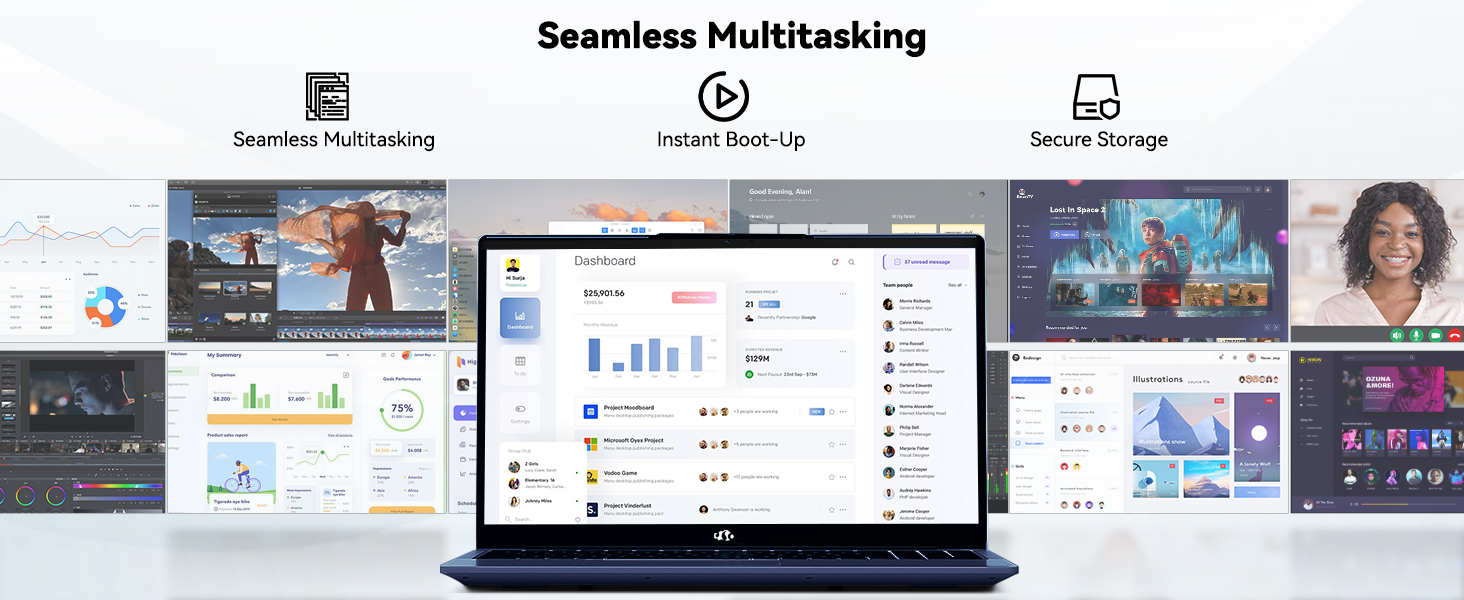
Image 4.2: The laptop's stunning Full HD display.

Image 4.3: The 1080p FHD camera for clear video conferencing.
4.3 Trajanje baterije
The laptop features a 54WH battery with smart battery optimization for extended lifespan and efficient power control, providing approximately 9 hours of average battery life.

Image 4.4: Smart Battery Optimization features.
4.4 Dizajn i prenosivost
The NIMO N152 has a durable metal A-shell and a slim, lightweight design, weighing approximately 3.75 pounds.

Image 4.5: The NIMO laptop's lightweight and slim profile.
4.5 Proizvod višeview Video
Video 4.1: Općenito prekoview of the NIMO 15.6-inch laptop, highlighting its features and design.
4.6 Power and Portability Video
Video 4.2: This video demonstrates the power and portability aspects of the NIMO 15.6-inch laptop.
5. Održavanje
5.1 Čišćenje
- Za čišćenje zaslona i vanjske površine koristite meku krpu koja ne ostavlja dlačice.
- Za tvrdokorne mrlje, lagano natrljajteampkrpu vodom ili sredstvom za čišćenje ekrana.
- Izbjegavajte jake kemikalije, abrazive ili otapala.
- Održavajte ventilacijske otvore čistim od prašine i ostataka kako biste osigurali pravilan protok zraka.
5.2 Njega baterija
- Izbjegavajte često potpuno pražnjenje baterije.
- Prijenosno računalo čuvajte na hladnom i suhom mjestu kada ga ne koristite dulje vrijeme.
- Use only the provided NIMO charger.
5.3 Ažuriranja softvera
Regularly update your operating system and drivers to ensure optimal performance and security. Windows 11 Home will prompt you for updates.
6. Rješavanje problema
6.1 Prijenosno računalo se ne uključuje
- Provjerite je li punjač sigurno spojen i na prijenosno računalo i na ispravnu utičnicu.
- Provjerite je li utičnica funkcionalna tako da priključite drugi uređaj.
- Allow the laptop to charge for at least 30 minutes before attempting to power on again.
6.2 Problemi sa zaslonom
- If the screen is blank, try connecting an external monitor to check if the display output is working.
- Podesite svjetlinu zaslona pomoću funkcijskih tipki.
- Ponovno pokrenite prijenosno računalo.
6.3 Problemi s povezivanjem
- Wi-Fi: Check your router and internet connection. Ensure Wi-Fi is enabled on the laptop.
- Bluetooth: Verify Bluetooth is enabled and devices are in pairing mode.
- USB uređaji: Try connecting the device to a different USB port or another computer to rule out device issues.
6.4 Spore performanse
- Zatvorite nepotrebne aplikacije koje rade u pozadini.
- Provjerite i instalirajte sva ažuriranja za Windows koja su na čekanju.
- Osigurajte dovoljno slobodnog prostora na SSD-u.
- Pokrenite skeniranje virusa.
7. Specifikacije
| Značajka | Specifikacija |
|---|---|
| Naziv modela | NIMO N152 |
| Veličina zaslona | 15.6 inča |
| Razlučivost zaslona | 1920 x 1080 piksela (Full HD IPS) |
| Procesor | AMD Ryzen 5 (4 Cores, up to 3.7 GHz) |
| OVAN | 16 GB DDR4 (Upgradable) |
| Brzina memorije | 3200 MHz |
| Tvrdi disk | 512 GB SSD (PCIe) |
| Grafički koprocesor | AMD Integrated graphics |
| Operativni sustav | Windows 11 Home |
| Bežična vrsta | Wi-Fi 6 (802.11a/b/g/n/ac), Bluetooth 5.2 |
| USB 2.0 priključci | 1 |
| USB 3.0 priključci | 3 |
| Prosječno trajanje baterije | 9 sata |
| Težina artikla | 3.75 funti |
| Dimenzije proizvoda | 14.07 x 8.98 x 0.76 inča |
| Boja | Plava |
| Stražnji Webrezolucija kamere | 2 MP |
| Posebne značajke | Backlit Keyboard, Fingerprint Reader, HD Audio, Numeric Keypad |
7.1 Što se nalazi u kutiji
- 1 x NIMO N152 Laptop
- 1 x Type-C 65W PD Fast Charger
- 1 x korisnički priručnik
- Windows 11 Home (Pre-installed)
8. Jamstvo i podrška
Your NIMO N152 laptop comes with a 2-godišnje jamstvo proizvođača. Additionally, NIMO offers a 90-day hassle-free return and exchange policy. For any product-related questions, technical assistance, or warranty claims, please contact NIMO customer service.
8.1 Podaci za kontakt
For support, you can reach out to the professional after-sales team via email or phone. Please refer to the official NIMO website or product page for the most current contact details.

Image 8.1: NIMO products are covered by a 2-year support.

Image 8.2: 90-Day Return policy.