
1. Uvod
The OMIZN GT5 is a compact, wearable 4G LTE watch-style walkie talkie designed for wide-area and global communication. This device offers push-to-talk functionality with unlimited range over 4G LTE networks, making it suitable for various professional and recreational uses.
Equipped with a built-in SIM card, the GT5 supports communication in up to 172 countries without requiring a contract. Its advanced features include clear voice transmission with noise reduction, secure AES-256 encrypted communication, and flexible wearing options.

The OMIZN GT5 4G LTE Watch Walkie Talkie, showcasing svojim kompaktnim dizajnom i zaslonom.
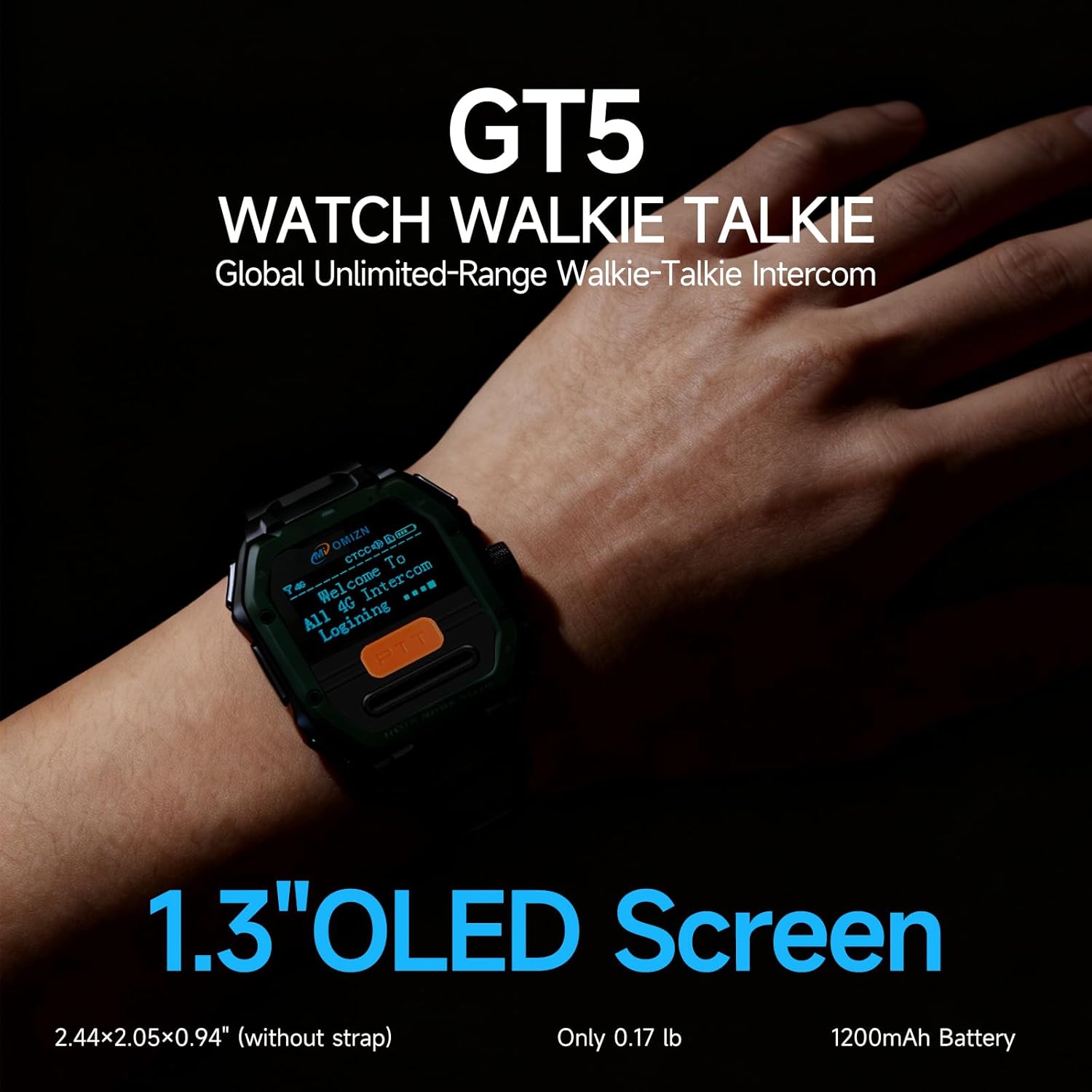
The OMIZN GT5 features a 1.3-inch OLED screen, providing clear visual information to the user.
The device is built with a lightweight PC housing and boasts IP65 dust and water resistance, making it durable for outdoor and industrial environments. Its versatility allows it to be worn on the wrist, neck, chest, or clipped to clothing, adapting to different work and activity scenarios.

The OMIZN GT5 is suitable for a wide range of applications, from outdoor sports to professional team coordination.
2. Početak rada (Postavljanje)
The OMIZN GT5 is designed for immediate use without complex programming, allowing for quick deployment in various settings.
2.1 Punjenje uređaja
Before initial use, ensure the device is fully charged. Connect the provided charging cable to the charging port on the device and a suitable power source. The charging indicator will show the charging status.
2.2 Uključivanje/isključivanje
- Za uključivanje: Press and hold the power button (typically located on the side of the device) until the screen illuminates and the device starts up.
- Za isključivanje: Pritisnite i držite gumb za napajanje dok se na zaslonu ne pojavi opcija isključivanja, a zatim potvrdite svoj odabir.
2.3 Aktivacija SIM kartice
The OMIZN GT5 comes with a pre-installed SIM card. This SIM card enables global communication capabilities without the need for additional contracts or activation steps from your end. The device is ready to connect to 4G LTE networks upon powering on.

The OMIZN GT5 requires no complicated programming, making it user-friendly for all ages.
3. Operacija
3.1 Komunikacija putem tipkovnice (PTT)
The primary method of communication is through the Push-to-Talk (PTT) button.
- Za prijenos: Press and hold the PTT button (usually a prominent button on the side of the watch). Speak clearly into the microphone.
- Za primanje: Otpustite PTT tipku za slušanje dolaznih prijenosa.
3.2 Voice Operated Transmission (VOX)
For hands-free operation, activate the VOX feature. When VOX is enabled, the device will automatically detect your voice and begin transmitting without you needing to press the PTT button. Transmission stops when you stop speaking.

The VOX voice control feature enables hands-free intercom operation for increased efficiency.
3.3 Načini komunikacije
The OMIZN GT5 supports various communication configurations:
- One-on-One Calls: Direct communication with a specific individual.
- Grupni pozivi: Communicate with multiple users simultaneously within a designated group.
- Multi-Group Dispatch: Manage and communicate across up to 200 different groups, ideal for coordinated team management.
3.4 4G LTE povezivost
The device leverages the 4G LTE network to provide unlimited range communication. This ensures stable signals and low latency, allowing for reliable communication across vast distances, including cross-city coordination and remote teamwork.
3.5 Secure and Clear Audio
The OMIZN GT5 prioritizes secure and clear communication:
- AES-256 enkripcija: Built-in end-to-end AES-256 encryption protects your conversations, ensuring privacy and preventing unauthorized listening.
- AI smanjenje šuma: Advanced noise reduction technology filters out up to 99% of background noise, delivering high-fidelity clear voice transmission even in challenging and noisy environments like construction sites or outdoor events.

The OMIZN GT5 features AI noise reduction for clear sound quality, filtering out background noise.

Communication on the OMIZN GT5 is secured with AES-256 digital encryption to protect user privacy.
4. Održavanje i njega
4.1 Otpornost na vodu i prašinu
The OMIZN GT5 is rated IP65 for dust and water resistance. This means it is protected against dust ingress and low-pressure water jets from any direction. It can resist sweat, rain, and splashes from hand washing, making it suitable for daily use and various outdoor conditions.
Važna napomena:
The device is not designed for bathing, swimming, diving, or prolonged submersion in water. Exposure to high-pressure water or submersion may cause damage.
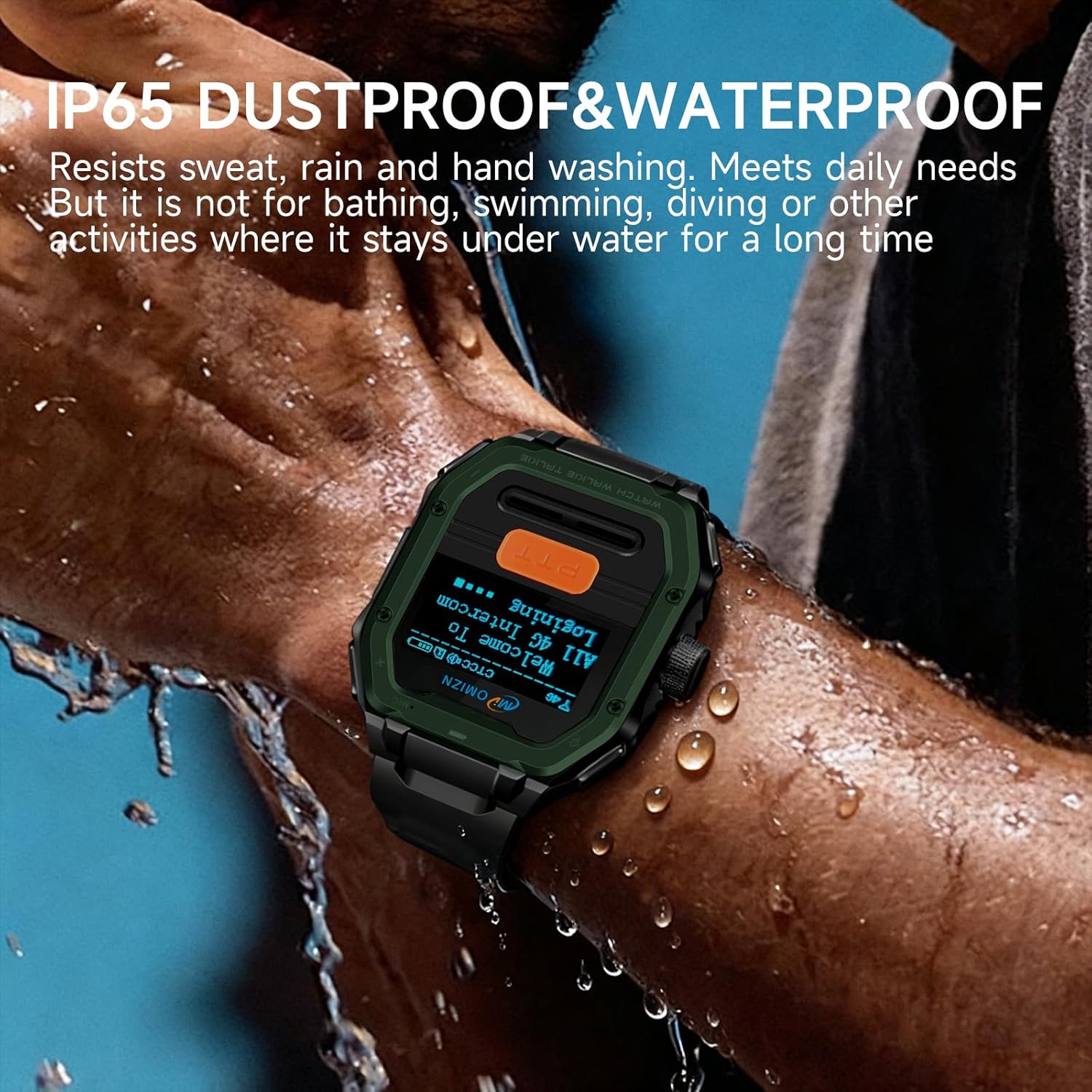
The OMIZN GT5 is IP65 dustproof and waterproof, capable of resisting sweat, rain, and splashes.
4.2 Čišćenje
To clean the device, gently wipe it with a soft, slightly damp cloth. Avoid using harsh chemicals, abrasive cleaners, or solvents, as these can damage the device's finish and internal components.
4.3 Njega baterija
Za maksimiziranje vijeka trajanja i performansi baterije:
- Fully charge the device before its first use and regularly thereafter.
- Avoid exposing the device to extreme temperatures (very hot or very cold), as this can degrade battery performance.
- If storing the device for an extended period, charge it to approximately 50% before storage and recharge every few months.
5. Rješavanje problema
If you encounter issues with your OMIZN GT5, refer to the following troubleshooting tips:
5.1 No Signal or Connectivity Issues
- Check Network Coverage: Ensure you are within an area with 4G LTE network coverage.
- Indikator signala: Verify the signal strength indicator on the device's screen.
- Ponovno pokrenite uređaj: Power off and then power on the device to re-establish network connection.
- Kontaktirajte podršku: If issues persist, contact OMIZN customer support.
5.2 Loša kvaliteta zvuka
- Microphone/Speaker Obstruction: Ensure the microphone and speaker are not blocked by clothing, dirt, or debris.
- Okruženje: Move to a quieter environment if excessive background noise is present.
- Smanjenje buke: Confirm that the AI noise reduction feature is active.
5.3 Uređaj se ne uključuje
- Razina baterije: Connect the device to its charger and allow it to charge for at least 30 minutes.
- Kabel/adapter za punjenje: Ensure the charging cable and adapter are working correctly. Try a different cable or power source if available.
- Hard Reset: If the device is unresponsive, try performing a hard reset (refer to specific instructions if available, or hold the power button for an extended period, e.g., 10-15 seconds).
5.4 Brzo pražnjenje baterije
- Svjetlina zaslona: Smanjite svjetlinu zaslona kako biste uštedjeli energiju.
- Unnecessary Features: Disable features like VOX if not actively needed.
- Mrežni uvjeti: Poor network signal can cause the device to consume more power searching for a connection.
- Obrasci upotrebe: Heavy usage, especially continuous transmission, will deplete the battery faster.
6. Specifikacije
| Značajka | Specifikacija |
|---|---|
| Marka | OMIZN |
| Broj modela | SBDJJ (GT5) |
| Protokol za povezivanje | 4G LTE |
| Broj kanala | 200 |
| Ocjena vodootpornosti | IP65 |
| Dimenzije proizvoda (D x Š x V) | 0.94 cm x 2.05 cm x 2.44 cm |
| Težina artikla | 0.88 funti |
| Voltage | 3.7 volti (DC) |
| Raspon temperature | -20 ℃ do 60 ℃ |
| Kapacitet baterije | 1200mAh (estimated from product images) |
| Posebne značajke | Noise Reduction, Voice Operated Transmission (VOX), Waterproof, Rechargeable, AES-256 Encryption |
7. Jamstvo i podrška
7.1 Informacije o jamstvu
Warranty details for the OMIZN GT5 are typically provided with your purchase documentation. Please refer to the warranty card or information included in your product packaging for specific terms and conditions. You may also find warranty information on the official OMIZN webmjesto.
7.2 Korisnička podrška
For technical assistance, troubleshooting beyond this manual, or service inquiries, please contact OMIZN customer support. You can typically find contact information on the OMIZN brand store on Amazon or through the official OMIZN webmjesto.
Posjetite OMIZN Store on Amazon za više informacija i resurse podrške.