
Uvod
Thank you for choosing the CRUA 34-inch Curved Gaming Monitor. This manual provides essential information for setting up, operating, maintaining, and troubleshooting your new monitor. Please read this manual thoroughly before use to ensure optimal performance and to prevent damage.

Slika: prednja strana view of the CRUA 34-inch Curved Gaming Monitor.
Sadržaj paketa
Provjerite jesu li sve dolje navedene stavke prisutne u vašem paketu:
- CRUA 34-inch Curved Gaming Monitor
- Stalak za monitor (baza i vrat)
- Strujni adapter i kabel
- HDMI kabel
- DisplayPort (DP) kabel
- korisnički priručnik
- Mounting Screws (for stand assembly)
Postavljanje
1. Sastavljanje stalka
- Pažljivo izvadite monitor iz ambalaže, držeći ga zaštićenim na mekoj površini.
- Pričvrstite vrat stalka na ploču monitora pomoću priloženih vijaka.
- Pričvrstite bazu stalka na vrat stalka.
- Sastavljeni monitor postavite na stabilnu, ravnu površinu.
2. Kabeli za spajanje
Spojite potrebne kabele na stražnje priključke monitora:
- Kabel za napajanje: Spojite adapter za napajanje na DC ulaz monitora, a zatim na utičnicu.
- Video ulaz: Connect either an HDMI cable (HDMI 2.0) or a DisplayPort cable (DP 1.4) from your computer's graphics card to the corresponding port on the monitor.
- Audio izlaz: If using external speakers, connect them to the 3.5mm audio output jack.
3. Montaža na zid (opcionalno)
The monitor supports VESA 100x100mm wall mounts. Remove the stand before attaching a compatible wall mount bracket (not included).

Slika: Stražnja strana view of the monitor detailing HDMI, DP, Audio, DC ports, and the 100x100mm VESA wall bracket area.
Upute za rad
1. Uključivanje/isključivanje
Press the power button, usually located on the bottom or back of the monitor, to turn it on or off. The power indicator light will illuminate when the monitor is on.
2. Izbornik s prikazom na zaslonu (OSD).
Use the control buttons (joystick or individual buttons) located on the monitor to navigate the OSD menu. This menu allows you to adjust various display settings.
3. Podešavanje postavki zaslona
Unutar OSD izbornika možete mijenjati postavke kao što su:
- Svjetlina/kontrast: Podesite ukupnu razinu svjetline i kontrasta.
- Postavke boja: Fino podešavanje temperature boje, game i pojedinačnih RGB vrijednosti.
- Izvor ulaza: Ručno odaberite između HDMI i DisplayPort ulaza.
- Stopa osvježavanja: Ensure your system is configured to utilize the monitor's 165Hz refresh rate for smooth visuals.
- AMD FreeSync: Enable or disable FreeSync to synchronize the monitor's refresh rate with your GPU's frame rate, reducing screen tearing and stuttering.
Značajke
The CRUA 34-inch Curved Gaming Monitor is designed to provide an immersive visual experience with high performance and versatile connectivity.
- 34-inch UltraWide WQHD Display: Experience a vast panoramic view with a 3440x1440 resolution and a 21:9 aspect ratio. This provides ample screen space for multitasking, content creation, and immersive gaming.
- Brzina osvježavanja od 165 Hz i AMD FreeSync: Enjoy ultra-smooth gameplay and responsive visuals with a high 165Hz refresh rate. AMD FreeSync technology eliminates screen tearing and motion blur by synchronizing the monitor's refresh rate with your graphics card.
- 3800R Ultra-Curved Immersion: The 3800R curvature wraps the screen around your natural field of view, enhancing immersion and providing a more comfortable viewing experience during extended sessions.
- Reprodukcija živih boja: The VA panel offers 120% sRGB color gamut coverage, 16.7 million display colors, 355 cd/m² brightness, and a 4000:1 contrast ratio, delivering rich, accurate, and vivid visuals.
- Integrated Speakers & Flexible Connectivity: Built-in speakers provide convenient audio without additional hardware. Multiple connectivity options include HDMI 2.0 and DisplayPort 1.4 inputs, ensuring compatibility with various devices.
- Ergonomski dizajn: The stand supports tilt adjustment for comfortable viewing angles. VESA 100x100mm compatibility allows for flexible mounting options in home offices, gaming rooms, or studios.

Image: Visual comparison demonstrating the higher detail of UWQHD (3440x1440) resolution versus FHD (1920x1080).

Image: Depiction of 165Hz refresh rate and the visual difference with AMD FreeSync enabled versus disabled, showing reduced tearing.
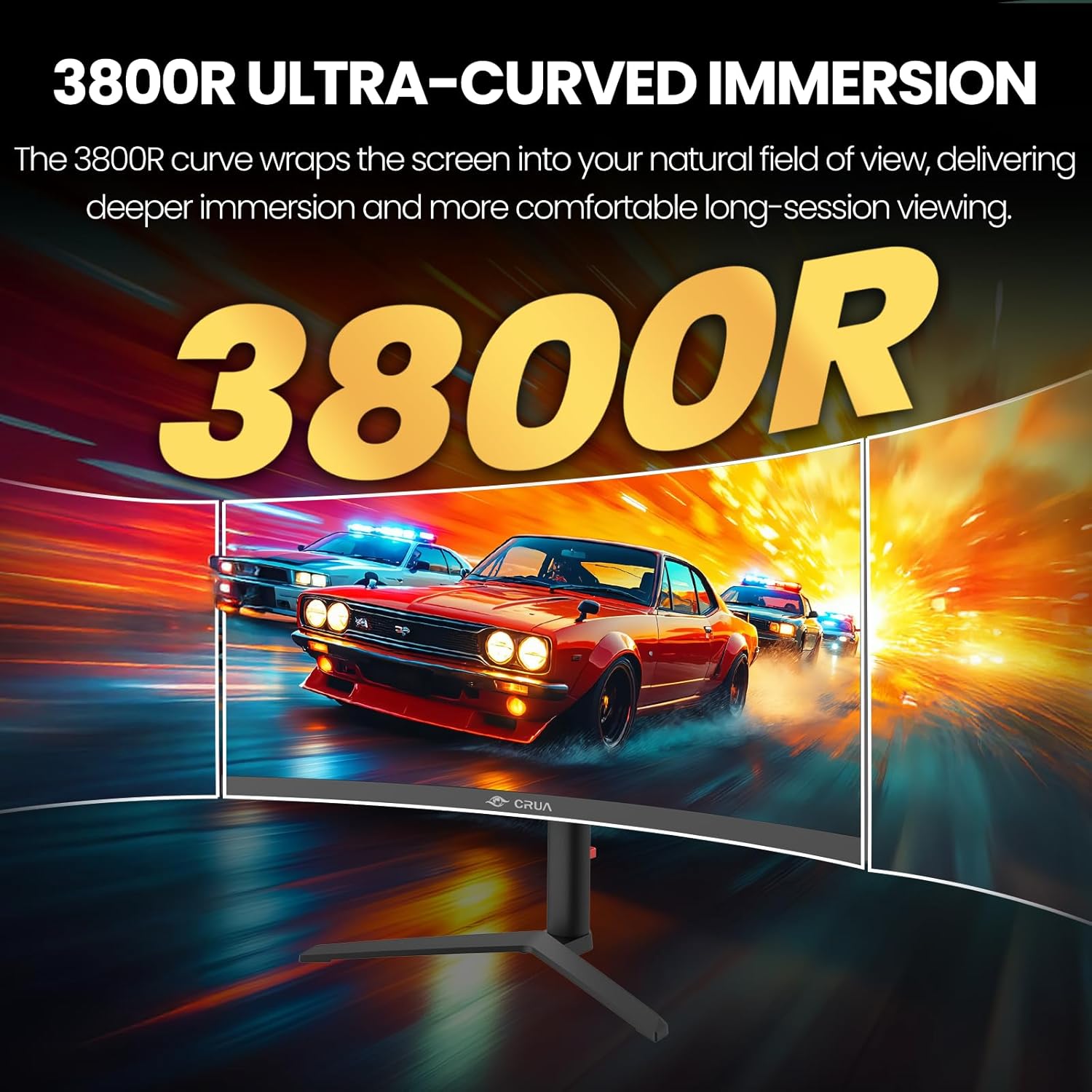
Image: Visual representation of the 3800R ultra-curved screen, demonstrating how it enhances immersion.
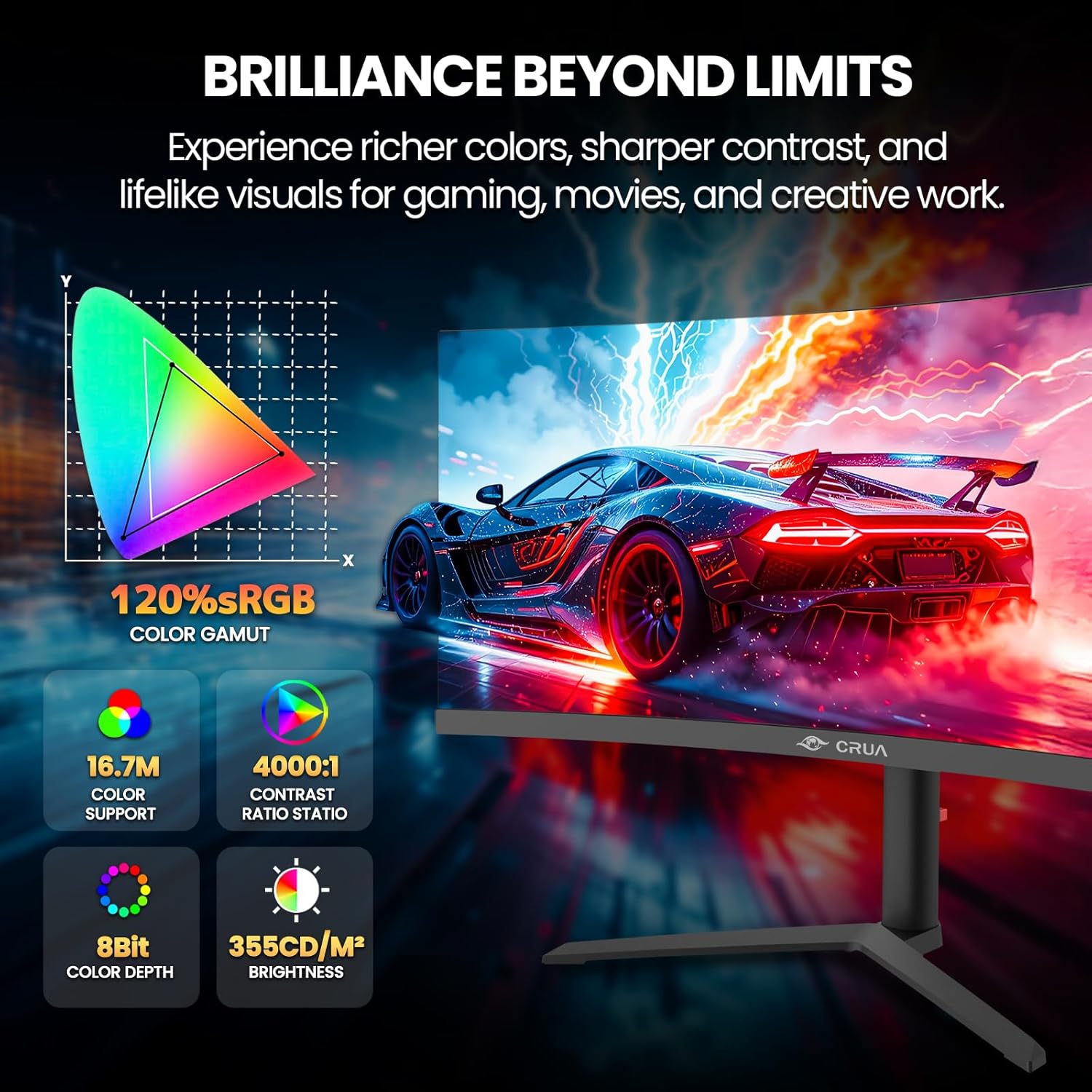
Image: Details on the monitor's color performance, highlighting 120% sRGB, 16.7 million colors, 4000:1 contrast ratio, and 355 cd/m² brightness.
Tehnički podaci
| Značajka | Specifikacija |
|---|---|
| Marka | CRUA |
| Broj modela | CR340QA |
| Veličina zaslona | 34 inča |
| Rezolucija | 3440 x 1440 (WQHD ultraširokokutni) |
| Omjer slike | 21:9 |
| Zakrivljenost | 3800R |
| Vrsta ploče | VA |
| Brzina osvježavanja | 165 Hz |
| Vrijeme odziva | 1 ms |
| Svjetlina | 355 cd/m² |
| Omjer kontrasta | 4000:1 |
| Raspon boja | 120% sRGB |
| Viewing kut | 178 ° (H) / 178 ° (V) |
| Tehnologija prilagodljive sinkronizacije | AMD FreeSync |
| Povezivost | 2x HDMI 2.0, 2x DisplayPort 1.4, 1x 3.5mm Audio Out |
| Ugrađeni zvučnici | Da |
| Kompatibilnost VESA nosača | 100 x 100 mm |
| Dimenzije (D x Š x V) | 10.2 x 81.3 x 35.6 cm (otprilike) |
| Težina | 20 lbs (približno) |
Rješavanje problema
Ako naiđete na probleme s monitorom, pogledajte sljedeće uobičajene probleme i rješenja:
- Bez napajanja:
- Provjerite je li kabel za napajanje čvrsto spojen na monitor i na radnu utičnicu.
- Provjerite ispravno funkcionira li adapter za napajanje.
- Nema signala:
- Check that the HDMI or DisplayPort cable is firmly connected to both the monitor and your computer.
- Odaberite ispravan ulazni izvor putem OSD izbornika.
- Ensure your computer's graphics card is properly installed and drivers are up to date.
- Treperenje ili iskrivljena slika:
- Provjerite video kabel ima li oštećenja ili labavih spojeva. Pokušajte s drugim kabelom ako je dostupan.
- Prilagodite postavke brzine osvježavanja na računalu.
- Disable or enable AMD FreeSync in the OSD menu to see if it resolves the issue.
- Nema zvuka iz ugrađenih zvučnika:
- Provjerite je li glasnoća monitora utišana ili preniska u OSD izborniku.
- Provjerite postavke audio izlaza računala kako biste bili sigurni da je monitor odabran kao uređaj za reprodukciju.
Održavanje
Proper maintenance helps prolong the life of your monitor:
- Čišćenje ekrana: Nježno obrišite zaslon mekom krpom koja ne ostavlja dlačice. Za tvrdokorne mrlje upotrijebite otopinu za čišćenje specifičnu za monitore nanesenu na krpu, a ne izravno na zaslon.
- Čišćenje C-aasing: Za čišćenje monitora koristite meku, suhu krpu casing. Izbjegavajte abrazivna sredstva za čišćenje ili otapala.
- Ventilacija: Provjerite da ventilacijski otvori monitora nisu blokirani kako biste spriječili pregrijavanje.
- Isključi kada se ne koristi: Turn off the monitor when not in use for extended periods to save energy and extend its lifespan.
Jamstvo i podrška
CRUA is committed to providing high-quality computer monitors and premium customer service. If you have any questions, concerns, or require assistance with your product, please do not hesitate to contact our support team. We are dedicated to helping our customers and resolving any issues you may encounter.
Please refer to your purchase documentation or the official CRUA webstranicu za specifične uvjete jamstva i kontaktne podatke.