
1. Uvod
Welcome to the Huidun HiBook 6 15.6-inch FHD Laptop. This manual provides essential information for setting up, operating, maintaining, and troubleshooting your new device. Please read it thoroughly to ensure optimal performance and longevity of your laptop.
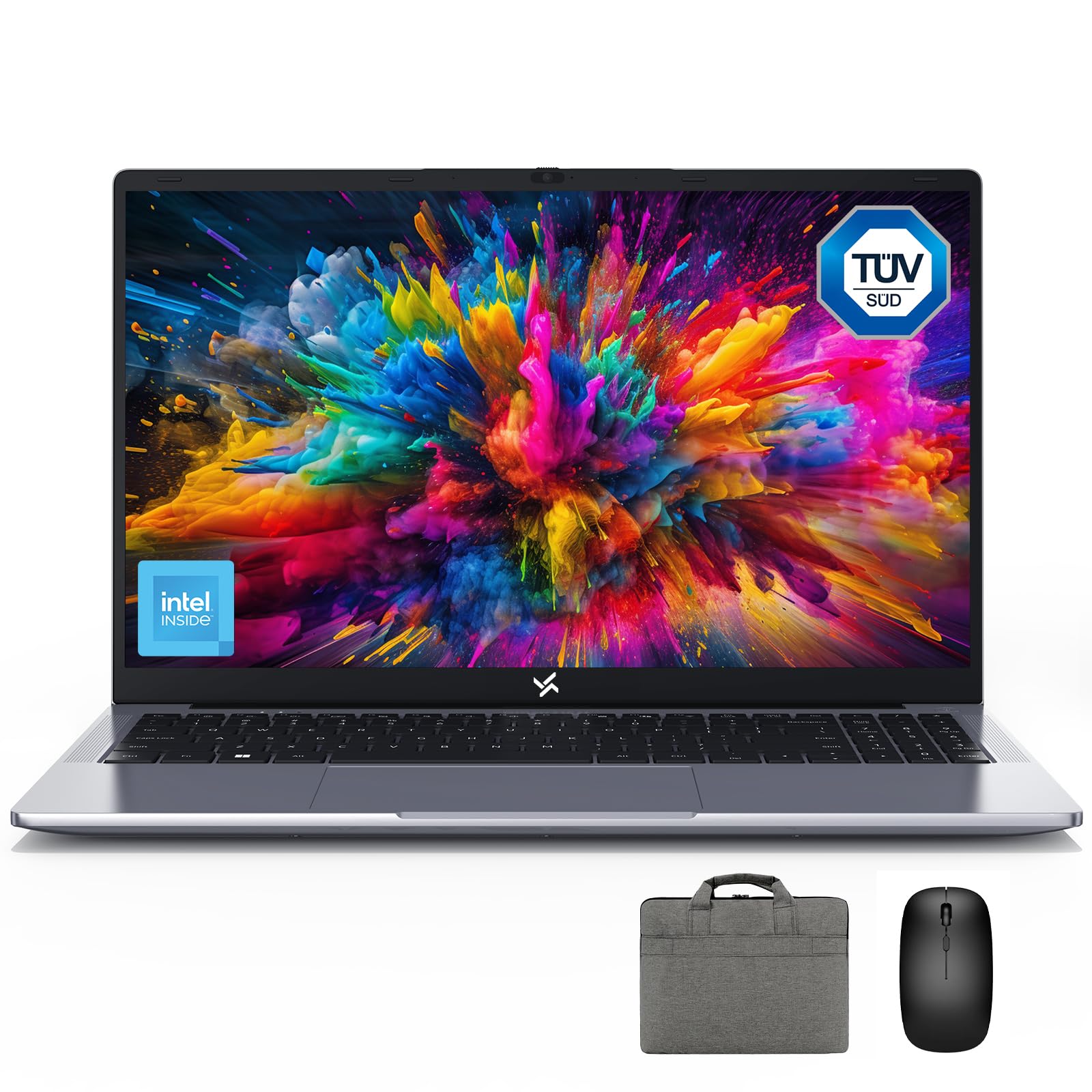
Figure 1: Huidun HiBook 6 Laptop Overview
The Huidun HiBook 6 is a versatile laptop designed for productivity and entertainment. It features a 15.6-inch Full HD display, an Intel N150 Quad-Core Processor, 16GB of RAM, and a 256GB NVMe SSD. It comes pre-installed with Windows 11 Home and includes a carrying bag, wireless mouse, and mouse pad for a complete user experience.
2. Postavljanje
2.1 Raspakiranje i početni pregled
Pažljivo izvadite sve komponente iz pakiranja. Provjerite jesu li prisutni sljedeći elementi:
- Huidun HiBook 6 Laptop
- Power Adapter (45W USB-C)
- Bežični miš
- Podloga za miša
- Laptop Carrying Bag
- Korisnički priručnik (ovaj dokument)
Pregledajte prijenosno računalo ima li fizičkih oštećenja. Ako neke komponente nedostaju ili su oštećene, odmah se obratite korisničkoj podršci.

Figure 2: Laptop and Included Accessories
2.2 Uključivanje i početna konfiguracija
- Connect the power adapter to the laptop's Type-C port and plug it into a power outlet.
- Otvorite poklopac prijenosnog računala. Prijenosno računalo se može automatski uključiti ili ćete možda morati pritisnuti gumb za uključivanje/isključivanje koji se nalazi u gornjem desnom kutu tipkovnice.
- Follow the on-screen instructions to complete the Windows 11 Home setup. This includes selecting your language, region, connecting to a Wi-Fi network, and creating a user account.
- Connect the wireless mouse by inserting the USB receiver into an available USB-A port on the laptop.
Video 1: Huidun HiBook 6 Laptop Setup and Initial Use. This video demonstrates the unboxing and initial setup process for the Huidun HiBook 6 laptop, including connecting peripherals and powering on the device.
3. Upute za rad
3.1 Tipkovnica i dodirna podloga
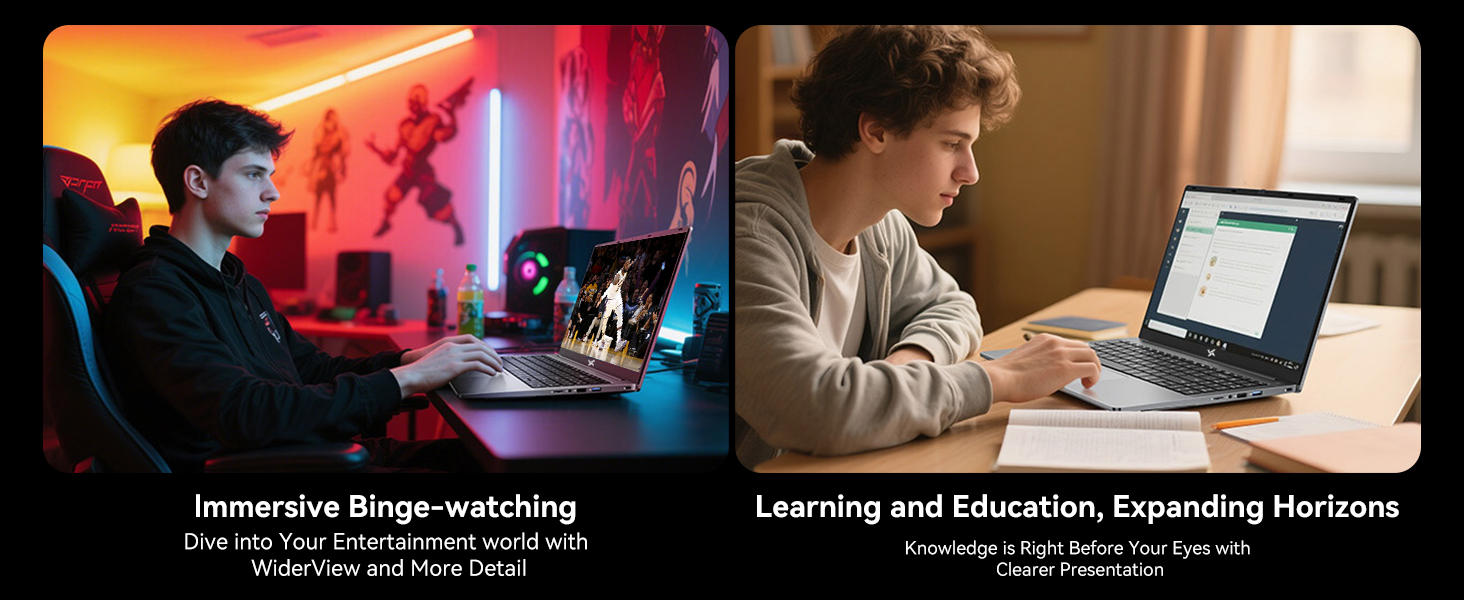
The HiBook 6 features a full-size keyboard with an independent numeric keypad for enhanced productivity. The touchpad supports multi-touch gestures for navigation and control.

Figure 3: Independent Numeric Keypad for Efficient Data Entry
3.2 Prikaz i vizualni elementi
The 15.6-inch Full HD IPS display (1920x1080 resolution) offers clear visuals. It includes TÜV Rheinland-certified eye-care technology and an anti-glare coating to reduce eye strain during prolonged use.

Figure 4: 15.6-inch Full HD IPS Display with Eye Protection
3.3 Povezivost i portovi
The HiBook 6 offers a range of ports for connecting peripherals and external displays:
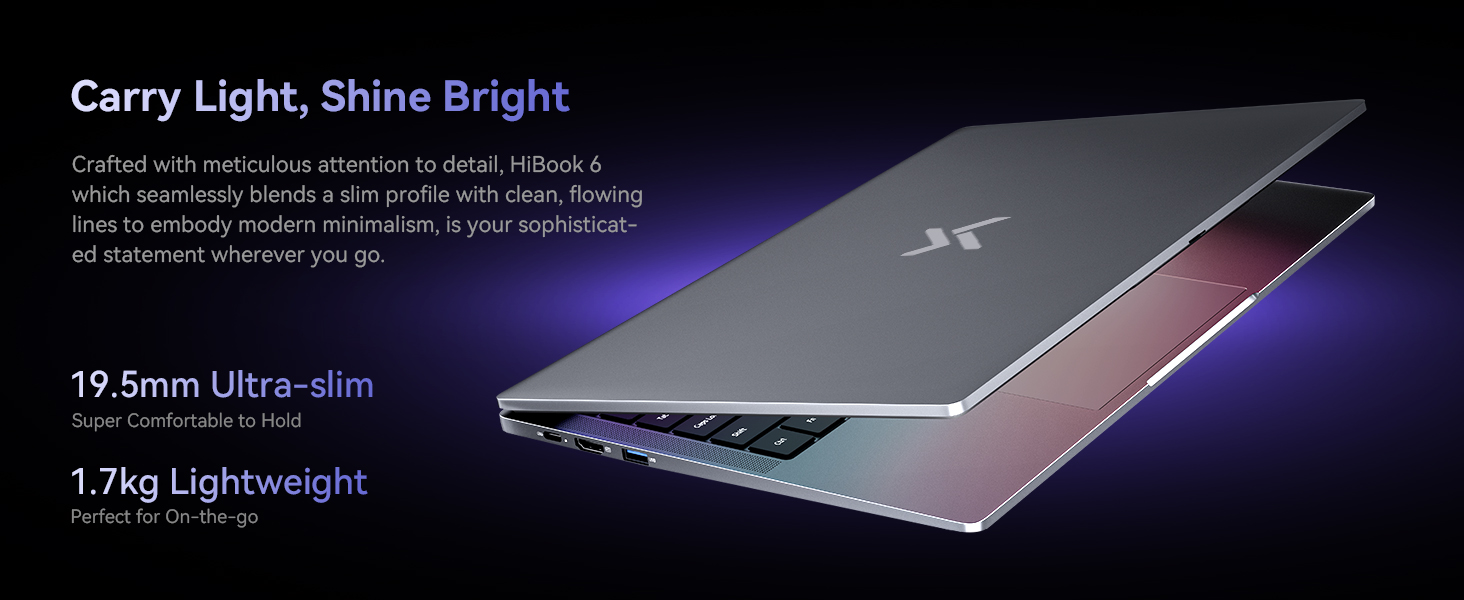
- Full-featured Type-C: Supports 5Gbps data transfer, 4K video output (DP 1.4), and PD fast charging.
- HDMI2.0: Supports up to 4K resolution at 60Hz for external monitors.
- USB-A 3.2 Gen 1: Za prijenos podataka velikom brzinom.
- USB 2.0: For standard peripherals.
- Utor za TF kartice: Za proširenje memorijske kartice.
- 3.5 mm audio utičnica: Za slušalice ili vanjske zvučnike.
Slika 5: Gotovoview of 7 Versatile Ports
3.4 Baterija i punjenje
The laptop is equipped with a 45Wh battery, providing up to 6 hours of continuous runtime. Use the included 45W USB-C fast charger to power the battery up to 60% in approximately 45 minutes.
Slika 6: Interno View of the 45Wh Battery
4. Održavanje
4.1 Čišćenje prijenosnog računala
- Za čišćenje zaslona i vanjske površine koristite meku krpu koja ne ostavlja dlačice.
- Za tvrdokorne mrlje, lagano dampkrpu vodom ili sredstvom za čišćenje ekrana.
- Izbjegavajte prskanje tekućina izravno na prijenosno računalo.
- Use compressed air to clear dust from keyboard keys and vents.
4.2 Optimiziranje performansi
- Regularly update your Windows operating system and drivers.
- Keep the cooling vents clear to prevent overheating. The laptop features a 16,800mm² cooling area with a shark fin fan for efficient heat dissipation.
- Periodically run disk cleanup and defragmentation tools (for HDDs, not necessary for SSDs).
- Manage startup programs to reduce boot time and system load.
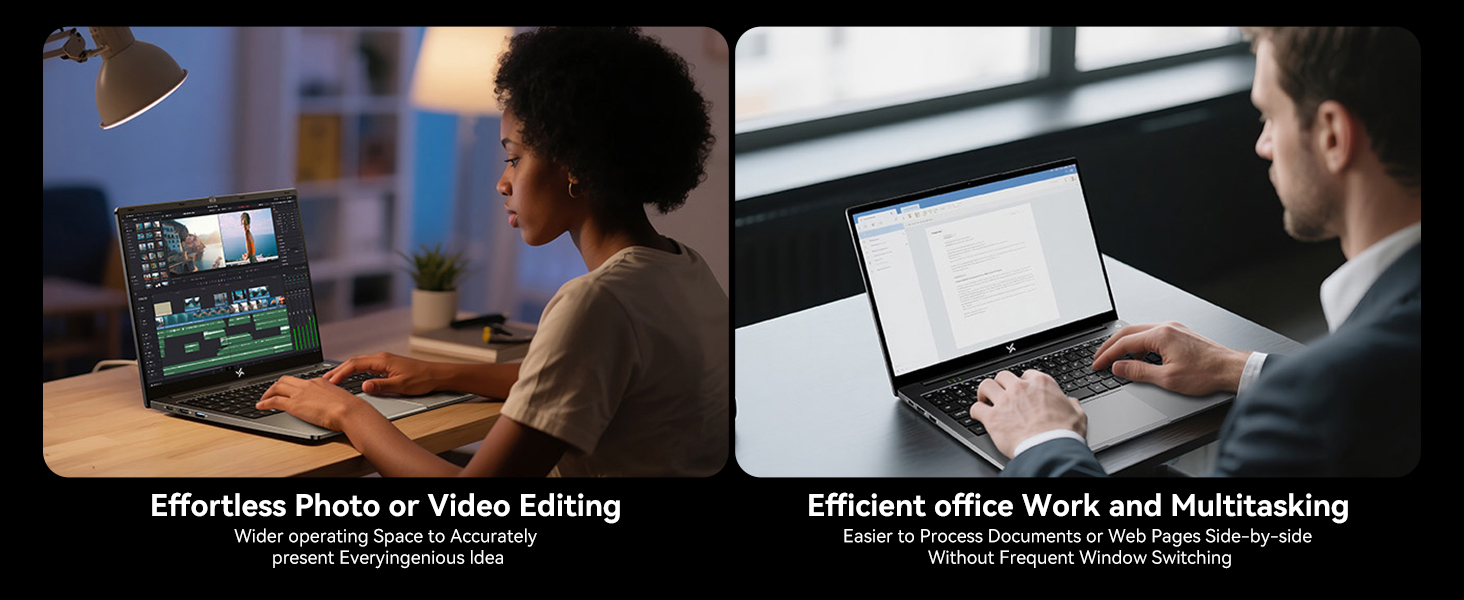
Figure 7: Expansive Cooling Area for Optimal Performance
5. Rješavanje problema
5.1 Uobičajeni problemi i rješenja
| Izdati | Moguće rješenje |
|---|---|
| Laptop se ne uključuje | Provjerite je li adapter za napajanje sigurno spojen i je li utičnica ispravna. Pokušajte s drugom utičnicom. Ako je baterija potpuno prazna, nakon spajanja može proći nekoliko minuta prije nego što pokaže znakove života. |
| Zaslon je prazan ili crn | Check if the laptop is powered on. Adjust screen brightness. Connect to an external monitor via HDMI to check if the issue is with the laptop's display. |
| Spora izvedba | Close unnecessary applications. Check for background processes. Ensure sufficient free space on the SSD. Run a virus scan. Refer to the 'Optimizing Performance' section. |
| Problemi s Wi-Fi vezom | Restart your router and modem. Restart the laptop. Check Wi-Fi settings and ensure the correct network is selected. Update Wi-Fi drivers. |
| Baterija se ne puni | Verify the power adapter and cable are not damaged. Ensure the Type-C port is clean. Try a different Type-C port if available. |
If you encounter issues not listed here or if the suggested solutions do not resolve the problem, please contact Huidun technical support.
6. Specifikacije
Below are the detailed technical specifications for the Huidun HiBook 6 laptop:
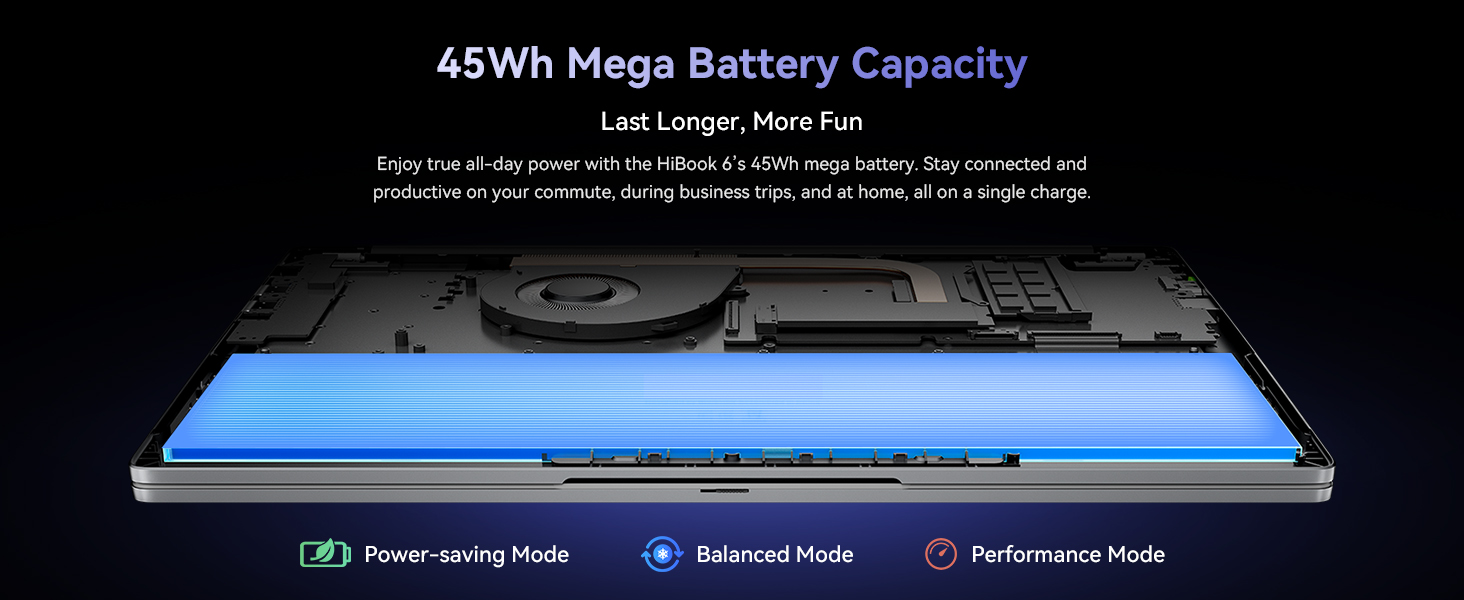
Figure 8: Key Internal Components and Features
| Značajka | Detalj |
|---|---|
| Marka | Huidun |
| Naziv modela | Huidun Hibook6 |
| Veličina zaslona | 15.6 inča |
| Razlučivost zaslona | 1920x1080 Pixels (Full HD) |
| Model procesora | Intel N150 Quad-Core (up to 3.6GHz) |
| RAM memorija | 16 GB DDR4 (Expandable up to 32GB) |
| Veličina tvrdog diska | 256 GB NVMe SSD (Expandable up to 2TB) |
| Operativni sustav | Windows 11 Home |
| Grafički koprocesor | Intel UHD grafika |
| Kapacitet baterije | 45 Wh (5000 XNUMX mAh) |
| Povezivost | Dual-band 5G WiFi, Bluetooth 5.0 |
| luke | Full-featured Type-C, HDMI 2.0, USB-A 3.2 Gen 1 (x2), USB 2.0, TF Card Slot, 3.5mm Audio Jack |
| Dimensions (L x W x Thickness) | 10"D x 9"Š x 0.6"D |
| Težina | 3.75 lbs (1.7 kg) |
7. Jamstvo i podrška
7.1 Jamstvo za proizvod
The Huidun HiBook 6 laptop comes with an industry-leading 3-godišnje jamstvo od datuma kupnje. Ovo jamstvo pokriva proizvodne nedostatke i kvarove hardvera pri normalnoj uporabi. Molimo sačuvajte dokaz o kupnji za reklamacije.
7.2 Tehnička podrška
Huidun provides doživotnu tehničku podršku for your HiBook 6 laptop. If you encounter any issues or have questions, please contact our support team through the following methods:
- Refer to the contact information provided in the warranty card included with your product.
- Visit the official Huidun webstranicu za resurse podrške i kontakt podatke.
- Scan the QR code on your laptop (if available) for direct access to support.
Our dedicated support team is available to assist you with any technical inquiries or troubleshooting needs.