1. Uvod
This manual provides essential information for the safe and efficient operation of your TCL L32E3005/G 32-inch LED HD-Ready Television. Please read this manual thoroughly before using the television and retain it for future reference. It covers setup, operation, maintenance, and troubleshooting to ensure you get the best experience from your device.
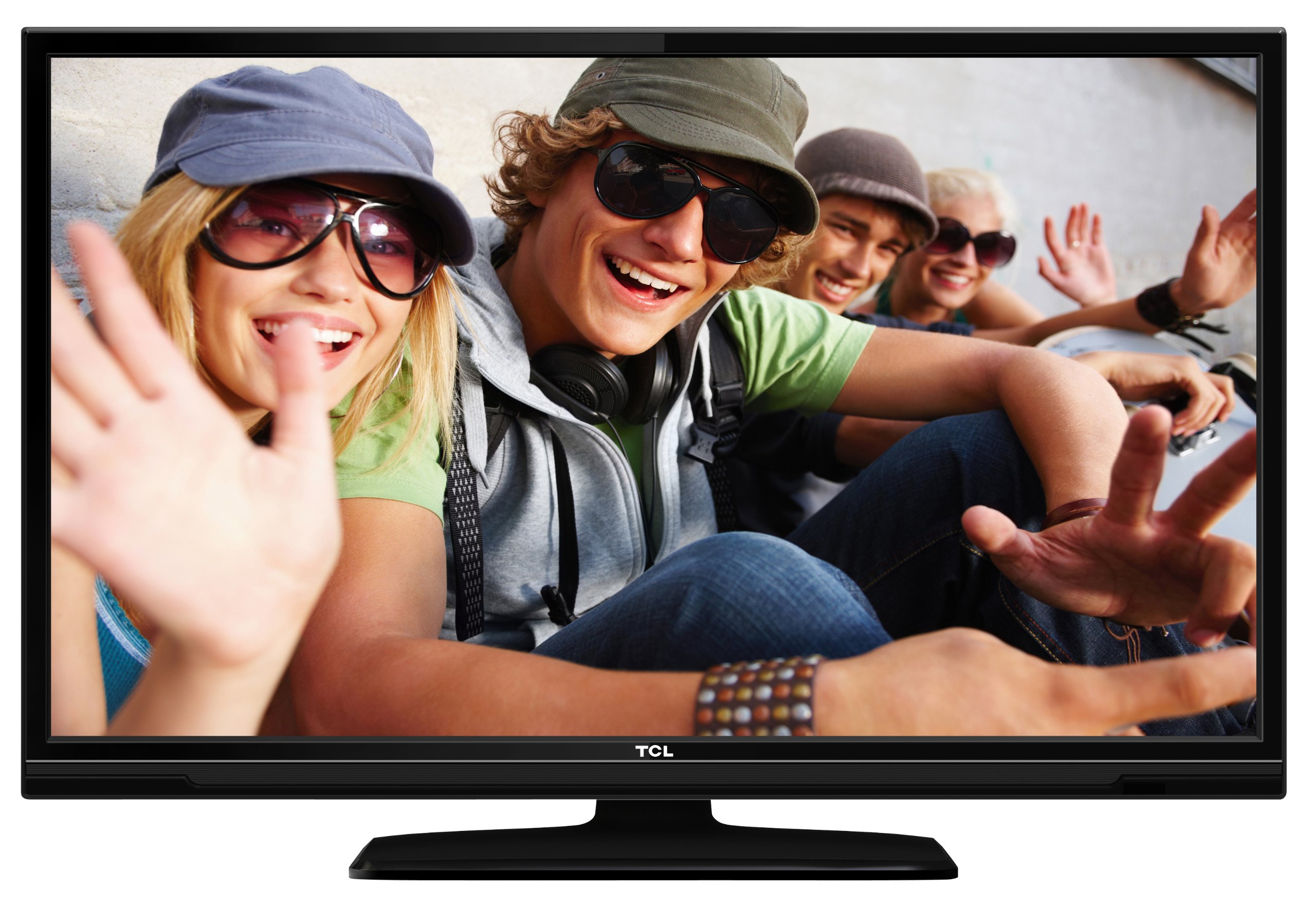
This image shows the TCL L32E3005/G television from a slight angle, highlighting its slim black bezel and the stand. The screen displays a colorful image of people, demonstrating its visual capabilities.
2. Sigurnosne informacije
Uvijek se pridržavajte sljedećih sigurnosnih mjera opreza kako biste spriječili strujni udar, požar ili oštećenje televizora:
- Ne izlažite televizor kiši ili vlazi.
- Ne otvarajte kućište; sve servisne radove prepustite kvalificiranom osoblju.
- Osigurajte odgovarajuću ventilaciju oko televizora.
- Avoid placing the television near heat sources or in direct sunlight.
- Use only the power adapter supplied with the television.
- Držite baterije izvan dohvata djece.
3. Sadržaj paketa
Provjerite jesu li svi artikli prisutni u paketu:
- TCL L32E3005/G LED-backlight Television
- Adapter napajanja
- Postolje za postolje
- Daljinski upravljač (potrebne su 2 AAA baterije, uključene)
- Korisnički priručnik (ovaj dokument)
4. Postavljanje
4.1 Raspakiranje
Carefully remove the television and all accessories from the packaging. Retain the packaging materials for future transport or storage.
4.2 Stand Installation (Table Mounting)
Za postavljanje baze postolja:
- Place the television face down on a soft, flat surface to prevent screen damage.
- Align the stand base with the mounting holes on the bottom of the television.
- Secure the stand base using the provided screws. Ensure it is firmly attached.
- Carefully lift the television and place it on a stable, level surface suitable for table mounting.
4.3 Povezivanje uređaja
Spojite vanjske uređaje na televizor pomoću odgovarajućih priključaka:
- HDMI: For high-definition video and audio from devices like Blu-ray players, game consoles, or set-top boxes. Your TV has 2 HDMI ports.
- USB: Za spajanje USB uređaja za pohranu podataka za reprodukciju medija files. Your TV has 1 USB 2.0 port.
- Antenna/Cable (DVB-C/-S2/-T): Connect an antenna or cable for digital terrestrial (DVB-T), cable (DVB-C), or satellite (DVB-S2) broadcasts.
- VGA: Za spajanje računala.
- CI+: Za module uvjetnog pristupa (CAM) za dešifriranje šifriranih kanala.
4.4 Priključak za napajanje
After all connections are made, plug the power adapter into the television's power input, then plug the power adapter into a wall outlet.
5. Operativni
5.1 Uključivanje/isključivanje
Pritisnite tipku VLAST button on the remote control or on the television to turn the TV on or off.
5.2 Početno postavljanje
The first time you turn on the television, an initial setup wizard will guide you through basic settings such as language, country, and channel scanning.
Podešavanje 5.3 kanala
After connecting your antenna or cable, perform an automatic channel scan through the TV's menu to find available DVB-C, DVB-S2, or DVB-T channels.
5.4 Elektronički programski vodič (EPG)
Pristupite elektroničkom programskom vodiču (EPG) za view program schedules and information for digital channels. This feature helps you plan your viewing.
5.5 Odabir ulaza
Koristite IZVOR or ULAZNI button on your remote control to switch between connected devices (e.g., HDMI 1, HDMI 2, USB, DVB-T).
5.6 Reprodukcija USB medija
Insert a USB storage device into the USB port. The TV will typically prompt you to access the media browser, allowing you to play photos, music, or videos stored on the device.
5.7 Hotelski način rada
This television includes a Hotel Mode feature, which allows for customization of settings suitable for hotel environments, such as limiting volume, setting a default channel, or disabling certain functions. Consult the advanced settings menu for Hotel Mode configuration.
6. Održavanje
6.1 Čišćenje zaslona
Nježno obrišite zaslon mekom krpom koja ne ostavlja dlačice. Za tvrdokorne mrlje, laganoampOperite krpu vodom ili specijaliziranim sredstvom za čišćenje zaslona. Nemojte prskati tekućinu izravno na zaslon.
6.2 Čišćenje kućišta
Za brisanje kućišta televizora koristite meku, suhu krpu. Izbjegavajte upotrebu abrazivnih sredstava za čišćenje ili otapala.
6.3 Baterije daljinskog upravljača
Replace the remote control batteries (2x AAA) when the remote's range decreases or it stops responding. Ensure correct polarity when inserting new batteries.
7. Rješavanje problema
Ako imate problema s televizorom, pogledajte sljedeće uobičajene probleme i rješenja:
- Bez napajanja: Check if the power adapter is securely connected to both the TV and the wall outlet. Ensure the outlet is functional.
- Nema slike, ali ima zvuka: Verify the input source is correctly selected. Check cable connections to external devices.
- Nema zvuka, ali ima slike: Check the volume level and mute status. Ensure audio cables are correctly connected for external devices.
- Loša kvaliteta slike: Provjerite priključke antene/kabela. Ako koristite vanjski uređaj, pokušajte s drugim HDMI kabelom ili priključkom. Podesite postavke slike u izborniku televizora.
- Daljinski upravljač ne radi: Ensure there are no obstructions between the remote and the TV. Replace batteries if necessary.
Ako se problem nastavi, obratite se korisničkoj podršci.
8. Specifikacije
| Model | L32E3005/G |
| Veličina zaslona | 80 cm (32 inča) |
| Tehnologija zaslona | LED |
| Rezolucija | 720p (1366 x 768 piksela) |
| Brzina osvježavanja | 50 Hz |
| Tehnologija tunera | DVB-C, DVB-S2, DVB-T |
| Povezivost | 2x HDMI, 1x USB 2.0, VGA, CI+ |
| Audio izlaz | 8 Watt (2.0 Channel) |
| Posebne značajke | Electronic Program Guide (EPG), Hotel Mode |
| Dimenzije (Š x V x D) | 74 x 49.4 x 18.9 cm (s postoljem) |
| Težina | 7.22 kg |
| Izvor napajanja | Adapter |
| Daljinske baterije | 2x AAA (uključene) |
9. Jamstvo i podrška
For warranty information and technical support, please refer to the warranty card included with your product or visit the official TCL webstranicu. Sačuvajte račun kao dokaz o kupnji za slučaj reklamacije.


