1. Proizvod je gotovview
The Vimtag CP1 is a wireless IP video monitoring surveillance security camera designed for remote home or business monitoring. It features high-definition video, pan/tilt functionality, two-way audio, and night vision capabilities.
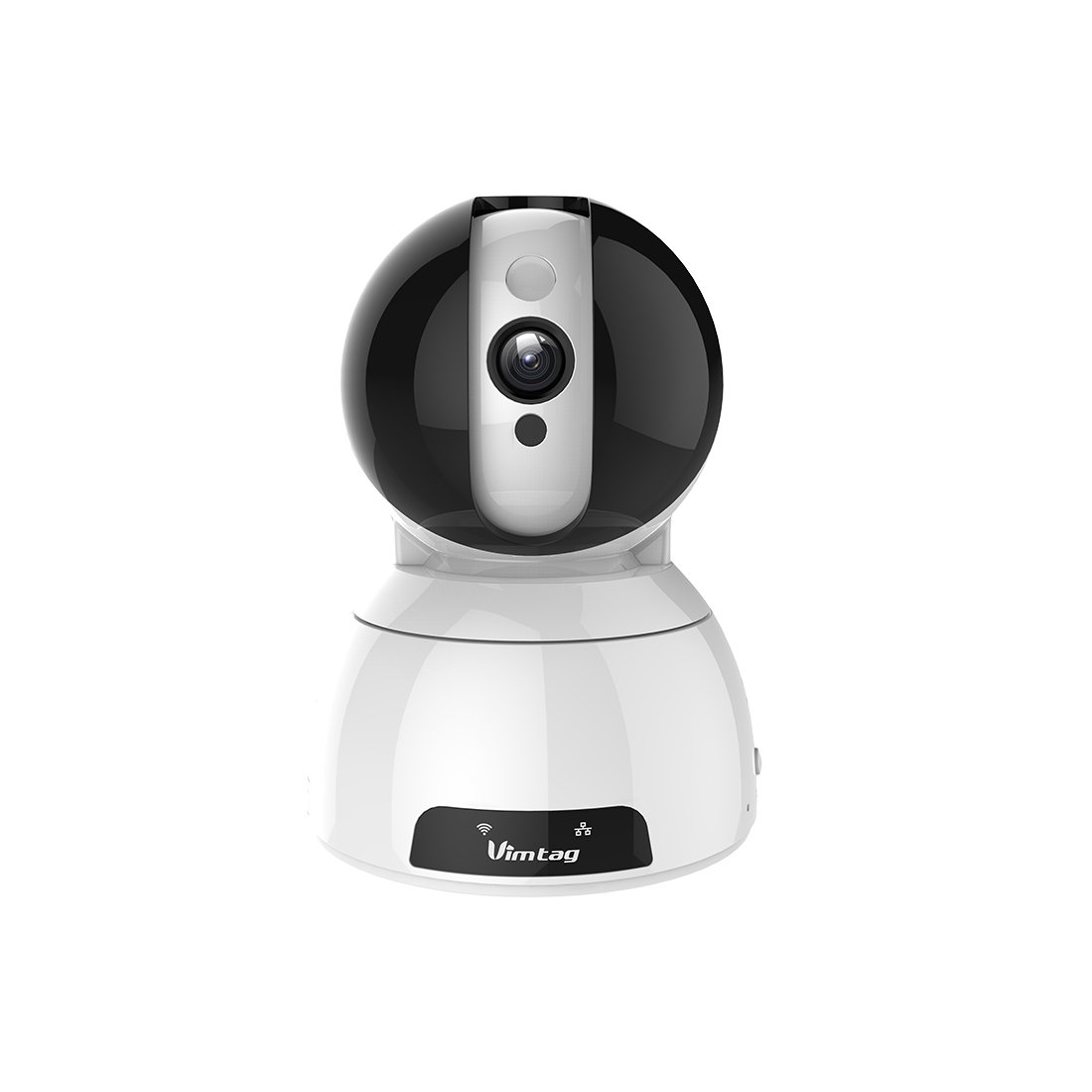
Figure 1: Vimtag CP1 Camera Front View
Ključne karakteristike:
- HD Video Quality: 1280 x 720p at 25 frames per second for clear monitoring.
- Funkcionalnost pomicanja i naginjanja: 350-degree horizontal rotation and 100-degree vertical tilt to cover a wide area.
- Dvosmjerni zvuk: Ugrađeni mikrofon i zvučnik za komunikaciju.
- Noćni vid: Infrared LEDs provide clear visibility up to 10 meters in low-light conditions.
- Detekcija pokreta: Alerts with snapshots and video clips upon detecting movement.
- Lokalna pohrana i pohrana u oblaku: Supports Micro SD cards up to 64GB and optional cloud storage.
- Jednostavno postavljanje: Quick Wi-Fi setup via the Vimtag mobilna aplikacija.

Figure 2: Vimtag CP1 Key Features
2. Vodič za postavljanje
2.1 Sadržaj paketa
Prije početka, provjerite jesu li svi artikli prisutni u paketu:
- 1 x Vimtag CP1 kamera
- 1 x Camera Rack
- 1 x kabel za napajanje
- 1 x Ethernet kabel
- 1 x Korisnički priručnik (ovaj dokument)
2.2 Početni koraci postavljanja
- Uključivanje: Connect the power cable to the camera and plug it into a power outlet. The camera will initiate its startup sequence.
- Preuzmite aplikaciju: Download the free Vimtag app from your smartphone's app store (iOS App Store or Google Play Store).
- Registracija računa: Open the Vimtag app and register for a new account or log in if you already have one.
- Dodaj kameru: Follow the in-app instructions to add your new CP1 camera. This typically involves scanning a QR code on the camera or entering its device ID.
- Wi-Fi konfiguracija: Configure the camera to connect to your Wi-Fi network using the app. Ensure your Wi-Fi network is 2.4GHz, as 5GHz networks may not be supported.
- Montaža (opcionalno): Use the included camera rack to mount the camera on a wall or ceiling if desired.
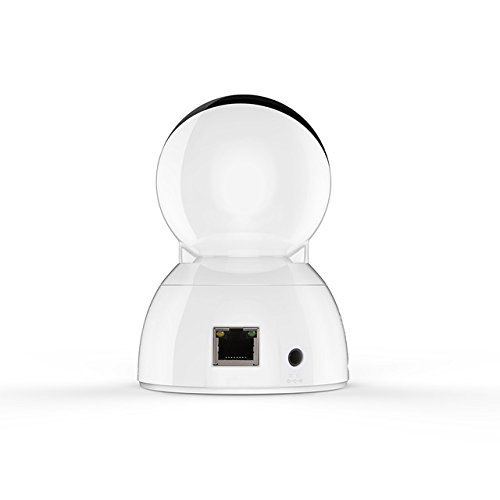
Figure 3: Vimtag CP1 Back View s lukama
For detailed visual guidance, refer to the video tutorials available on the official Vimtag podrška webmjesto.
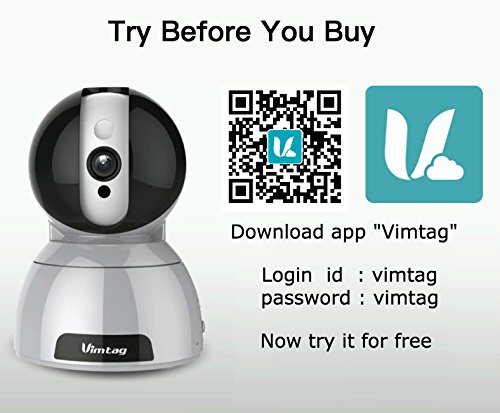
Figure 4: Vimtag App Download and Demo Information
Preuzmite Vimtag aplikacija od vimtag.com/download/.
3. Upute za rad
3.1 Uživo View i upravljanje panoramiranjem/nagibom
Once the camera is connected, open the Vimtag app to access the live video feed. Use the on-screen controls to pan the camera horizontally (350 degrees) and tilt it vertically (100 degrees) to adjust the viewing kut.

Figure 5: Pan and Tilt Control via App
3.2 Dvosmjerni zvuk
The camera supports two-way audio. Tap the microphone icon in the app to speak through the camera's speaker, and listen to audio from the camera's built-in microphone.
3.3 Noćni vid
The CP1 camera automatically switches to night vision mode in low-light conditions, providing clear black and white video up to 10 meters using its infrared LEDs.
3.4 Detekcija pokreta i upozorenja
Configure motion detection settings within the Vimtag app. You can set sensitivity levels and define specific areas for detection. When motion is detected, the camera can send instant notifications to your smartphone, including snapshots or short video clips.
3.5 Snimanje i pohranjivanje videa
Kamera podržava dva glavna načina pohrane:
- Micro SD kartica: Insert a Micro SD card (up to 64GB, not included) into the camera's designated slot for local recording. Recordings can be accessed and managed through the app.
- Pohrana u oblaku: Optional cloud storage services are available through Vimtag for remote backup and access to recorded footage.
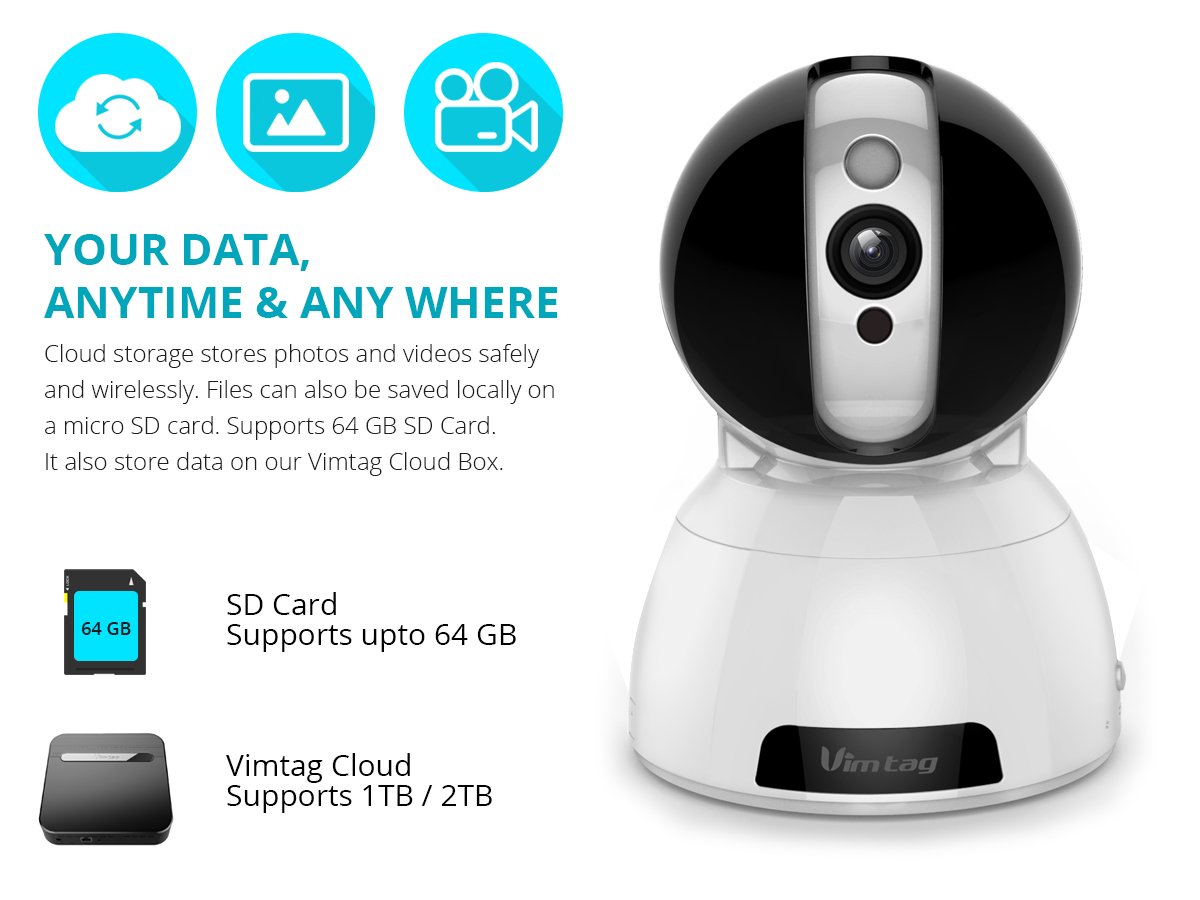
Figure 6: Storage Options for Vimtag CP1
4. Održavanje
4.1 Čišćenje
To maintain optimal performance, periodically clean the camera's lens and exterior. Use a soft, dry cloth. Avoid abrasive cleaners or solvents that could damage the camera's finish or lens coating.
4.2 ažuriranja firmvera
Vimtag may release firmware updates to improve camera performance, add features, or enhance security. Check the Vimtag app regularly for available updates and follow the in-app instructions to install them. Ensure the camera remains powered during the update process.
4.3 Razmatranja okoliša
The Vimtag CP1 camera is designed for indoor use. Avoid exposing it to extreme temperatures, direct sunlight, high humidity, or water, as it is not water-resistant.
5. Rješavanje problema
This section addresses common issues you might encounter with your Vimtag CP1 camera.
5.1 Kamera se ne povezuje na Wi-Fi
- Provjerite Wi-Fi pojas: Provjerite je li vaša Wi-Fi mreža 2.4 GHz. Kamera možda ne podržava mreže od 5 GHz.
- Snaga signala: Place the camera closer to your Wi-Fi router to ensure a strong signal.
- Ispravna lozinka: Double-check that you are entering the correct Wi-Fi password in the app.
- Resetiraj kameru: Locate the reset button on the camera (often a small pinhole) and press it for 5-10 seconds until the camera resets. Then, attempt the setup process again.
- Postavke usmjerivača: Verify that your router's firewall or security settings are not blocking the camera's connection.
5.2 Loša kvaliteta videa
- Propusnost mreže: Ensure your internet connection has sufficient upload speed for streaming HD video.
- Postavke aplikacije: Check the video quality settings within the Vimtag app; you might be able to adjust it.
- Čistoća leće: Očistite leću kamere mekom, suhom krpom.
5.3 Problemi s dvosmjernim zvukom
- Razine glasnoće: Check the volume settings on your smartphone and within the Vimtag aplikacija
- Microphone/Speaker Obstruction: Provjerite da mikrofon i zvučnik kamere nisu blokirani.
- Latencija mreže: High network latency can affect audio quality and introduce delays.
5.4 Detekcija pokreta ne radi
- Enable Feature: Verify that motion detection is enabled in the Vimtag postavke aplikacije.
- Osjetljivost: Adjust the motion detection sensitivity. If it's too low, it might miss events.
- Detekcijske zone: Ensure the areas you want to monitor are correctly configured as detection zones.
6. Tehničke specifikacije
| Naziv modela | Vimtag CP1 |
| Broj modela artikla | 6970167642228 |
| Rezolucija video snimanja | 720p (1280 x 720 piksela) |
| Frame Rate | 25 sličica u sekundi |
| Pan/Tilt raspon | 350 degrees (Pan) x 100 degrees (Tilt) |
| Digitalni zum | 4x |
| Udaljenost noćnog vida | Do 10 metara (infracrveno) |
| Mogućnosti pohrane | Micro SD (do 64 GB), pohrana u oblaku |
| Povezivost | Wireless (Wi-Fi IEEE802.12b/g/n) |
| Izvor napajanja | AC Power Adapter (7 Watts) |
| Dimenzije (D x Š x V) | 40 x 30 x 40 milimetara |
| Težina artikla | 450 grama |
| Unutarnja/vanjska upotreba | Zatvoreni |
| Razina vodootpornosti | Nije vodootporan |
| Metoda kontrole | App (Android, iOS), Voice |
7. Jamstvo i podrška
7.1 Jamstvo za proizvod
The Vimtag CP1 camera comes with a Zamjensko jamstvo 6 mjeseci. This warranty covers manufacturing defects and malfunctions under normal use. Please retain your proof of purchase for warranty claims.
7.2 Korisnička podrška
For any queries, technical assistance, or warranty claims, please contact Vimtag customer support. Support is available via telephone, chat, Skype, and email. Refer to the official Vimtag webstranicu za najnovije kontaktne podatke.
Step-by-step setup instructions and video tutorials are also available on the Vimtag support portal to assist you with installation and operation.


