Uvod
This manual provides essential information for the proper setup, operation, and maintenance of your Rapoo N1600 3-Button Quiet Wired Mouse. Designed for comfort and efficiency, the N1600 features a quiet click mechanism, ergonomic shape, and precise 1000 DPI optical tracking for a smooth user experience.
The Rapoo N1600 mouse is built for endurance, versatility, and comfort, helping you power through tasks with ease on various computer systems.
Video: Gotovoview of the Rapoo Wired Silent Mouse, highlighting its quiet operation and design.
Video: Demonstration of the RX100WH Rapoo Wired Silent Mouse, showcasing njegove značajke.
Postavljanje
The Rapoo N1600 mouse is designed for simple plug-and-play functionality, requiring no additional software or drivers for most operating systems.
- Spojite USB kabel: Locate an available USB port on your computer (desktop or laptop). Insert the USB-A connector of the mouse cable into the USB port.
- Prepoznavanje sustava: Your operating system (Windows, Mac OS, Linux, Chrome OS) will automatically detect and install the necessary drivers. This process usually takes a few seconds.
- Početak korištenja: Once recognized, the mouse is ready for immediate use.

Image: The Rapoo N1600 wired mouse in white, showcasing its simple and clean design.

Image: A graphic illustrating the USB connection feature of the mouse.

Image: The Rapoo N1600 mouse featuring its 5-foot long cable, providing ample posegnuti za raznim postavama.
Upute za rad
The Rapoo N1600 mouse offers standard 3-button functionality with a focus on quiet operation and ergonomic comfort.
- Lijevi gumb: Primary click function for selecting items, opening applications, and interacting with user interfaces. Features a 95% reduced click sound.
- Desni gumb: Secondary click function, typically used for accessing context menus or special functions within applications. Also features a 95% reduced click sound.
- Kotačić za pomicanje: Koristi se za vertikalno pomicanje kroz dokumente i web pages. The grille anti-slip pattern ensures accurate scrolling. The scroll wheel itself is designed for quiet operation.
- Optičko praćenje: The 1000 DPI high-definition optical tracking engine provides responsive and smooth cursor control on various surfaces.

Image: A diagram illustrating the soft click buttons (Left, Right, and Middle Roller) of the Rapoo N1600 mouse.

Image: The white Rapoo N1600 mouse with a graphic indicating that silent switches reduce click noise.

Image: A layered diagram showing the Rapoo N1600 mouse's high-performance engine can be used on various surfaces like resin, wood, paper, cloth, and cortex.
Održavanje
To ensure the longevity and optimal performance of your Rapoo N1600 mouse, follow these simple maintenance guidelines:
- Čišćenje: Koristite meku, suhu ili lagano damp cloth to wipe the exterior of the mouse. Avoid using harsh chemicals, solvents, or abrasive cleaners, as these can damage the surface.
- Optički senzor: Periodically inspect the optical sensor on the underside of the mouse for dust or debris. Use a soft brush or compressed air to gently clean the sensor area. Do not touch the sensor directly with your fingers.
- Održavanje kabela: Avoid sharp bends or excessive pulling on the USB cable to prevent internal damage. Store the cable neatly when not in use.
- Skladištenje: Kada se miš ne koristi dulje vrijeme, čuvajte ga na čistom i suhom mjestu, dalje od ekstremnih temperatura.
Rješavanje problema
If you encounter issues with your Rapoo N1600 mouse, try the following troubleshooting steps:
- Miš ne reagira:
- Provjerite je li USB kabel sigurno priključen u ispravan USB priključak na računalu.
- Pokušajte spojiti miš na drugi USB priključak.
- Ponovno pokrenite računalo.
- Cursor Movement is Erratic or Jumpy:
- Clean the optical sensor on the underside of the mouse for any dust or debris.
- Ensure you are using the mouse on a suitable surface. Highly reflective or transparent surfaces may affect tracking. A mouse pad is recommended.
- Gumbi ili kotačić za pomicanje ne rade:
- Provjerite je li miš ispravno spojen.
- Testirajte miš na drugom računalu kako biste utvrdili je li problem u mišu ili u postavkama računala.
- Noisy Clicks:
- The N1600 is designed for quiet clicks. If you experience unexpected noise, ensure the buttons are not obstructed.
Tehnički podaci
| Značajka | Detalj |
|---|---|
| Broj modela | 1014-07X03-800 (N1600) |
| Dimenzije proizvoda | 4.65 x 2.48 x 1.57 inča (118 mm x 63 mm x 40 mm) |
| Težina artikla | 3.46 unci (84.46 g) |
| Tehnologija povezivanja | USB ožičen |
| Tehnologija detekcije pokreta | Optički |
| DPI | 1000 DPI |
| Gumbi | 3 (Left, Right, Scroll Wheel/Middle Button) |
| Posebne značajke | Ergonomic Design, Soundless (Quiet Click) |
| Kompatibilnost | Mac OS, Linux, Windows, Chrome OS |
| Proizvođač | Shenzhen Rapoo Technology Co., Ltd. |

Image: A diagram showing the dimensions of the Rapoo N1600 mouse: 118mm (4.65 inches) length, 63mm (2.48 inches) width, and 40mm (1.57 inches) height, with an item weight of 84.46g.
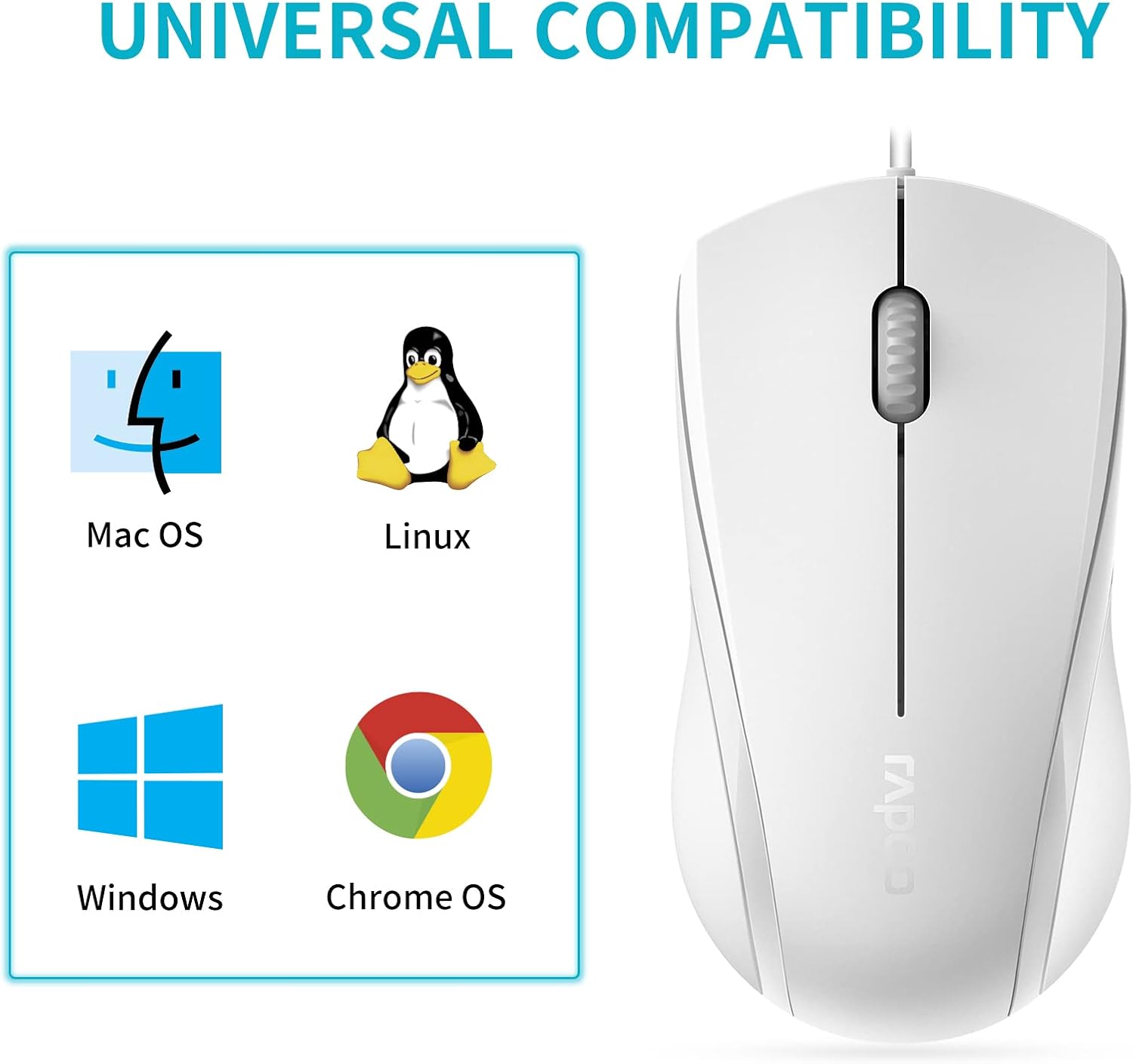
Image: A graphic illustrating the universal compatibility of the Rapoo N1600 mouse with Mac OS, Linux, Windows, and Chrome OS.
Jamstvo i podrška
Rapoo is committed to providing quality products and customer satisfaction. The Rapoo N1600 mouse comes with a standard warranty, details of which can be found on the official Rapoo webstranici ili kontaktiranjem korisničke podrške.
For any inquiries, technical assistance, or warranty claims, please contact Rapoo customer support. Rapoo offers 7/24 customer support to assist you with your product needs.
Za dodatne informacije posjetite Rapoo Official Store.


