Uvod
This manual provides detailed instructions for the Parsonver LW45 Smart Watch. Please read this guide thoroughly to understand the watch's functions, setup, and maintenance, ensuring optimal performance and longevity of your device.
Sadržaj paketa
Nakon otvaranja paketa, provjerite jesu li svi elementi prisutni:
- Pametni sat Parsonver LW45
- Kabel za punjenje
- korisnički priručnik
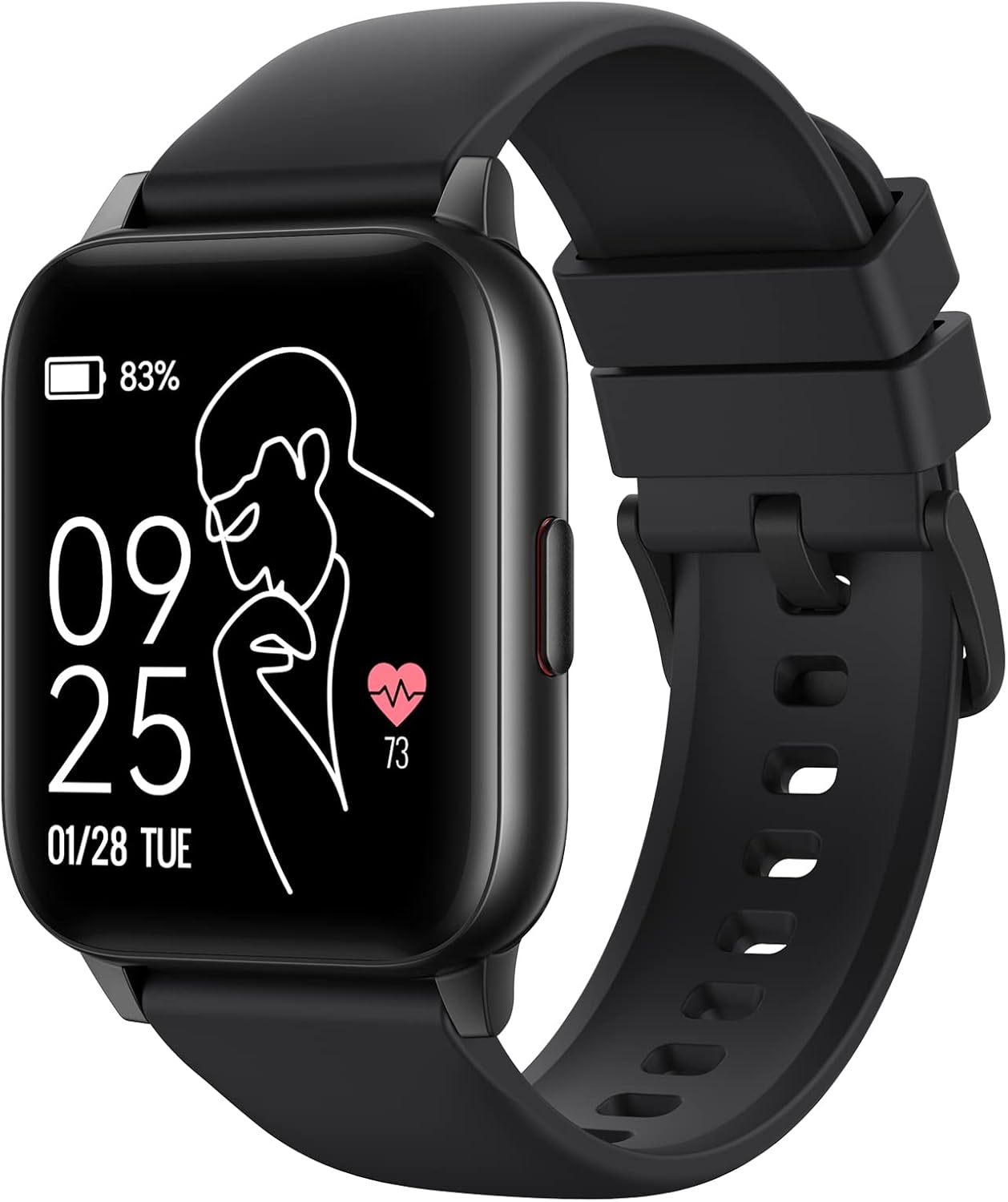
Image: The Parsonver LW45 Smart Watch, black model, displaying time and health metrics.
Vodič za postavljanje
1. Punjenje uređaja
Before initial use, fully charge the smart watch. Connect the charging cable to the charging port on the back of the watch and to a USB power source. The watch display will indicate charging status.
2. Instalacija i uparivanje aplikacije
- Download the official Parsonver app from your smartphone's app store (compatible with iOS 10.0/Android 5.0 or above).
- Provjerite je li Bluetooth omogućen na vašem pametnom telefonu.
- Otvorite aplikaciju i slijedite upute na zaslonu za izradu računa ili prijavu.
- Select "Add Device" or similar option within the app to search for your LW45 Smart Watch.
- Potvrdite zahtjev za uparivanje i na pametnom telefonu i na satu.
Bilješka: The watch connects via Bluetooth 5.0. Maintain proximity between the watch and your smartphone for a stable connection.

Image: A smartphone displaying the Parsonver app, illustrating the device connection process.
Upute za rad
Osnovna navigacija
- Zaslon osjetljiv na dodir: Prijeđite prstom lijevo/desno, gore/dolje za navigaciju izbornicima i pristup značajkama. Dodirnite za odabir.
- Bočni gumb: Pritisnite za povratak na početni zaslon ili buđenje uređaja.
Sportski načini rada
The LW45 Smart Watch features 16 default sports modes. Over 100 additional sports modes can be customized and added via the companion app. These include activities such as walking, running, cycling, swimming, yoga, and strength training.
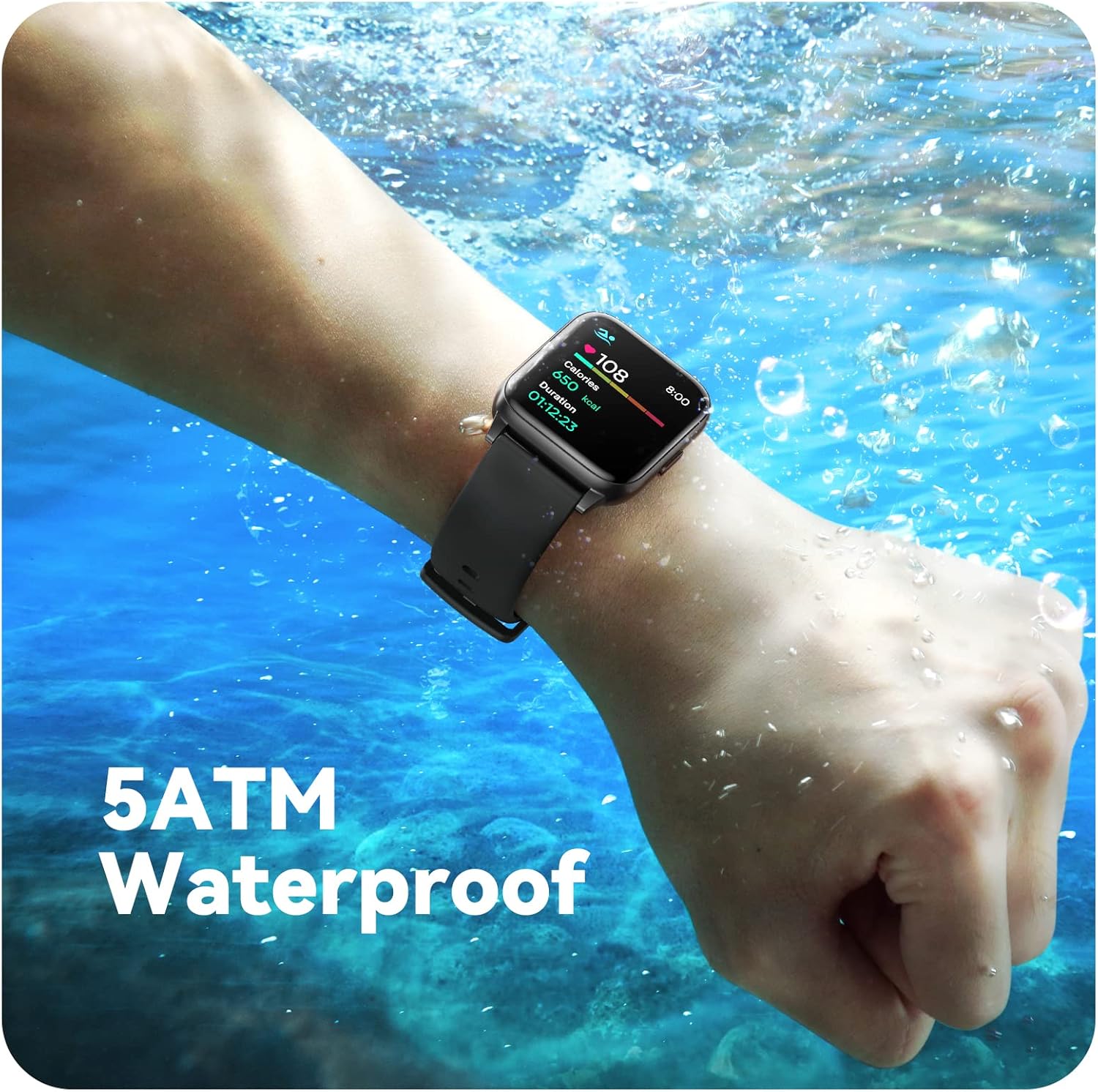
Image: A person engaged in soccer, wearing the smart watch, demonstrating its use during sports activities.

Image: A smartphone screen displaying a wide selection of sports modes within the Parsonver application.
Praćenje zdravlja
- Nadziranje otkucaja srca: Provides 24/7 real-time heart rate data.
- Praćenje kisika u krvi: Mjeri razinu kisika u krvi.
- Praćenje spavanja: Automatically monitors sleep patterns, including deep sleep, light sleep, and awake times (from 9:00 PM to 12:00 PM the next day).
- Hydration and Sedentary Alerts: The watch can provide reminders for hydration and prolonged inactivity.
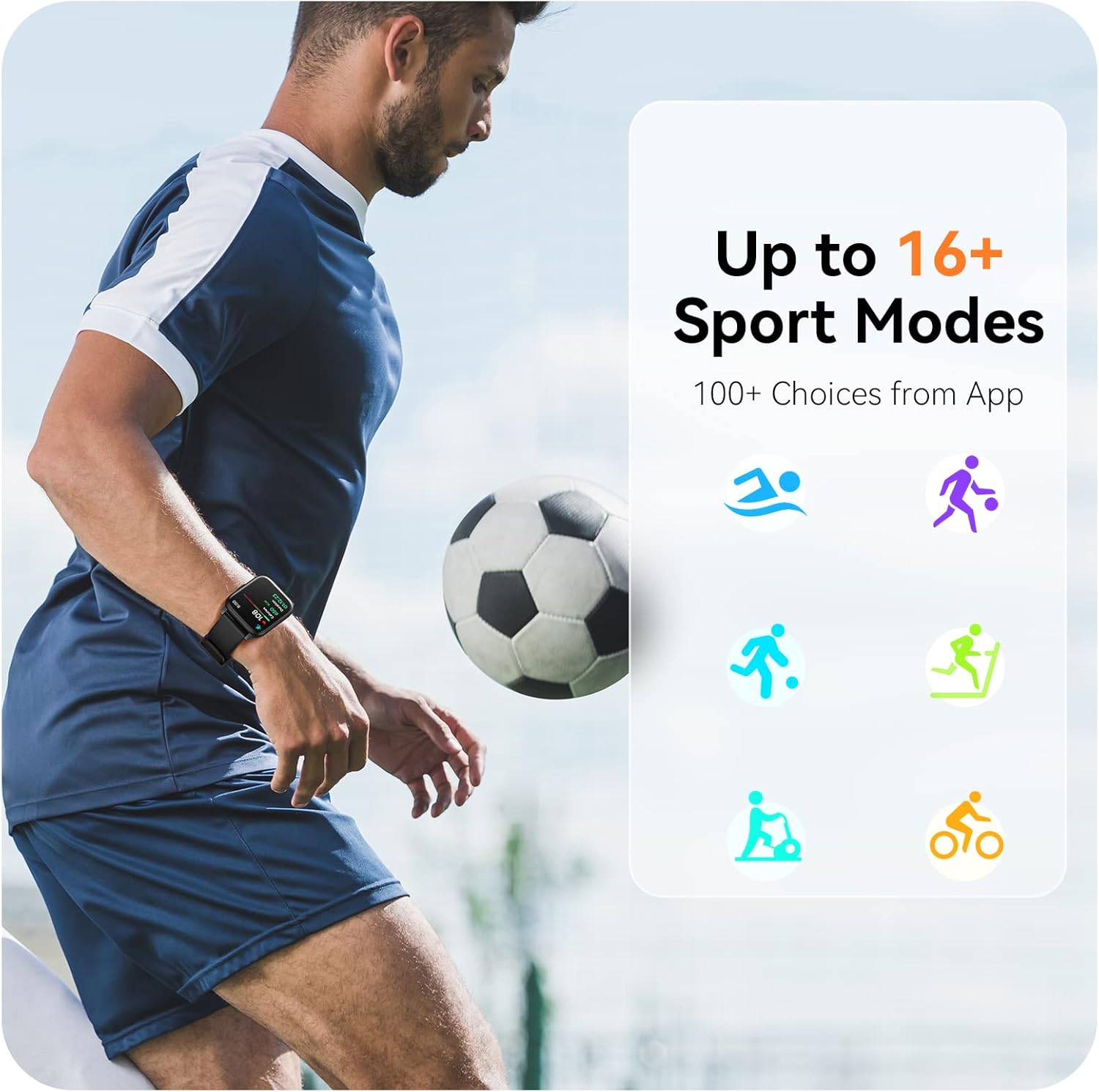
Image: A man running, with the smart watch on his wrist showing real-time fitness data.

Image: A person sleeping, with the smart watch tracking sleep and displaying data on a connected phone.
Obavijesti
Receive notifications for incoming calls, SMS messages, emails, and alerts from social media applications (WhatsApp, LinkedIn, Instagram, Twitter) when connected to your smartphone. You can reject calls directly from the watch, but cannot answer or reply to messages.
Image: The smart watch screen showing icons for different types of notifications.
Dodatne funkcije
The 1.69-inch high-definition touch screen provides access to various features:
- Vremenske prognoze
- Budilnik
- Odbrojavanje vremena i štoperica
- Daljinsko upravljanje kamerom
- Kontrola reprodukcije glazbe
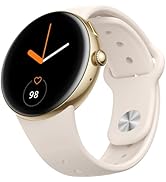
Image: The smart watch screen showing a weather forecast display.
Prilagodba
Prilagodite svoje iskustvo gledanja:
- Lica za gledanje: Choose from a variety of pre-installed watch faces or download more via the app.
- Prilagođene pozadine: Set your own photos as watch face backgrounds through the app.
- Time and Unit Formats: Adjust time display (12/24 hour) and measurement units (Metric/Imperial, Celsius/Fahrenheit) in the app settings.
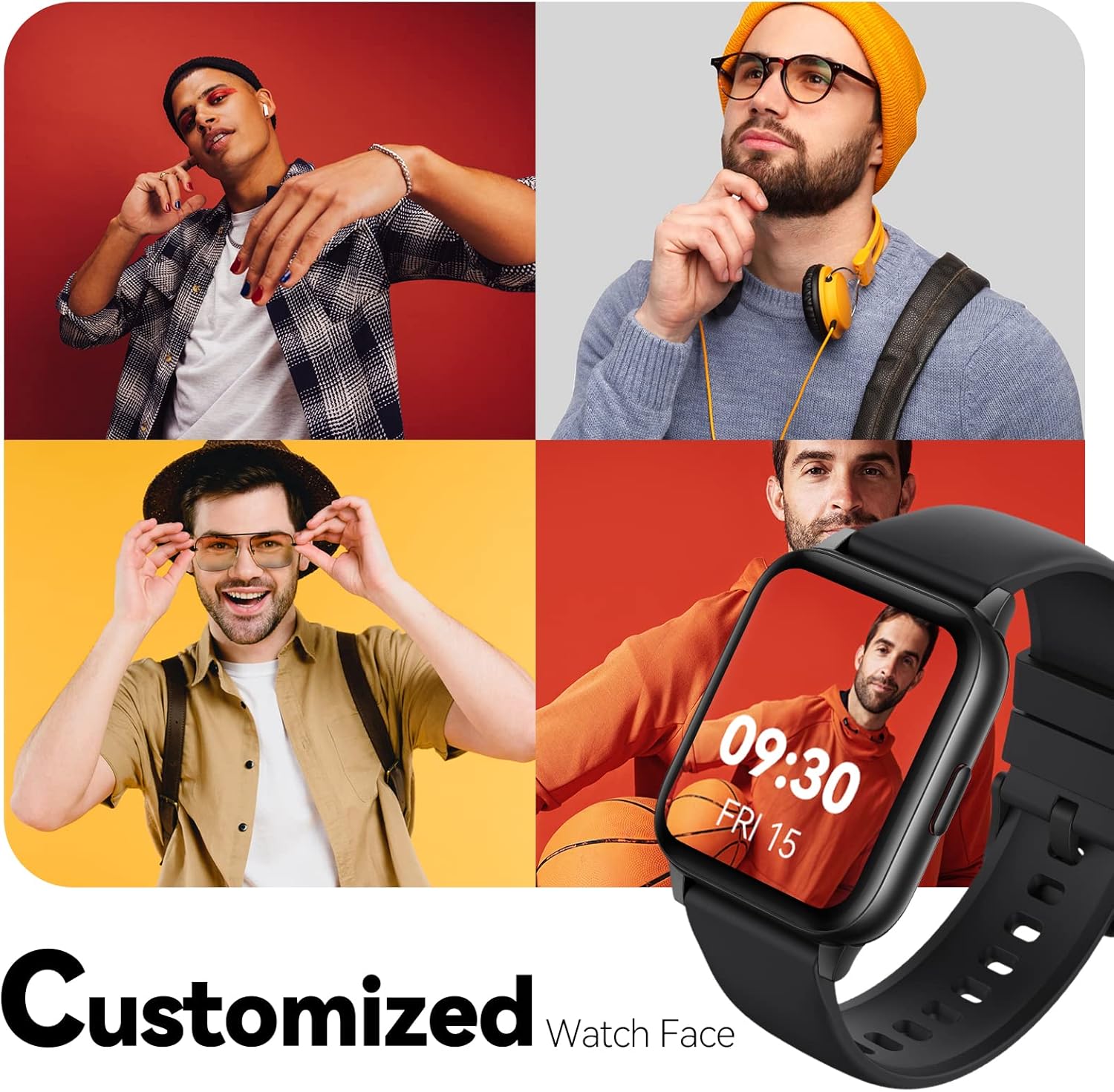
Image: Multiple watch face designs shown on the smart watch, highlighting customization.

Image: A visual guide demonstrating how to adjust time formats, units, and customize watch faces via the companion app.
Vodootpornost
The Parsonver LW45 Smart Watch is rated 5ATM waterproof, meaning it is water-resistant up to 50 meters. This allows for use during swimming, showering, and in various weather conditions like rain or snow. Important: Do not press any buttons while the watch is submerged in water.

Image: The smart watch submerged in water, illustrating its 5ATM waterproof capability.
Održavanje
- Čišćenje: Redovito čistite sat i remen mekom, suhom krpom. Za tvrdokornu prljavštinu koristite blago suhu krpu.amp krpom i blagim sapunom, zatim isperite i temeljito osušite.
- Kontakti za punjenje: Kontakte za punjenje na stražnjoj strani sata održavajte čistima i bez ostataka kako biste osigurali pravilno punjenje.
- Skladištenje: Sat čuvajte na hladnom i suhom mjestu kada ga ne koristite.
- Izbjegavajte kemikalije: Ne izlažite sat jakim kemikalijama, otapalima ili deterdžentima, jer oni mogu oštetiti materijale.
Rješavanje problema
| Izdati | Moguće rješenje |
|---|---|
| Sat se ne uključuje ili ne puni | Ensure the charging cable is securely connected to both the watch and a working USB power source. Clean the charging contacts. Try a different USB port or adapter. |
| Nije moguće upariti se sa pametnim telefonom | Ensure Bluetooth is enabled on your phone. Restart both the watch and phone. Make sure the watch is within Bluetooth range. Check if other Bluetooth devices are interfering. Uninstall previous watch apps if present. |
| Obavijesti nisu primljene | Verify that notification permissions are enabled for the Parsonver app in your phone's settings. Ensure the watch is connected via Bluetooth. Check app settings for specific notification toggles. |
| Inaccurate step count or sleep data | Ensure the watch is worn snugly on your wrist. Calibrate the watch through the app if available. Note that some activities (like driving) might register as steps. Sleep tracking is active from 9:00 PM to 12:00 PM the next day. |
Tehnički podaci
| Značajka | Detalj |
|---|---|
| Naziv modela | LW45 |
| Veličina zaslona | 1.69 inča |
| Vodootpornost | 5ATM (do 50 metara) |
| Težina | 40 gram |
| Kompatibilnost operativnog sustava | iOS 10.0/Android 5.0 or above |
| Povezivost | Bluetooth 5.0 |
| Kapacitet baterije | 300 Miliamp sati |
| Kapacitet pohrane memorije | 128 MB |
| GPS | Putem pametnog telefona |
| Uključene komponente | Pametni sat |
Podrška i jamstvo
For technical assistance or warranty inquiries, please contact Parsonver customer service. Refer to the product packaging or the official Parsonver webstranicu za najnovije kontaktne podatke.
Email službe za korisnike: support@parsonver.com

Image: The official Parsonver brand logo.

Image: A graphic indicating 24/7 online customer support availability.
Važne sigurnosne informacije
- Nemojte pokušavati rastaviti ili preinačiti sat.
- Keep the watch away from extreme temperatures.
- Consult a medical professional before starting any new exercise regimen, especially if you have pre-existing health conditions. The health monitoring features are for informational purposes and not for medical diagnosis.
- Uređaj i njegovu bateriju odložite u skladu s lokalnim propisima.


