1. Uvod
The ELEGOO Mars Mate Air Purifier is specifically designed for 3D printing environments, particularly for resin-based 3D printers. It effectively purifies the air by absorbing formaldehyde and reducing odors associated with 3D printing, ensuring a cleaner workspace. This manual provides essential information for the safe and efficient use of your Mars Mate Air Purifier.
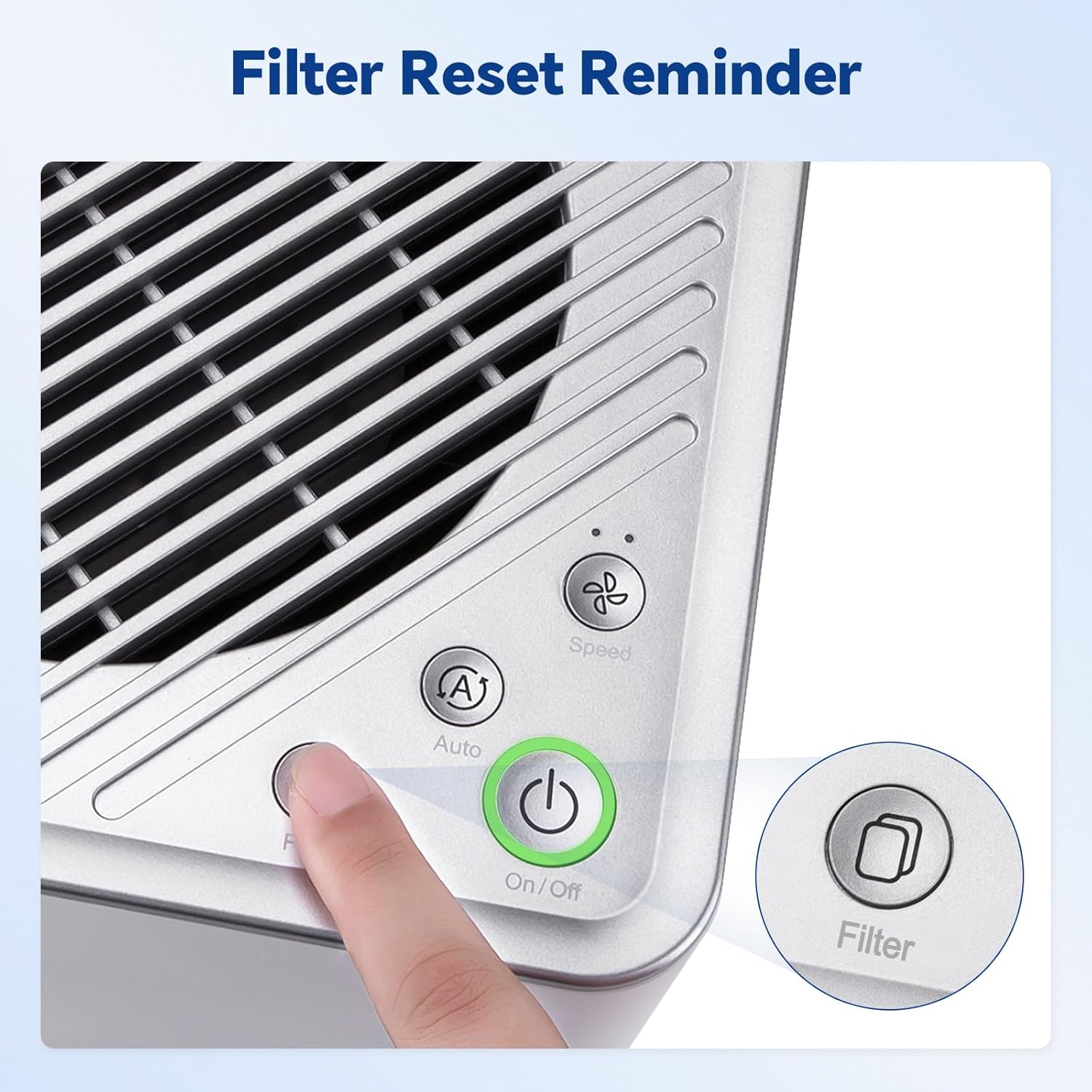
Image 1.1: The Mars Mate Air Purifier is compatible with a wide range of 3D printers, including the Saturn 3 Ultra and Mars 4 Ultra.
2. Sigurnosne informacije
Please read all safety instructions before operating the device to prevent injury or damage.
- Ne koristite pročišćivač s oštećenim kabelom za napajanje ili utikačem.
- Keep the device away from water or other liquids. Do not immerse the unit.
- Osigurajte pravilnu ventilaciju oko uređaja; ne blokirajte ulaze ili izlaze zraka.
- Ne umećite predmete u bilo kakve otvore.
- Isključite uređaj iz struje prije čišćenja ili bilo kakvog održavanja.
- Ovaj uređaj nije namijenjen za korištenje od strane osoba (uključujući djecu) sa smanjenim fizičkim, osjetilnim ili mentalnim sposobnostima, ili nedostatkom iskustva i znanja, osim ako nisu pod nadzorom ili su dobili upute o korištenju uređaja od strane osobe odgovorne za njihovu sigurnost.
3. Postavljanje
- Raspakirajte pročišćivač: Carefully remove the Mars Mate Air Purifier from its packaging. Retain packaging for future transport or storage.
- Plasman: Place the purifier on a stable, flat surface near your 3D printer. Ensure there is adequate space around the unit for proper airflow. The purifier is designed to integrate seamlessly into your 3D printing setup.
- Priključak za napajanje: Connect the power adapter to the purifier and then plug it into a suitable power outlet.
- Provjera filtera: Ensure the activated carbon filter is correctly installed inside the unit. Refer to the Maintenance section for filter installation details if needed.

Image 3.1: The Mars Mate Air Purifier is designed for integration with 3D printers, such as the ELEGOO Saturn 3.
4. Upute za rad
The Mars Mate Air Purifier features a simple control panel for easy operation.
- Uključivanje/isključivanje: Pritisnite tipku Uključi/Isključi button to turn the purifier on or off. The indicator light will illuminate when the unit is active.
- Odabir načina rada: Pritisnite tipku Auto/Speed button to cycle through different operating modes. The purifier may offer an automatic mode that adjusts fan speed based on air quality, and manual speed settings.
- Poništavanje filtra: Nakon zamjene filtera, pritisnite i držite Filter button for a few seconds to reset the filter life indicator. This ensures accurate tracking of filter usage.

Image 4.1: Control panel of the Mars Mate Air Purifier, highlighting the filter reset button.
5. Održavanje
Regular maintenance ensures optimal performance and longevity of your Mars Mate Air Purifier.
- Zamjena filtera: The activated carbon filter should be replaced approximately every 2 months, depending on usage and air quality. To replace the filter:
- Unplug the purifier from the power outlet.
- Locate the filter compartment, typically at the base or side of the unit.
- Open the compartment and carefully remove the used filter.
- Insert a new ELEGOO Mars Mate activated carbon filter, ensuring it is seated correctly.
- Close the filter compartment and plug the purifier back in.
- Perform a filter reset as described in the Operating Instructions.
- Čišćenje jedinice: Wipe the exterior of the purifier with a soft, dry cloth. Do not use abrasive cleaners or solvents. Ensure the unit is unplugged before cleaning.

Image 5.1: The internal activated carbon filter is crucial for efficient purification.
6. Rješavanje problema
If you encounter issues with your Mars Mate Air Purifier, refer to the following common problems and solutions:
| Problem | Mogući uzrok | Otopina |
|---|---|---|
| Purifier does not turn on | Nema napajanja; Kabel za napajanje nije pravilno spojen | Provjerite utičnicu; Uvjerite se da je kabel za napajanje sigurno priključen. |
| Poor odor reduction | Filter is old or clogged; Incorrect filter installation | Replace the activated carbon filter; Ensure filter is installed correctly. |
| Neuobičajena buka tijekom rada | Prepreka u ventilatoru; Uređaj nije na stabilnoj površini | Unplug and check for obstructions; Place on a stable, flat surface. |
7. Specifikacije
| Značajka | Specifikacija |
|---|---|
| Marka | ELEGOO |
| Broj modela | US-SO-3D-CP1 |
| Dimenzije proizvoda | 33 x 29 x 48 cm |
| Težina artikla | 6.35 kilogram |
| Snaga / Wattage | 6 vata |
| Razina buke | 35 decibela |
| Vrsta filtra | Aktivni ugljen |
| Stopa pročišćavanja | Up to 95% (for formaldehyde and odors) |
| Materijal | Anti-oxidation ABS |
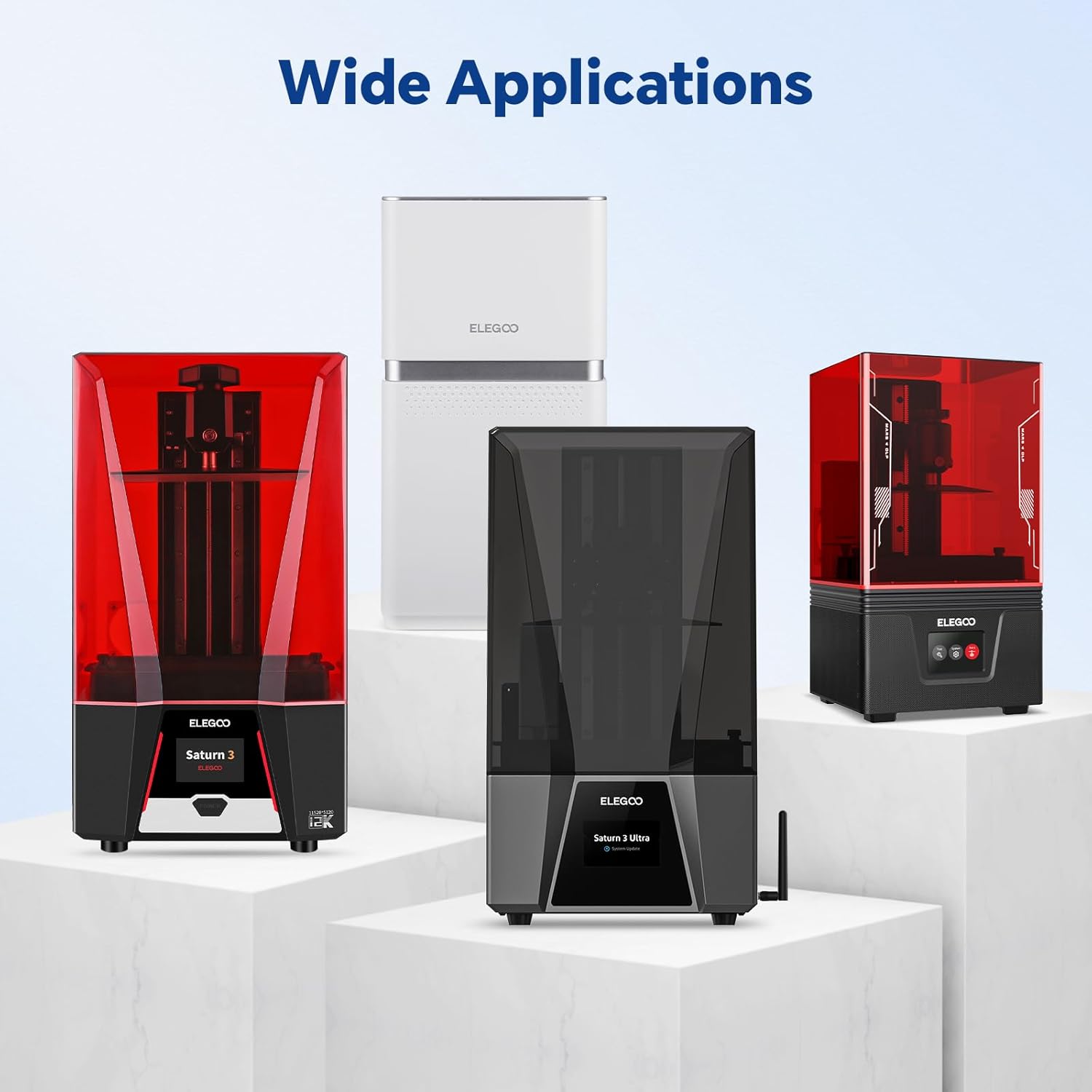
Image 7.1: Physical dimensions of the Mars Mate Air Purifier.
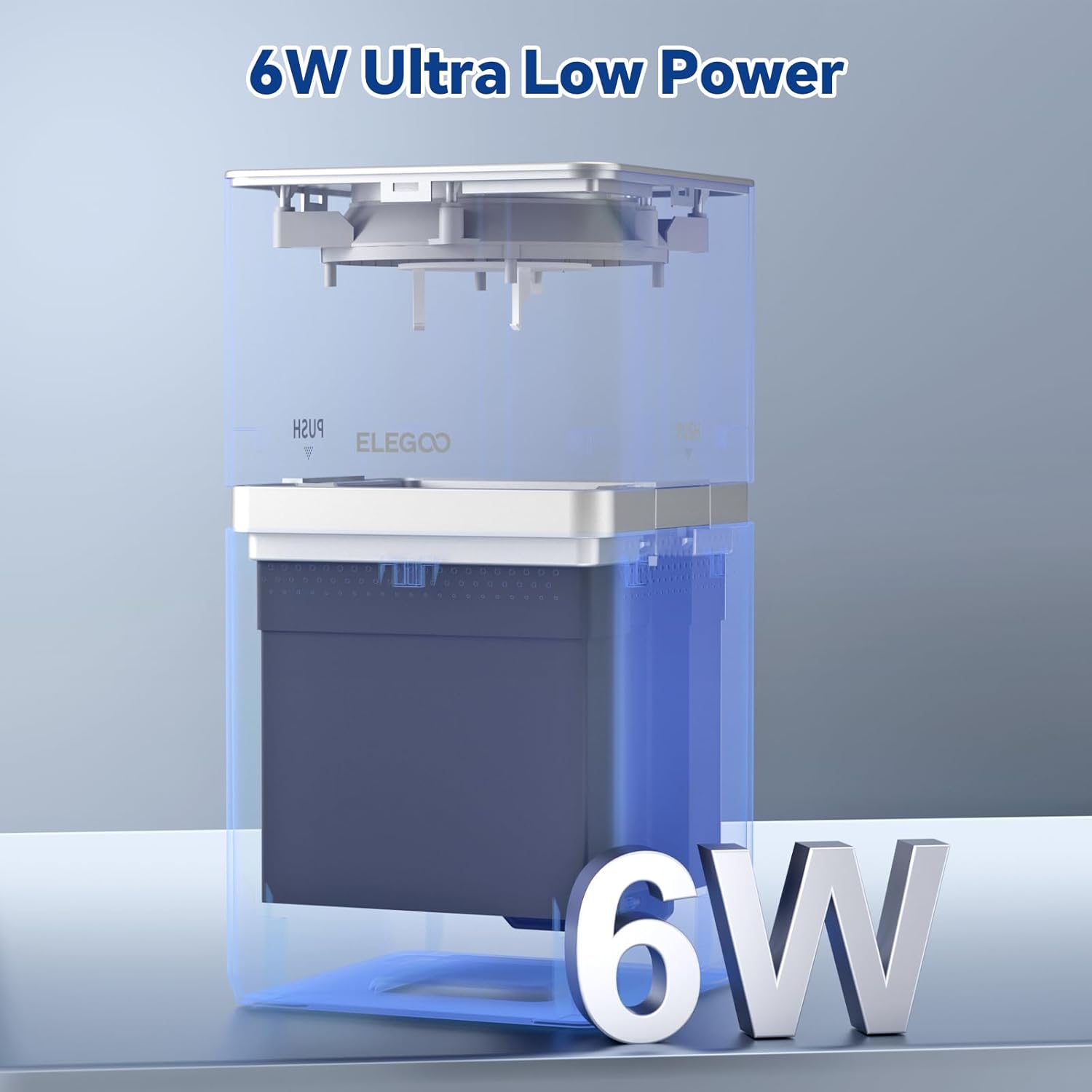
Image 7.2: The Mars Mate Air Purifier operates with ultra-low power consumption of 6 watts.
8. Jamstvo i podrška
For warranty information and technical support, please refer to the official ELEGOO website or contact ELEGOO customer service directly. Keep your purchase receipt as proof of purchase for any warranty claims.


