1. Uvod
This manual provides essential information for the setup, operation, and maintenance of your VIMTAG 8310 5G/2.4G 4MP Camera. Please read thoroughly before use to ensure proper functionality and safety.

Figure 1: VIMTAG 8310 5G/2.4G 4MP Camera
2. Što je u kutiji
Provjerite jesu li svi artikli prisutni u paketu:
- Camera Body with power cable
- Priručnik s uputama
- Montažni vijak
- Adapter napajanja
3. Proizvod je gotovview
The VIMTAG 8310 camera features a compact design suitable for both indoor and outdoor use. Key components include:
- Objektiv: Captures 2.5K (4MP) video.
- Infracrveno i bijelo svjetlo: Za mogućnosti noćnog vida.
- Mikrofon: Za dvosmjernu audio komunikaciju.
- Zvučnik: Za dvosmjernu audio komunikaciju i upozorenja.
- Utor za SD karticu: Supports Micro SD cards up to 512GB for local storage.
- Gumb za resetiranje: Za vraćanje na tvorničke postavke.
- Priključak za napajanje: Micro USB for continuous power supply.

Figure 2: Camera features overview
4. Postavljanje i instalacija
4.1 Preuzimanje aplikacije i registracija računa
- Download the 'Canny Cam' app from your device's app store (iOS/Android).
- Register a new account using your email address and follow the on-screen instructions.
- Prijavite se na svoj novokreirani račun.

Figure 3: App download and registration process
4.2 Powering On and Device Connection
- Connect the camera to the power adapter using the provided USB cable and plug it into a power outlet.
- Open the 'Canny Cam' app and tap the '+' icon to add a new device.
- Follow the in-app instructions to connect the camera to your 5G/2.4G Wi-Fi network. This typically involves scanning a QR code displayed on your phone with the camera lens.
- Nakon povezivanja, možete imenovati svoju kameru i dodijeliti je određenoj prostoriji.
Video 1: Why choose Vimtag Mini G3 Outdoor Security Camera? (Seller)
4.3 Montaža kamere
The camera comes with a versatile stand that allows for various mounting options:
- Tabletop/Free Standing: Place the camera on any flat surface. The stand has padded feet for stability.
- Zidni/stropni nosač: The base of the stand can be detached and screwed into a wall or ceiling using the provided mounting screws. The camera then easily attaches to the mounted base.

Figure 4: Easy setup and mounting options

Figure 5: Mounting the camera to a wall
5. Upravljanje kamerom
5.1 Uživo View i dvosmjerni audio
Access the live video feed anytime, anywhere through the Canny Cam app. Use the built-in microphone and speaker for two-way communication.

Figure 6: Two-Way Audio in action
5.2 Načini noćnog vida
The camera offers full-color night vision, enhanced by a built-in LED light, and traditional infrared night vision. Switch between modes via the app settings.

Figure 7: Comparison of Color and Infrared Night Vision
Video 2: How to set full-color night vision of Vimtag Mini G3 (Seller)
5.3 Pametno otkrivanje i upozorenja
Configure motion, human, and sound detection settings within the app. Receive instant alerts on your mobile device when activity is detected.
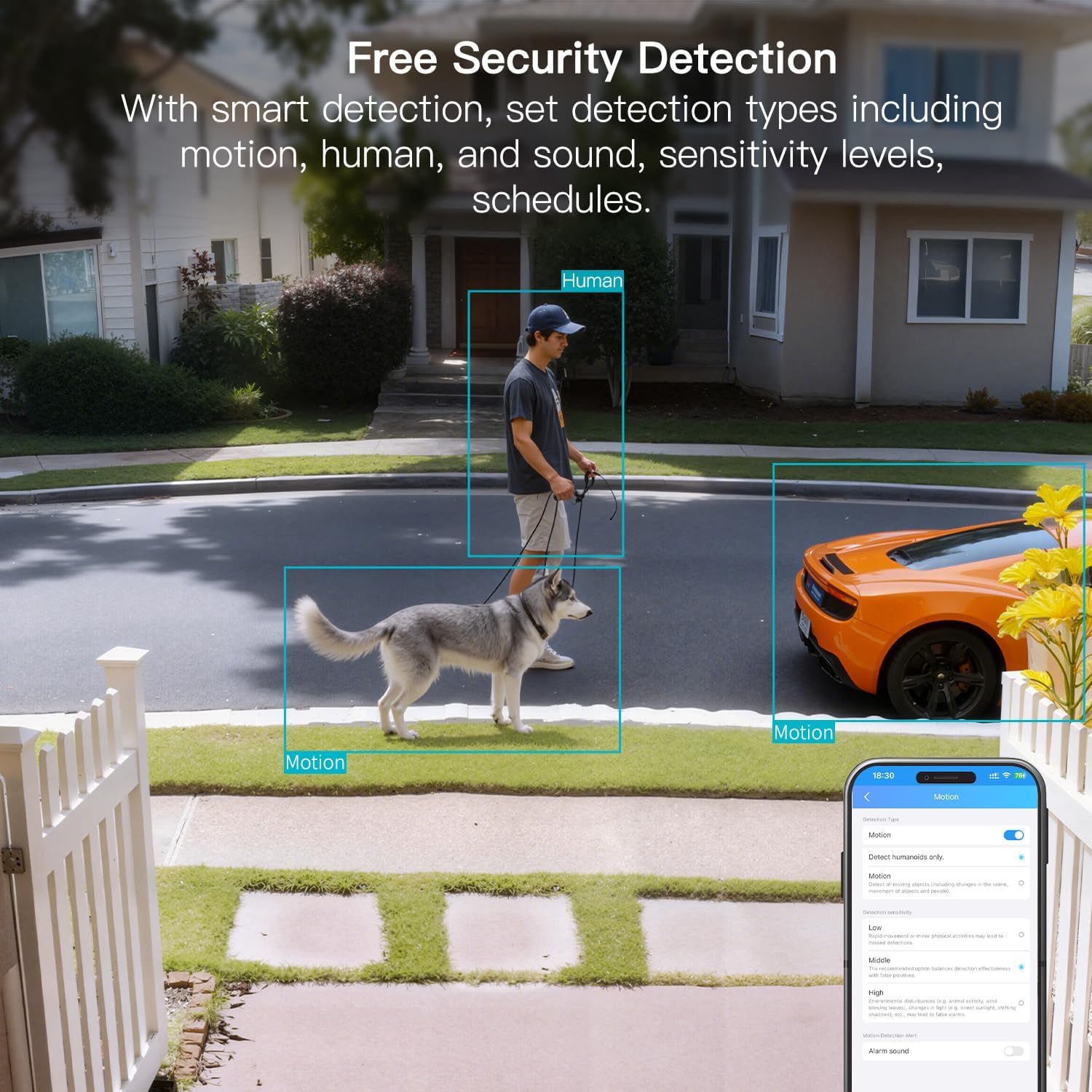
Figure 8: AI Detection capabilities

Figure 9: Smart alarm modes with sound and light
5.4 Mogućnosti pohrane
The camera supports continuous 24/7 recording to a Micro SD card (up to 512GB, sold separately) or secure Cloud storage (subscription required).

Figure 10: Local and Cloud storage options
6. Specifikacije
| Značajka | Detalj |
|---|---|
| Naziv modela | 8310 |
| Unutarnja/vanjska upotreba | Vanjski (IP65 vodootporan) |
| Rezolucija video snimanja | 2.5K (1440p) |
| Učinkovito još uvijek razrješenje | 4 MP |
| Tehnologija povezivanja | Wi-Fi (2.4 & 5G Hz, Dual Band, Wi-Fi 6) |
| Posebne značajke | 2-Way Audio, HD Resolution, Motion Sensor, Color Night Vision, AI Detection, Alexa Support |
| Viewing kut | 130 stupnja |
| Domet noćnog vida | 33 stopa |
| Izvor napajanja | Električni uređaj s kabelom (5 volti, 5 vata) |
| Max Flash Memory Supported | 512 GB (mikro SD) |
| Dimenzije proizvoda | 1.57 x 2.28 x 2.76 inča |
7. Održavanje
- Čišćenje: Use a soft, dry cloth to clean the camera lens and body. Avoid harsh chemicals.
- Ažuriranja firmvera: Regularly check the Canny Cam app for firmware updates to ensure optimal performance and security.
- Upravljanje SD karticama: If using a Micro SD card, periodically check its status and format it via the app to maintain recording quality.
8. Rješavanje problema
- Problemi s povezivanjem: Ensure the camera is within range of your Wi-Fi router. Verify Wi-Fi password and network stability. The camera supports both 2.4GHz and 5GHz bands.
- Problemi sa snimanjem: Check if the Micro SD card is inserted correctly and has sufficient space. If using Cloud storage, verify your subscription status.
- Nema upozorenja: Confirm motion/human/sound detection is enabled in the app settings and notification permissions are granted for the Canny Cam app on your phone.
- Loša kvaliteta slike: Ensure the lens is clean. Check network stability for optimal streaming resolution.
- Resetiraj uređaj: If issues persist, use the reset button on the camera to restore factory settings. You will need to reconfigure the device after a reset.
9. Jamstvo i podrška
VIMTAG offers a 2-year warranty and lifetime technical support for this product. For assistance, please contact VIMTAG korisnička podrška:
- Email: Customer@vimtag.com
- Podrška unutar aplikacije: Access the 'Message Center' within the Canny Cam app for direct support.
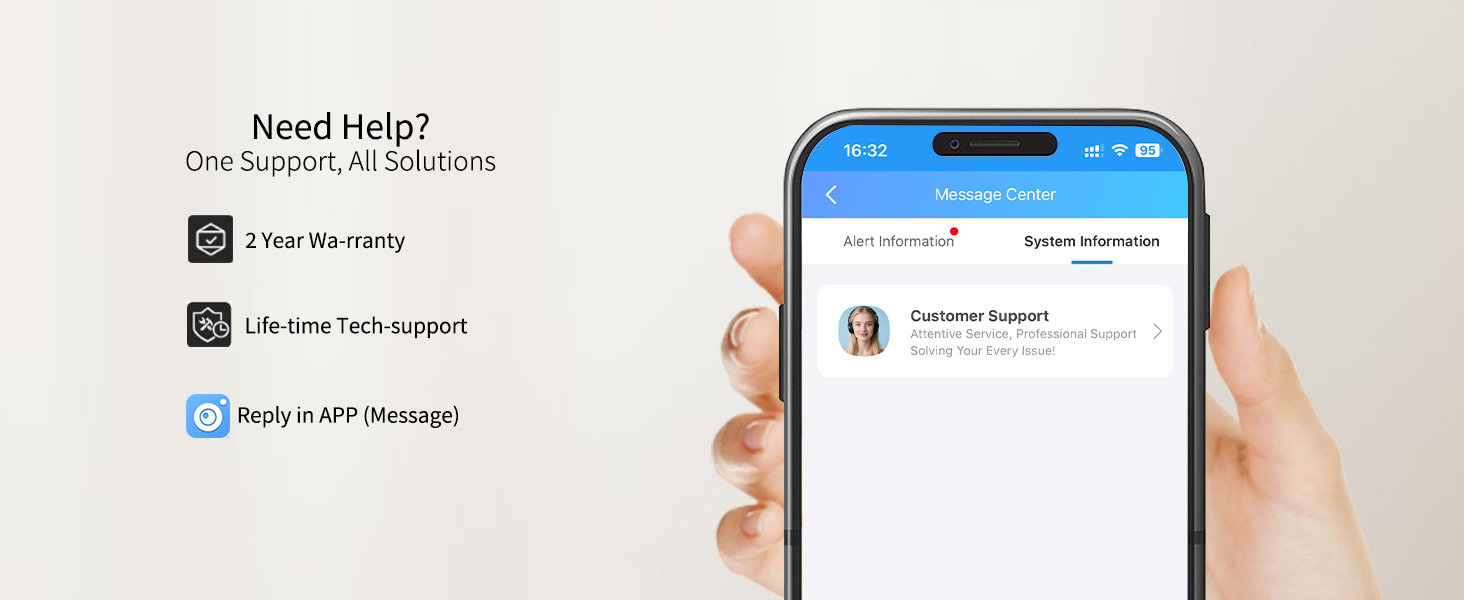
Figure 11: VIMTAG Korisnička podrška


