1. Uvod
This manual provides detailed instructions for the installation, operation, and maintenance of your CP PLUS 3MP Smart Wi-Fi CCTV Security Camera, model CP-E35Q. Please read this manual thoroughly before using the product to ensure proper functionality and safety. Keep this manual for future reference.

Image 1.1: CP PLUS CP-E35Q Smart Wi-Fi Security Cameras (Pack of 2)
2. Proizvod je gotovview
2.1 Ključne značajke
- 3MP Full HD Clarity: Delivers high-definition video (2304x1296) with H.265 compression for clear indoor surveillance.
- 360° panoramsko snimanje i 85° nagib: Motorized pan and tilt functionality provides comprehensive room coverage, eliminating blind spots.
- Praćenje i detekcija pokreta: Automatically tracks human movement and sends instant motion alerts to your smartphone.
- Dvosmjerni zvuk: Built-in microphone and speaker enable real-time communication via the ezyKam+ app.
- CTC Cyber Secure tehnologija: Enhanced security with multi-layered data encryption and cyber protection.
- Cloud & SD Card Recording: Supports both cloud storage and local microSD card recording (up to 256GB).
- 15m IR Night Vision: Enhanced IR LED night vision allows monitoring in complete darkness, with automatic day/night mode switching.
- Integracija pametnog doma: Compatible with Amazon Alexa and Google Home for voice control and viewing.
2.2 Sadržaj paketa
Provjerite jesu li svi artikli prisutni u paketu:
- CP PLUS CP-E35Q Camera (x2)
- Power Adaptor (x2)
- USB kabel tipa C (x2)
- QR kartica korisničkog priručnika
- Vijci za montažu i zidni tiplovi

Slika 2.1: Prednja strana View of CP-E35Q Camera
Slika 2.2: Bočna strana View of CP-E35Q Camera

Slika 2.3: Stražnja strana View of CP-E35Q Camera
3. Upute za postavljanje
3.1 Initial Setup (App Integration)
Follow these steps to integrate your camera with the ezyKam+ app:
- Download the ezyKam+ App: Tražiti "ezyKam+" on the App Store (iOS) or Google Play Store (Android) and download the application. Register your account if you are a new user.
- Dodaj uređaj: Open the ezyKam+ app. On the home page, click the '+' icon to add a new device. Select the model number of your device (CP-E35Q).
- Spojite se na Wi-Fi: Enter your 2.4GHz Wi-Fi network name and password. Confirm the details. Note: The camera supports 2.4GHz Wi-Fi only.
- Skenirajte QR kod: The app will generate a QR code. Hold your camera approximately 15-20 cm (6-8 inches) in front of your smartphone screen. Ensure the camera lens is facing the QR code. You will hear a voice prompt "Beep" from the camera once the QR code is successfully scanned.
- Configuration Complete: After hearing the beep, wait for a steady blue indicator light on the camera, which signifies that the configuration is complete and the camera is connected to your Wi-Fi network.
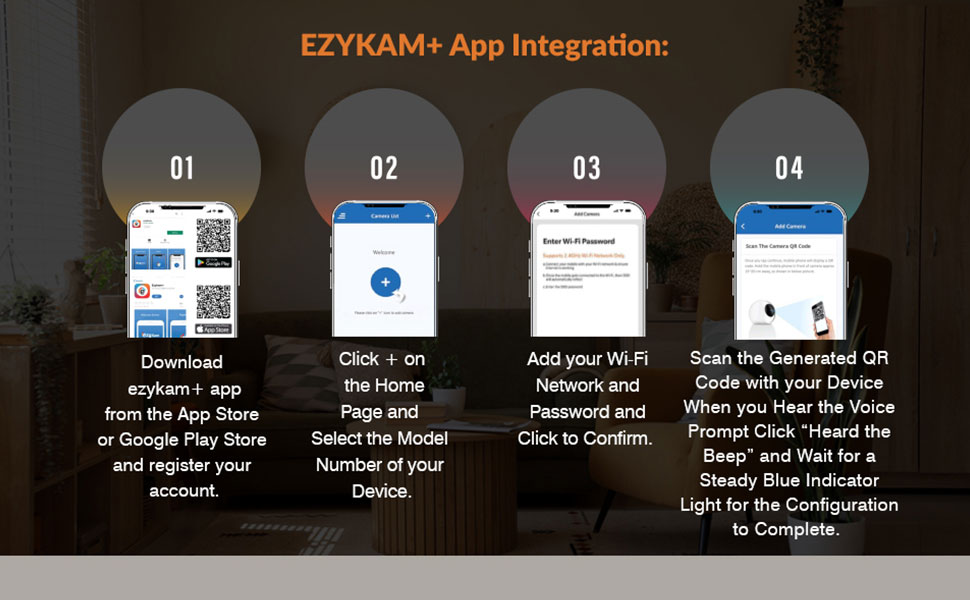
Image 3.1: Ezykam+ App Integration Steps
3.2 Fizička instalacija
The CP-E35Q camera is designed for indoor use. It can be placed on a flat surface or mounted on a wall or ceiling.
- Plasman: Odaberite lokaciju koja pruža željeno viewing angle and is within range of your 2.4GHz Wi-Fi network. Ensure the power cable can reach a power outlet.
- Montaža (opcionalno): If mounting, use the provided screws and wall plugs. Mark the drilling points, drill holes, insert wall plugs, and secure the mounting bracket (if applicable) or the camera directly. Ensure the camera is securely fastened.
- Priključak za napajanje: Connect the USB Type-C cable to the camera and the power adaptor. Plug the adaptor into a power outlet. The camera will power on and begin its startup sequence.
4. Upute za rad
4.1 Uživo View
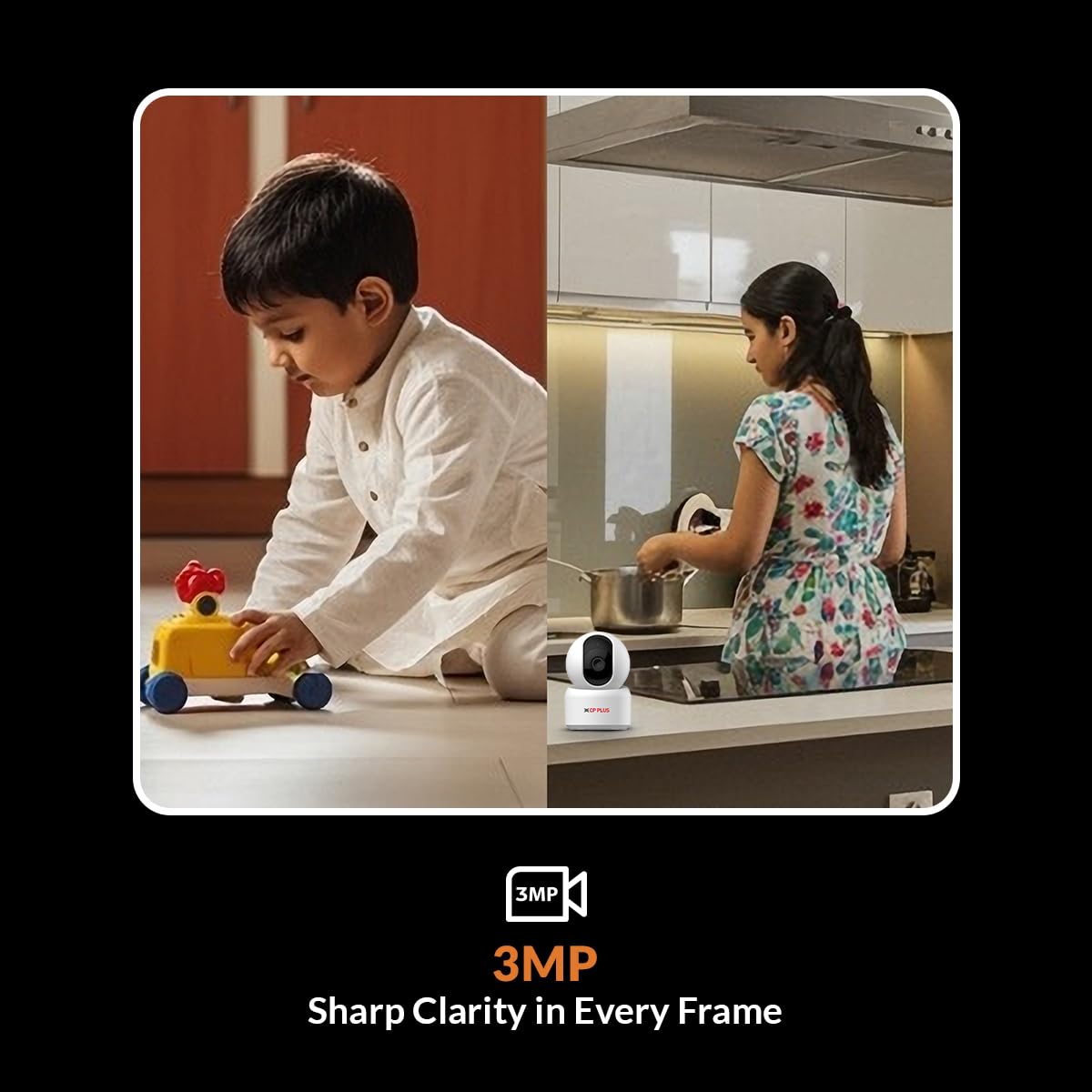
Once the camera is successfully connected and configured, open the ezyKam+ app. Select your camera from the device list to access the live video feed. You can view the area in 3MP Full HD resolution.
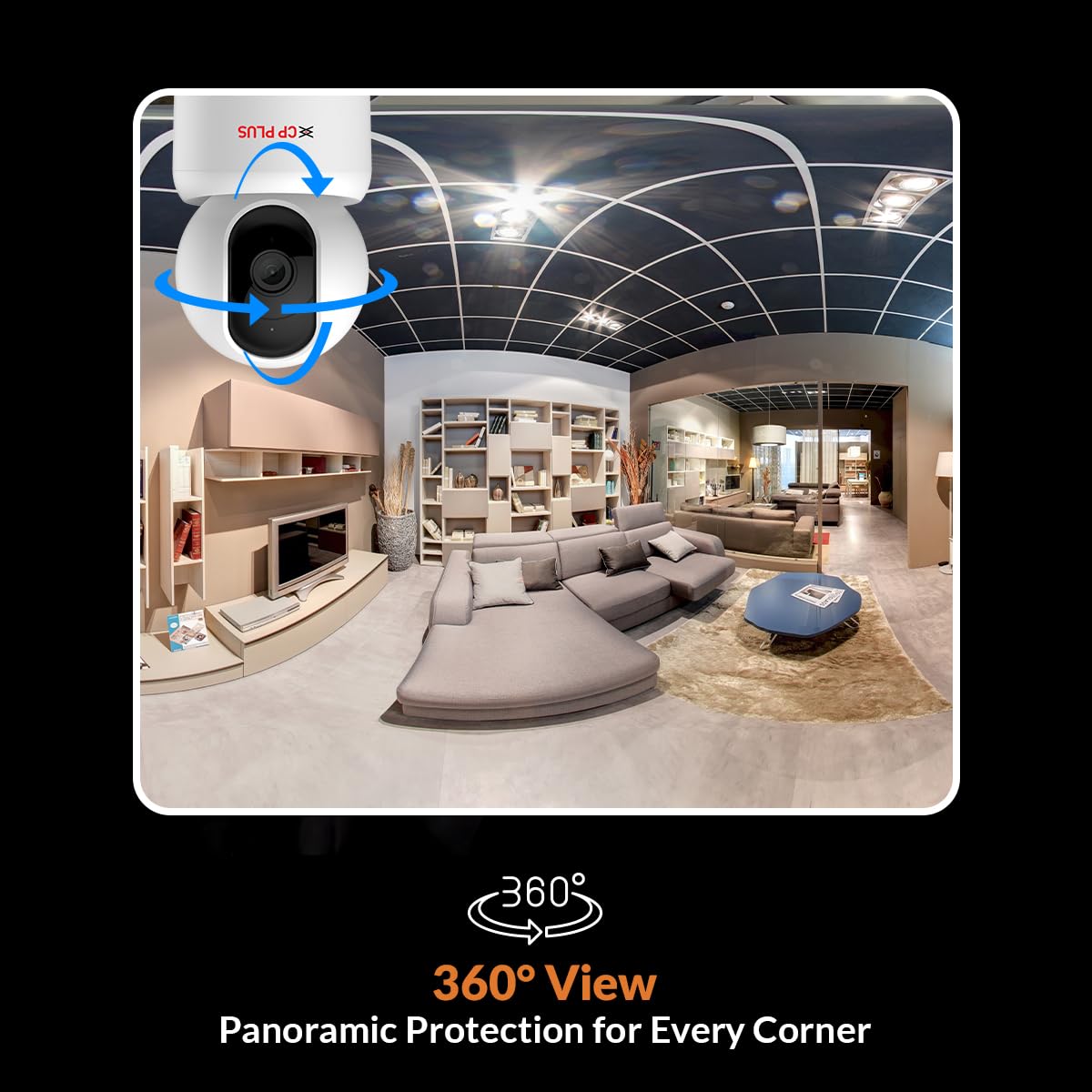
Image 4.1: 3MP Sharp Clarity in Every Frame
4.2 Upravljanje panoramiranjem i nagibom
Od uživo view interface in the ezyKam+ app, use the on-screen controls to remotely pan (horizontal rotation up to 360°) and tilt (vertical movement up to 85°) the camera lens. This allows you to adjust the viewing angle and cover a wider area.

Image 4.2: 360° Panoramic View
4.3 Dvosmjerni zvuk
The camera features a built-in microphone and speaker. To use two-way audio, tap the microphone icon in the ezyKam+ app's live view. You can then speak through your phone, and your voice will be projected through the camera's speaker. Similarly, you can hear audio from the camera's environment through your phone.
4.4 Motion Detection & Tracking
The CP-E35Q camera is equipped with a Smart Detection Suite:
- Detekcija ljudskog tijela: Identifies human shapes to reduce false alarms.
- Otkrivanje zvuka: Alerts you to unusual sounds.
- Detekcija pokreta: Triggers recording and alerts upon detecting general movement.
- Praćenje kretanja: When human motion is detected, the camera automatically pans and tilts to follow the subject.
- Built-in Siren: Can be activated manually or set to trigger automatically upon detection to deter intruders.
Configure detection settings and alert preferences within the ezyKam+ app. You will receive instant notifications on your smartphone when an event is detected.
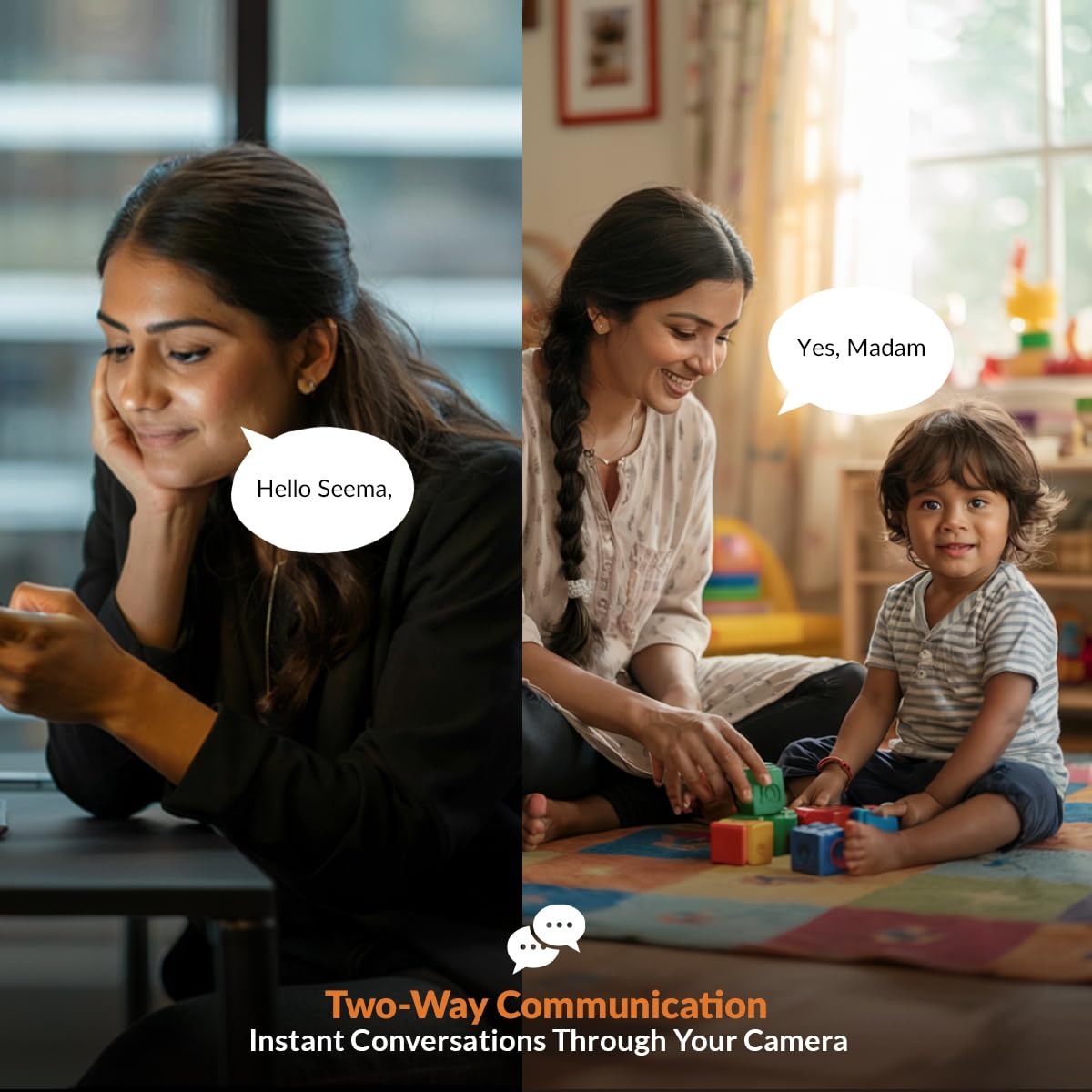
Image 4.3: Smart Detection Suite
4.5 Noćni vid
The camera automatically switches to infrared (IR) night vision mode in low-light conditions, providing clear black-and-white video up to 15 meters. The auto IR cut filter ensures accurate color reproduction during the day.
4.6 Način privatnosti
To temporarily disable recording and live viewing for privacy, activate the Privacy Mode through the ezyKam+ app. This feature allows you to pause surveillance when not needed.
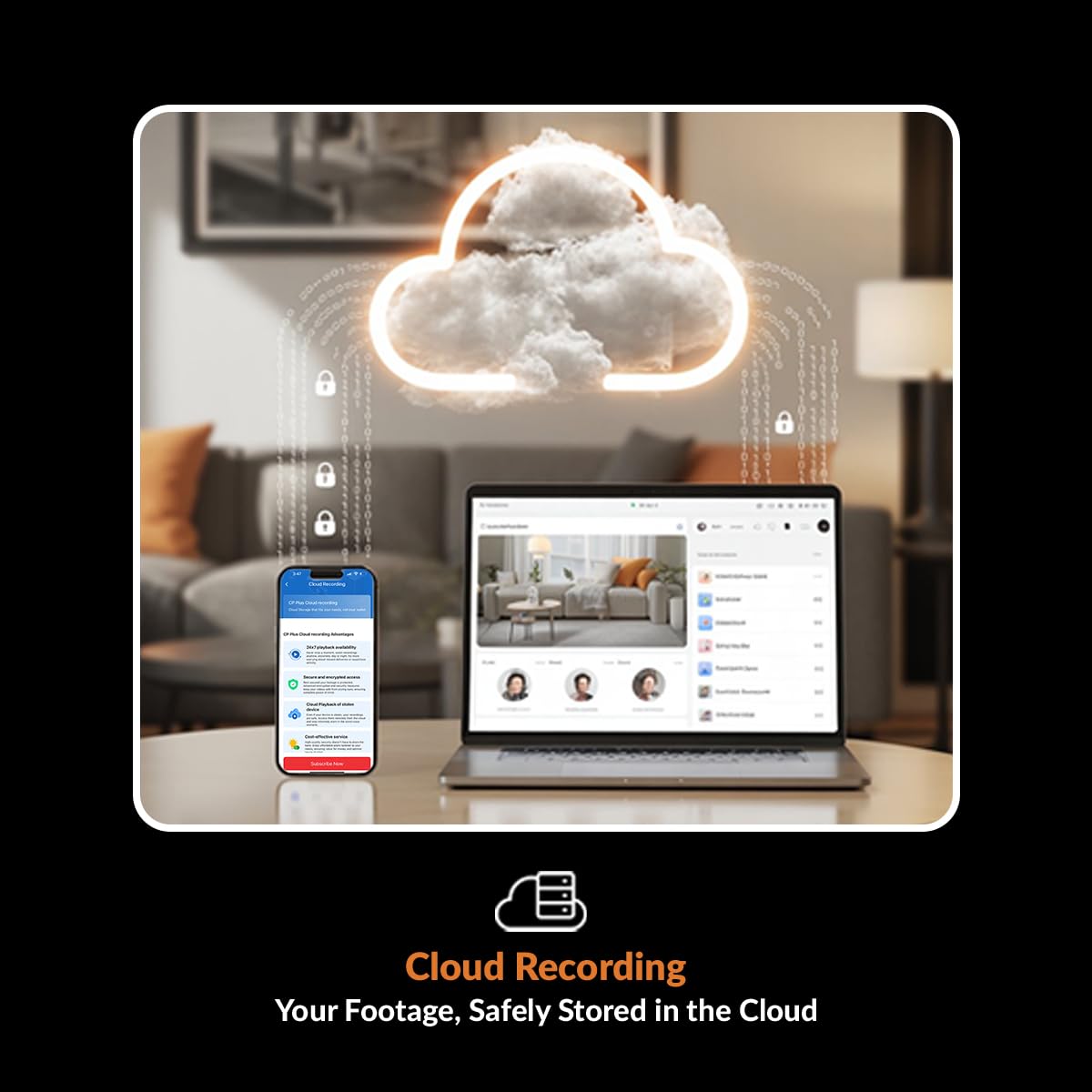
Image 4.4: Privacy Mode Activation
4.7 Recording Options (Cloud & SD Card)
- Snimanje na MicroSD karticu: Insert a microSD card (up to 256GB, Class 10 recommended) into the designated slot on the camera. The camera will automatically begin recording based on your settings (e.g., continuous, motion-triggered). You can review fujtage via the ezyKam+ app.
- Pohrana u oblaku: For enhanced security and remote access to recorded footage, subscribe to the cloud storage service through the ezyKam+ app. Cloud recording typically stores event-based footage (e.g., motion detection) and provides secure backup.
4.8 Integracija pametnog doma
The CP-E35Q camera can be integrated with Amazon Alexa and Google Home. Follow the instructions within the respective smart home apps to link your ezyKam+ account. Once linked, you can use voice commands to view prijenos slike s kamere na kompatibilnim pametnim zaslonima.
5. Održavanje
- Čišćenje: Use a soft, dry cloth to clean the camera lens and body. Avoid using harsh chemicals or abrasive materials that could damage the surface or lens.
- Ažuriranja firmvera: Periodically check the ezyKam+ app for available firmware updates. Keeping your camera's firmware updated ensures optimal performance, security, and access to new features. Follow the in-app instructions for updating.
- Upravljanje SD karticama: If using a microSD card, it is recommended to format it periodically (e.g., monthly) through the ezyKam+ app to maintain optimal recording performance and prevent data corruption.
6. Rješavanje problema
- Kamera izvan mreže:
- Provjerite je li kamera uključena i je li adapter za napajanje sigurno spojen.
- Verify your Wi-Fi router is working and the camera is within range of the 2.4GHz network.
- Restart the camera by unplugging and re-plugging the power cable.
- If the issue persists, try re-configuring the Wi-Fi connection through the ezyKam+ app.
- Ne mogu se spojiti na Wi-Fi:
- Provjerite je li vaša Wi-Fi mreža 2.4 GHz. Kamera ne podržava mreže od 5 GHz.
- Double-check the Wi-Fi password for accuracy.
- Ensure the camera is close to the router during the initial setup.
- Reset the camera to factory settings (refer to the QR card for specific reset instructions) and attempt setup again.
- Loša kvaliteta videa:
- Provjerite brzinu internetske veze. Za optimalno strujanje potrebna je stabilna i brza veza.
- Provjerite je li objektiv kamere čist i bez prašine ili mrlja.
- Adjust the video quality settings within the ezyKam+ app if available.
- SD Card Not Recording/Malfunctioning:
- Provjerite je li SD kartica ispravno umetnuta.
- Format the SD card through the ezyKam+ app.
- Provjerite ima li SD kartica dovoljno slobodnog prostora.
- Try using a different, high-quality microSD card (Class 10 or higher).
7. Specifikacije
| Značajka | Specifikacija |
|---|---|
| Naziv modela | CP-E35Q |
| Rezolucija | 3MP (2304x1296) |
| Pan/Tilt raspon | Pan 360°, Tilt 85° |
| Povezivost | Wi-Fi (samo 2.4 GHz) |
| Noćni vid | Up to 15 meters (IR) |
| Mogućnosti pohrane | MicroSD kartica (do 256 GB), pohrana u oblaku |
| Audio | Dvosmjerni zvuk (ugrađeni mikrofon i zvučnik) |
| Posebne značajke | Motion Detection, Motion Tracking, Human Body Detection, Sound Detection, Privacy Mode, Built-in Siren |
| Kompatibilni uređaji | Pametni telefon (iOS, Android) |
| Vrsta kontrolera | Amazon Alexa, Google Home |
| Izvor napajanja | Električni na kabel |
| Dimenzije proizvoda | 7.2 x 7.2 x 10.9 cm |
| Težina | 161 g |
| Unutarnja/vanjska upotreba | Zatvoreni |
8. Jamstvo i podrška
Za informacije o jamstvu, molimo pogledajte jamstveni list koji je priložen uz vaš proizvod ili posjetite službenu CP PLUS stranicu. website. For technical support, product registration, or service inquiries, please contact CP PLUS customer support through their official channels. Contact details are typically available on the manufacturer's webmjesto ili pakiranje proizvoda.


